Compare commits
579
Commits
| Author | SHA1 | Date | |
|---|---|---|---|
 Niko Storni |
c26e1e2142 | ||
|
Caue Rego
|
94477a6719 | ||
|
Thomas Zarebczan
|
bec7ee148d | ||
|
Jeremy Kauffman
|
6a9df3beef | ||
|
Thomas Zarebczan
|
6c6baf1f55 | ||
|
Thomas Zarebczan
|
50f9b21df6 | ||
|
Thomas Zarebczan
|
26ed6f7705 | ||
|
Thomas Zarebczan
|
b972c4999a | ||
|
Jeremy Kauffman
|
365426218f | ||
|
Jeremy Kauffman
|
cf6e149d56 | ||
|
LaroTayoGaming
|
af518b4dd4 | ||
|
LaroTayoGaming
|
620379a228 | ||
|
LaroTayoGaming
|
5acf408b2c | ||
|
LaroTayoGaming
|
41dfc9a45b | ||
|
LaroTayoGaming
|
387983e0a5 | ||
|
Thomas Zarebczan
|
f4f60f5949 | ||
|
Jeremy Kauffman
|
40f28c39ff | ||
|
Thomas Zarebczan
|
fd48df9350 | ||
|
Thomas Zarebczan
|
b16f1f5e97 | ||
|
Casey Avila
|
11b929ac46 | ||
|
Thomas Zarebczan
|
f1f08f7590 | ||
|
Thomas Zarebczan
|
0bec090ea3 | ||
|
Josh Finer
|
cd2cb34fc0 | ||
|
Thomas Zarebczan
|
fd2e32f26c | ||
|
Thomas Zarebczan
|
f1079ef4eb | ||
|
Thomas Zarebczan
|
74ac891960 | ||
|
Jeremy Kauffman
|
7557fe1992 | ||
|
Jeremy Kauffman
|
70d07f1270 | ||
|
kodxana
|
ee4658785e | ||
|
LaroTayoGaming
|
13e1a76097 | ||
|
kodxana
|
1a7280f261 | ||
|
John Locke
|
c0dfd73575 | ||
|
Jeremy Kauffman
|
b64c29a5e1 | ||
|
Julie Sigwart
|
ed79e4e522 | ||
|
Thomas Zarebczan
|
c4e07c4e5f | ||
|
Thomas Zarebczan
|
3be88bbf4d | ||
|
Thomas Zarebczan
|
761a131ddd | ||
|
Thomas Zarebczan
|
704c45170d | ||
|
Thomas Zarebczan
|
ba23a6db0f | ||
|
Thomas Zarebczan
|
e85c1c0dcc | ||
|
Thomas Zarebczan
|
60fab2e6f9 | ||
|
Thomas Zarebczan
|
9004a2a435 | ||
|
Alex Grintsvayg
|
8613aba44d | ||
|
Julie Sigwart
|
18cbfd0f7b | ||
|
Julie Sigwart
|
ace637b357 | ||
|
Yogesh Pandey
|
1b7f8be6fd | ||
|
Nick HansenandGuzman Pintos
|
3a477ed936 | ||
|
Thomas Zarebczan
|
08f3098a9d | ||
|
Thomas Zarebczan
|
3413a11a8d | ||
|
Julie Sigwart
|
944c31c389 | ||
|
Tocho Tochev
|
f8f5de498b | ||
|
Julie Sigwart
|
93f471429e | ||
|
Julie Sigwart
|
e0379554ba | ||
|
Jeremy Kauffman
|
7a66a50d01 | ||
|
Sean Yesmunt
|
e45b91f941 | ||
|
kodxana
|
af6a31ade0 | ||
|
Thomas Zarebczan
|
d45f86f77e | ||
|
afoxtier
|
ae9b242694 | ||
|
javerro-tech
|
06c5c59569 | ||
|
Alex Grin
|
443543dba9 | ||
|
John Turner
|
9e1eb20e96 | ||
|
Thomas Zarebczan
|
ae6997dce1 | ||
|
Mike
|
6f74081128 | ||
|
Jeremy Kauffman
|
5e1dc7f467 | ||
|
Jeremy Kauffman
|
8ec842c9bc | ||
|
Mike
|
0ffe091155 | ||
|
YULIUS KURNIAWAN KRISTIANTO
|
f7238241c2 | ||
|
Vyryn
|
da7dfdca4f | ||
|
Thomas Zarebczan
|
8b0fbcb633 | ||
|
Jeremy Kauffman
|
9c0155b4bd | ||
|
Josh Finer
|
46b9db776d | ||
|
Josh Finer
|
1e899cdc58 | ||
|
Thomas Zarebczan
|
1de84257c9 | ||
|
Thomas Zarebczan
|
f3af469a10 | ||
|
Thomas Zarebczan
|
b9a9b7ecb3 | ||
|
Josh Finer
|
4e176f5cbe | ||
|
Thomas Zarebczan
|
916c3f4008 | ||
|
Thomas Zarebczan
|
1c914a3132 | ||
|
Thomas Zarebczan
|
088b086186 | ||
|
Thomas Zarebczan
|
9f1447cef8 | ||
|
Alex Grintsvayg
|
851785ecf1 | ||
|
Alex Grintsvayg
|
c1b3b62b32 | ||
|
Alex Grintsvayg
|
93ca75d1a2 | ||
|
Alex Grin
|
fb9a959cc2 | ||
|
eatdostacos
|
be8c99209b | ||
|
Jeremy Kauffman
|
2e5be1ebd3 | ||
|
Thomas Zarebczan
|
64b998fa18 | ||
|
Thomas Zarebczan
|
21b96943b8 | ||
|
Jeremy Kauffman
|
265d5ad510 | ||
|
Thomas Zarebczan
|
17862c2baa | ||
|
Thomas Zarebczan
|
afa87c6ea0 | ||
|
Thomas Zarebczan
|
ade81bf726 | ||
|
Thomas Zarebczan
|
f34ed1fc4b | ||
|
Thomas Zarebczan
|
29333e9be0 | ||
|
Thomas Zarebczan
|
1ee692ff81 | ||
|
Jeremy Kauffman
|
9067e2c1fc | ||
|
eatdostacos
|
1edcddee5e | ||
|
kodxana
|
db835298c2 | ||
|
Thomas Zarebczan
|
97023a4f34 | ||
|
Thomas Zarebczan
|
5e9555320a | ||
|
Sean Yesmunt
|
c183353be8 | ||
|
eatdostacos
|
57c671d478 | ||
|
Sean Yesmunt
|
dd5de1dd4d | ||
|
infiinte-persistence
|
698f84308c | ||
|
eatdostacos
|
c7108847fd | ||
|
Thomas Zarebczan
|
a15011e9cf | ||
|
Thomas Zarebczan
|
c7bdec72cc | ||
|
Thomas Zarebczan
|
12abf2bab5 | ||
|
Thomas Zarebczan
|
53c7fdf095 | ||
|
Thomas Zarebczan
|
e9b9b2edda | ||
|
Thomas Zarebczan
|
1d5665d918 | ||
|
eatdostacos
|
c1e470c9b9 | ||
|
Thomas Zarebczan
|
2232571521 | ||
|
Thomas Zarebczan
|
e4c9a7ae74 | ||
|
Thomas Zarebczan
|
3c0e2f54b8 | ||
|
Thomas Zarebczan
|
cd518a3aec | ||
|
eatdostacos
|
ec71f6bcfb | ||
|
jessop
|
59b4abff16 | ||
|
eatdostacos
|
16085c8aee | ||
|
eatdostacos
|
e5b22afca7 | ||
|
Thomas Zarebczan
|
36c5035df6 | ||
|
eatdostacos
|
e81f18bc45 | ||
|
gutss
|
0467c9ca6f | ||
|
Thomas Zarebczan
|
fdd0937e51 | ||
|
eatdostacos
|
23f3cf257d | ||
|
Thomas Zarebczan
|
599754c275 | ||
|
Thomas Zarebczan
|
00d2bb20fa | ||
|
Thomas Zarebczan
|
fde778fc69 | ||
|
Jeremy Kauffman
|
a1c6e645eb | ||
|
Thomas Zarebczan
|
73908fc6ac | ||
|
Thomas Zarebczan
|
9f51a9eda1 | ||
|
Thomas Zarebczan
|
2f17c1196f | ||
|
Thomas Zarebczan
|
b9eb0b9617 | ||
|
Thomas Zarebczan
|
08a451157c | ||
|
eatdostacosandThomas Zarebczan
|
27dfce67c5 | ||
|
Thomas Zarebczan
|
48b81a4a77 | ||
|
eatdostacos
|
1deac813ce | ||
|
Thomas Zarebczan
|
ee3b9e7185 | ||
|
Thomas Zarebczan
|
9316bbfbb0 | ||
|
eatdostacos
|
0bdddd9d66 | ||
|
eatdostacos
|
d9a63b99d3 | ||
|
Josh Finer
|
f9b35dd77c | ||
|
infinite-persistence
|
cf09b51c4e | ||
|
eatdostacos
|
e200a995e2 | ||
|
eatdostacos
|
bae767716e | ||
|
hibyemy
|
69853dc420 | ||
|
Alex Grin
|
43e3a576ec | ||
|
Thomas Zarebczan
|
0847564bcd | ||
|
Thomas Zarebczan
|
4fa4bfdc7c | ||
|
Thomas Zarebczan
|
cfc2efa50e | ||
|
Julie SigwartandThomas Zarebczan
|
bd33882796 | ||
|
hibyemy
|
1c3bfb7665 | ||
|
eatdostacos
|
c14e08499e | ||
|
hibyemy
|
dc950d5596 | ||
|
eatdostacos
|
2a8009f003 | ||
|
Kenneth C
|
79909c91b0 | ||
|
Thomas Zarebczan
|
63fc3519eb | ||
|
Jo Ko
|
55f2692619 | ||
|
Jo Ko
|
da6933c0fe | ||
|
Thomas Zarebczan
|
f198515800 | ||
|
Thomas Zarebczan
|
d7df825b32 | ||
|
Thomas Zarebczan
|
95dd30e9e1 | ||
|
Jo KoandThomas Zarebczan
|
cf0542bc51 | ||
|
Alex Grin
|
92f1873450 | ||
|
Thomas Zarebczan
|
ed5223cc6e | ||
|
eatdostacos
|
f4dc4b1d0b | ||
|
littlemadhatter
|
04975ae4cd | ||
|
Thomas Zarebczan
|
99210e45f2 | ||
|
Thomas Zarebczan
|
abc3ff2dc2 | ||
|
Thomas Zarebczan
|
be114b4728 | ||
|
TigerxWood
|
32de968f1d | ||
|
keikari
|
fe1b4096ff | ||
|
Ryan Henning
|
347d1e2511 | ||
|
Thomas Zarebczan
|
6a8d110477 | ||
|
Thomas ZarebczanandJeremy Kauffman
|
5d70b7471d | ||
|
Jeremy Kauffman
|
3fe34cce66 | ||
|
Jeremy Kauffman
|
e217181f64 | ||
|
Thomas Zarebczan
|
f4589141ac | ||
|
eatdostacos
|
e198cd4008 | ||
|
eatdostacos
|
761657ab7f | ||
|
eatdostacos
|
0c1ebb3986 | ||
|
eatdostacosandThomas Zarebczan
|
dbb3ee2b8e | ||
|
eatdostacos
|
58a9e9e908 | ||
|
eatdostacos
|
252182aa32 | ||
|
YULIUS KURNIAWAN KRISTIANTO
|
abb5fb7e33 | ||
|
eatdostacosandThomas Zarebczan
|
a4275d67d7 | ||
|
eatdostacosandThomas Zarebczan
|
cfe960f0be | ||
|
hibyemy
|
a707a885f6 | ||
|
Thomas Zarebczan
|
da6ff85fd8 | ||
|
YULIUS KURNIAWAN KRISTIANTO
|
eea5d50f03 | ||
|
hibyemy
|
5e3b5d584b | ||
|
Thomas Zarebczan
|
0dc8ecc2ad | ||
|
Thomas Zarebczan
|
934c994323 | ||
|
Thomas Zarebczan
|
75cba3d613 | ||
|
eatdostacos
|
3b79dbaf58 | ||
|
Josh Finer
|
38e4ecdac0 | ||
|
Josh Finer
|
b3c5bcffce | ||
|
Josh Finer
|
a5611f7a84 | ||
|
Josh Finer
|
1751982333 | ||
|
Jeremy Kauffman
|
8da6c758d0 | ||
|
hibyemy
|
427febca83 | ||
|
Thomas Zarebczan
|
5f0f7cfa40 | ||
|
eatdostacos
|
15c6edcc65 | ||
|
eatdostacos
|
ba3be28f7f | ||
|
Alex Grin
|
cdd86e1440 | ||
|
Niko Storni
|
9ede244748 | ||
|
eatdostacos
|
57b70d0855 | ||
|
eatdostacos
|
fae1c1c365 | ||
|
eatdostacos
|
b6d41a7545 | ||
|
eatdostacos
|
6f735b20fb | ||
|
eatdostacos
|
af396ce13d | ||
|
eatdostacos
|
e157d5f50b | ||
|
eatdostacos
|
2147eb5110 | ||
|
Thomas Zarebczan
|
c0c09fcb67 | ||
|
Josh Finer
|
7561915a50 | ||
|
Josh Finer
|
7eadb2953c | ||
|
Josh Finer
|
f221acbd3c | ||
|
eatdostacos
|
dcc6938dd3 | ||
|
eatdostacosandThomas Zarebczan
|
e702f8f08c | ||
|
eatdostacos
|
2766fb36d6 | ||
|
Thomas Zarebczan
|
2ca931ddca | ||
|
eatdostacos
|
23c5ad99dc | ||
|
Thomas Zarebczan
|
7e632e10a4 | ||
|
mbrixius
|
faac76f398 | ||
|
Thomas Zarebczan
|
040dc33ef8 | ||
|
YULIUS KURNIAWAN KRISTIANTO
|
13c4a7913a | ||
|
Thomas Zarebczan
|
8628c0e2d1 | ||
|
Thomas Zarebczan
|
9003c597b4 | ||
|
Thomas Zarebczan
|
22efebb21a | ||
|
Thomas Zarebczan
|
f7ba162828 | ||
|
sighmanjestah
|
475d9edd27 | ||
|
Thomas Zarebczan
|
cd29f62ad4 | ||
|
Thomas Zarebczan
|
2c62456b61 | ||
|
Jeremy Kauffman
|
d6a1319dd5 | ||
|
Thomas Zarebczan
|
bd45e753a9 | ||
|
Thomas ZarebczanandJeremy Kauffman
|
6bebcca975 | ||
|
Thomas Zarebczan
|
2ed6ea2c7c | ||
|
Thomas Zarebczan
|
7a7529db94 | ||
|
Thomas Zarebczan
|
1558333733 | ||
|
Thomas Zarebczan
|
32ab0508a9 | ||
|
Thomas Zarebczan
|
5efdc28c68 | ||
|
Thomas Zarebczan
|
8bf53b96cf | ||
|
Thomas Zarebczan
|
d197e84696 | ||
|
Thomas Zarebczan
|
80fecbb977 | ||
|
ClementandThomas Zarebczan
|
9baf149051 | ||
|
Thomas Zarebczan
|
429506ac77 | ||
|
Thomas Zarebczan
|
33c4b8a41a | ||
|
Niko Storni
|
3b4e8662d0 | ||
|
Evan McCarter
|
60e3226732 | ||
|
Thomas Zarebczan
|
71d4f3b9ec | ||
|
Julie Sigwart
|
7592ebc9dc | ||
|
Julie Sigwart
|
b8e2e5b36e | ||
|
Preshyon
|
c3b378471b | ||
|
Thomas Zarebczan
|
97b7f001cf | ||
|
Jeremy Kauffman
|
08fc6780a1 | ||
|
Thomas Zarebczan
|
7634c29908 | ||
|
Thomas Zarebczan
|
8e9ba64770 | ||
|
Thomas Zarebczan
|
b75e4e68ad | ||
|
Thomas Zarebczan
|
11bf2d66e6 | ||
|
Josh Finer
|
99063431ea | ||
|
Thomas Zarebczan
|
d9f0c9154e | ||
|
Thomas Zarebczan
|
e6f737b66c | ||
|
Adrian Petrescu
|
1ad3d4dec6 | ||
|
Thomas Zarebczan
|
9b9e852653 | ||
|
Glen Cooper
|
81306ae803 | ||
|
YULIUS KURNIAWAN KRISTIANTO
|
791a3e0fae | ||
|
Niko
|
a127fb055e | ||
|
Jeremy Kauffman
|
c67beacb9f | ||
|
Jeremy Kauffman
|
99fdb0e4b4 | ||
|
Jeremy Kauffman
|
670273831a | ||
|
Julie Sigwart
|
a1493a0a55 | ||
|
Julie Sigwart
|
e6a3ae3ba2 | ||
|
Alex Grintsvayg
|
ba83190836 | ||
|
Jeremy Kauffman
|
84809efda8 | ||
|
Jeremy Kauffman
|
d18190216c | ||
|
Jeremy Kauffman
|
167d656219 | ||
|
Jeremy Kauffman
|
26038e431a | ||
|
Thomas Zarebczan
|
98181f92c9 | ||
|
Thomas Zarebczan
|
876529dac4 | ||
|
Clement
|
84fb27ac24 | ||
|
Thomas Zarebczan
|
58e44d062f | ||
|
Thomas Zarebczan
|
40f6490dd2 | ||
|
Thomas Zarebczan
|
a113926d57 | ||
|
Thomas Zarebczan
|
586357a5c7 | ||
|
Thomas Zarebczan
|
173079de7e | ||
|
Swapzone
|
0841bcadef | ||
|
Niko Storni
|
f5d9d6b850 | ||
|
Peter Mortensen
|
82b50f7dfd | ||
|
Jeremy Kauffman
|
fea7171efb | ||
|
Thomas Zarebczan
|
4ae1ffb812 | ||
|
Thomas Zarebczan
|
2ca1b61831 | ||
|
Thomas Zarebczan
|
c4dd805775 | ||
|
Thomas Zarebczan
|
e1cf0be288 | ||
|
Brendon J. Brewer
|
6e3d55ab0d | ||
|
Thomas Zarebczan
|
fc52cbaab3 | ||
|
Jeremy Kauffman
|
79287597c7 | ||
|
Thomas Zarebczan
|
af73d995ac | ||
|
kodxanaandThomas Zarebczan
|
107e92166e | ||
|
Thomas Zarebczan
|
1c66fd1aee | ||
|
Josh Finer
|
a621cb7804 | ||
|
Thomas Zarebczan
|
4163326cc8 | ||
|
Thomas Zarebczan
|
1ea95bee5c | ||
|
Thomas Zarebczan
|
a388ed3b5d | ||
|
Thomas Zarebczan
|
66617a8085 | ||
|
Jeremy Kauffman
|
bcb804aa63 | ||
|
Jeremy Kauffman
|
aeb1cc4770 | ||
|
Jeremy Kauffman
|
f44ad3bdff | ||
|
Jeremy Kauffman
|
9b03481dda | ||
|
Jeremy Kauffman
|
121244107d | ||
|
Jeremy Kauffman
|
4faebd6d4c | ||
|
Jeremy Kauffman
|
b96382b693 | ||
|
Jeremy Kauffman
|
75f77dcd49 | ||
|
Julie Sigwart
|
2f599b4784 | ||
|
Julie Sigwart
|
88a379049d | ||
|
Julie Sigwart
|
1a60696925 | ||
|
Thomas Zarebczan
|
6c65faf9a7 | ||
|
TigerxWoodandThomas Zarebczan
|
25a258fd52 | ||
|
Julie Sigwart
|
58e3082338 | ||
|
Julie Sigwart
|
3e4cf3f6f4 | ||
|
YULIUS KURNIAWAN KRISTIANTO
|
d80664e0f9 | ||
|
YULIUS KURNIAWAN KRISTIANTO
|
09c9ccf50a | ||
|
Thomas Zarebczan
|
c29e2d1a63 | ||
|
Julie Sigwart
|
0bb378c41d | ||
|
Julie Sigwart
|
e3a9cae126 | ||
|
er013
|
327ca1a8e1 | ||
|
Thomas Zarebczan
|
0319f18464 | ||
|
Thomas Zarebczan
|
0dc405a427 | ||
|
Thomas Zarebczan
|
9b3284060a | ||
|
Jeremy Kauffman
|
c68a373d62 | ||
|
Thomas Zarebczan
|
6667b3c8ae | ||
|
Jeremy Kauffman
|
0f118bf3ee | ||
|
Thomas Zarebczan
|
1b238ce17b | ||
|
Thomas Zarebczan
|
9ebea2f7cf | ||
|
Thomas Zarebczan
|
3e3de2e3ad | ||
|
Thomas Zarebczan
|
eb1254805b | ||
|
Thomas Zarebczan
|
e7eb24476f | ||
|
Thomas Zarebczan
|
2fe75fc13a | ||
|
Thomas Zarebczan
|
a92cb94f41 | ||
|
Julie Sigwart
|
5ca58cb912 | ||
|
Julie Sigwart
|
5404e3cf2d | ||
|
Julie Sigwart
|
f6577cbc23 | ||
|
YULIUS KURNIAWAN KRISTIANTO
|
f5da6804c1 | ||
|
Julie Sigwart
|
5f23fc343f | ||
|
Julie Sigwart
|
8cb20598c6 | ||
|
Julie Sigwart
|
c3de2f39ca | ||
|
YULIUS KURNIAWAN KRISTIANTO
|
7b9aabdf3e | ||
|
Jeremy Kauffman
|
02ed3f6375 | ||
|
Julie Sigwart
|
9f8b89397f | ||
|
Julie Sigwart
|
940189edc9 | ||
|
Julie Sigwart
|
714938d755 | ||
|
Jeremy Kauffman
|
b905d8b560 | ||
|
Jeremy Kauffman
|
79a8ae9b1f | ||
|
Julie Sigwart
|
970726a2c0 | ||
|
Thomas Zarebczan
|
ac94180e9d | ||
|
TigerxWood
|
049394f5fb | ||
|
Julie Sigwart
|
fd690a361f | ||
|
Julie Sigwart
|
b29d1a7bc0 | ||
|
Julie Sigwart
|
a717b14b24 | ||
|
Julie Sigwart
|
e4ce78408d | ||
|
Julie Sigwart
|
20fa7938a6 | ||
|
Julie Sigwart
|
58c6a96f59 | ||
|
Thomas Zarebczan
|
c0e2654287 | ||
|
Thomas Zarebczan
|
751fe60399 | ||
|
Julie Sigwart
|
53845cc365 | ||
|
Julie Sigwart
|
884d6c0ec5 | ||
|
Julie Sigwart
|
a3dd464ea1 | ||
|
Jeremy Kauffman
|
ea53ba9fe9 | ||
|
Jeremy Kauffman
|
57f16b454c | ||
|
Thomas Zarebczan
|
eed77ff351 | ||
|
Thomas Zarebczan
|
1f3ff568f4 | ||
|
Julie Sigwart
|
ec189f0b7e | ||
|
Julie Sigwart
|
e8a30c69ad | ||
|
Thomas Zarebczan
|
f5952805dd | ||
|
Thomas Zarebczan
|
0a71da18b6 | ||
|
Thomas Zarebczan
|
1b605334dd | ||
|
Thomas Zarebczan
|
3674f6e515 | ||
|
joebass85
|
3d3ea1a2b5 | ||
|
Julie Sigwart
|
adede340bc | ||
|
Julie Sigwart
|
c0918a65f2 | ||
|
Thomas Zarebczan
|
f883e44973 | ||
|
Thomas Zarebczan
|
3d1e6938b3 | ||
|
Julie Sigwart
|
61a07db01e | ||
|
Thomas Zarebczan
|
8db217f3f9 | ||
|
Thomas Zarebczan
|
b0357080b2 | ||
|
Thomas Zarebczan
|
8953e80148 | ||
|
Julie Sigwart
|
8751f84fdb | ||
|
Julie Sigwart
|
6642f0208f | ||
|
Julie Sigwart
|
68dec2963f | ||
|
Thomas Zarebczan
|
88a1501aa3 | ||
|
Julie Sigwart
|
897f710264 | ||
|
Thomas Zarebczan
|
bd5d5ba1db | ||
|
Thomas Zarebczan
|
dd81a384f1 | ||
|
Thomas Zarebczan
|
7ad66a6214 | ||
|
Jeremy Kauffman
|
dfab3f0ada | ||
|
Julie Sigwart
|
b920602807 | ||
|
Thomas Zarebczan
|
ca11b9e493 | ||
|
Jeremy Kauffman
|
890efdee56 | ||
|
Clement
|
ed0387153a | ||
|
Thomas Zarebczan
|
e5f56d4de9 | ||
|
Thomas Zarebczan
|
e0e5da4bc9 | ||
|
Thomas Zarebczan
|
2462cff3a8 | ||
|
Thomas Zarebczan
|
51d81054cc | ||
|
Alex Grintsvayg
|
7bd4ab5cb0 | ||
|
Thomas Zarebczan
|
de80db5348 | ||
|
Niko Storni
|
560408baa2 | ||
|
Thomas Zarebczan
|
a8b28e0e28 | ||
|
Thomas Zarebczan
|
34b0b4baab | ||
|
Thomas Zarebczan
|
59d7fa2c8f | ||
|
Thomas Zarebczan
|
cef3c50891 | ||
|
Thomas Zarebczan
|
a1e637c82d | ||
|
Jeremy Kauffman
|
032c1e97df | ||
|
Jeremy Kauffman
|
25118e3630 | ||
|
Jeremy Kauffman
|
139578731d | ||
|
Jeremy Kauffman
|
af2754985b | ||
|
YULIUS KURNIAWAN KRISTIANTO
|
098ed1ad53 | ||
|
Thomas Zarebczan
|
0718e57e49 | ||
|
Jeremy Kauffman
|
7bfc8081c9 | ||
|
Thomas Zarebczan
|
ac4c513a5c | ||
|
Baltazar Gomez
|
a0bb3422c6 | ||
|
Jeremy Kauffman
|
80cb96f9ed | ||
|
Jeremy Kauffman
|
be3d845667 | ||
|
Jeremy Kauffman
|
4dc2c03822 | ||
|
Jeremy Kauffman
|
a01b2b113e | ||
|
Jeremy Kauffman
|
d9d1cd0601 | ||
|
Julie Sigwart
|
fdecdf6203 | ||
|
Jeremy Kauffman
|
2529f5037e | ||
|
Julie Sigwart
|
eb447c3e47 | ||
|
Thomas Zarebczan
|
50ca38b99e | ||
|
Thomas Zarebczan
|
831833d0b7 | ||
|
Thomas Zarebczan
|
83930a4f3c | ||
|
Thomas Zarebczan
|
655aaf1c19 | ||
|
Thomas Zarebczan
|
4ec2a8d35d | ||
|
Jeremy Kauffman
|
40b5db6b23 | ||
|
Jeremy Kauffman
|
5011768b0c | ||
|
Thomas Zarebczan
|
10c9d7ac30 | ||
|
Thomas Zarebczan
|
55020b6e9d | ||
|
Thomas Zarebczan
|
556a051484 | ||
|
Thomas Zarebczan
|
fcf0fbcc3b | ||
|
Julie Sigwart
|
df25dd7535 | ||
|
Julie Sigwart
|
668d1e9a1a | ||
|
Thomas Zarebczan
|
c8549fcc82 | ||
|
Jeremy Kauffman
|
b974351d07 | ||
|
dniwelive
|
50838df8f6 | ||
|
Josh Finer
|
4c9c304877 | ||
|
Thomas Zarebczan
|
9c6f781563 | ||
|
Thomas Zarebczan
|
7f88c33119 | ||
|
Julie Sigwart
|
4ab46c9d27 | ||
|
Julie Sigwart
|
e374a61ccd | ||
|
Julie Sigwart
|
fefdd714d9 | ||
|
Jeremy Kauffman
|
7a8fed3de0 | ||
|
Julie Sigwart
|
8905f0f81a | ||
|
Julie Sigwart
|
1e44579eaa | ||
|
Thomas Zarebczan
|
7d9cc7aea4 | ||
|
Thomas Zarebczan
|
064cd7dee1 | ||
|
Thomas Zarebczan
|
9839f5f183 | ||
|
Thomas Zarebczan
|
235be0c398 | ||
|
Julie Sigwart
|
9cc804c323 | ||
|
Julie Sigwart
|
d5ec7df519 | ||
|
Julie Sigwart
|
644a54eae9 | ||
|
Jeremy Kauffman
|
e791b51de7 | ||
|
Jeremy Kauffman
|
6e928b28e0 | ||
|
Jeremy Kauffman
|
e8447b570a | ||
|
Thomas Zarebczan
|
8334b054a0 | ||
|
Thomas Zarebczan
|
e392ecbf8d | ||
|
Jeremy Kauffman
|
2e0e6706eb | ||
|
Jeremy Kauffman
|
4879402040 | ||
|
Julie Sigwart
|
40066ebcfe | ||
|
Julie Sigwart
|
0455d91330 | ||
|
Julie Sigwart
|
dd1a39077d | ||
|
Julie Sigwart
|
7c641ef020 | ||
|
Jeremy Kauffman
|
ed78fd7bcf | ||
|
Jeremy Kauffman
|
70fb2beaab | ||
|
Jeremy Kauffman
|
58d26c1bc2 | ||
|
Jeremy Kauffman
|
0182d3bc2e | ||
|
Jeremy Kauffman
|
b1d118b013 | ||
|
Jeremy Kauffman
|
91f5af041e | ||
|
Julie Sigwart
|
9987b25dd0 | ||
|
Julie Sigwart
|
d4b5c3f315 | ||
|
Julie Sigwart
|
d501b3cba0 | ||
|
Julie Sigwart
|
31a7ba9fd0 | ||
|
Julie Sigwart
|
ea628c0ba7 | ||
|
Julie Sigwart
|
5a6c0e01a5 | ||
|
Julie Sigwart
|
9112bc9f20 | ||
|
Julie Sigwart
|
307524959e | ||
|
Julie Sigwart
|
4057f8db35 | ||
|
Julie Sigwart
|
ce0437fc43 | ||
|
Julie Sigwart
|
f03daaf01d | ||
|
Julie Sigwart
|
b8c775fce1 | ||
|
Julie Sigwart
|
ece8b9dfaf | ||
|
Julie Sigwart
|
28e259639f | ||
|
Julie Sigwart
|
0b35cf1be2 | ||
|
Thomas Zarebczan
|
c9e8b7ad30 | ||
|
Thomas Zarebczan
|
dff8c74594 | ||
|
Julie Sigwart
|
d5f1ab446e | ||
|
Julie Sigwart
|
be8a867880 | ||
|
Julie Sigwart
|
96414baee7 | ||
|
Julie Sigwart
|
aa4b6bea3f | ||
|
Julie Sigwart
|
c83178f4d6 | ||
|
Julie Sigwart
|
85a7b94499 | ||
|
Jeremy Kauffman
|
f8e0a9489d | ||
|
Thomas Zarebczan
|
baf1e9efea | ||
|
Julie Sigwart
|
fd9a691e36 | ||
|
Julie Sigwart
|
d3a2c4bd27 | ||
|
Jeremy Kauffman
|
b3dfa9041d | ||
|
Sean Yesmunt
|
3b86f58a23 | ||
|
Sean Yesmunt
|
c6f2737944 | ||
|
Julie Sigwart
|
bce347ed46 | ||
|
Jeremy Kauffman
|
eaa13294fa | ||
|
Julie Sigwart
|
9db51e3e25 | ||
|
Julie Sigwart
|
2e1e4c7fc6 | ||
|
Julie Sigwart
|
66b73dc0c4 | ||
|
Sean Yesmunt
|
a98d133bc8 | ||
|
Sean Yesmunt
|
2d775eaf4d | ||
|
Sean Yesmunt
|
495d9c747f | ||
|
YULIUS KURNIAWAN KRISTIANTO
|
2630b62114 | ||
|
YULIUS KURNIAWAN KRISTIANTO
|
97a8c5edb5 | ||
|
YULIUS KURNIAWAN KRISTIANTO
|
75fee5e972 | ||
|
YULIUS KURNIAWAN KRISTIANTO
|
e6301a9987 | ||
|
Julie Sigwart
|
d626c48346 | ||
|
Brendon J. Brewer
|
6d4fe4dc54 | ||
|
YULIUS KURNIAWAN KRISTIANTO
|
edcf0ccd49 | ||
|
YULIUS KURNIAWAN KRISTIANTO
|
f22eb873a5 | ||
|
YULIUS KURNIAWAN KRISTIANTO
|
3b3630b77d | ||
|
YULIUS KURNIAWAN KRISTIANTO
|
2b85818363 | ||
|
Thomas Zarebczan
|
beeab0a39a | ||
|
Thomas Zarebczan
|
279c6010f9 | ||
|
Niko Storni
|
3892c52ec0 | ||
|
Niko Storni
|
c84e3606e9 | ||
|
Niko Storni
|
2db45306e2 | ||
|
YULIUS KURNIAWAN KRISTIANTO
|
8dfdc13b28 | ||
|
YULIUS KURNIAWAN KRISTIANTO
|
52214dac32 | ||
|
Julie Sigwart
|
8990aa94e9 | ||
|
Julie Sigwart
|
33d3acc3df | ||
|
Jeremy Kauffman
|
ec1ae7c4ce | ||
|
Jeremy Kauffman
|
b0355754b3 | ||
|
YULIUS KURNIAWAN KRISTIANTO
|
192520c981 | ||
|
Thomas Zarebczan
|
f7601086af | ||
|
Julie Sigwart
|
bea552797a | ||
|
Julie Sigwart
|
54c288e864 | ||
|
Thomas Zarebczan
|
2602aef741 | ||
|
Thomas Zarebczan
|
8c8c2ef239 | ||
|
Thomas Zarebczan
|
930a81ec55 | ||
|
kodxana
|
87415afddb | ||
|
YULIUS KURNIAWAN KRISTIANTO
|
a51610639c | ||
|
Julie Sigwart
|
b2ea124910 | ||
|
Julie Sigwart
|
cefeda56bd | ||
|
Julie Sigwart
|
5120e776fc | ||
|
Julie Sigwart
|
d60bcb3e1e | ||
|
Thomas Zarebczan
|
56317df5f3 | ||
|
YULIUS KURNIAWAN KRISTIANTO
|
ece0d76db0 | ||
|
Thomas Zarebczan
|
7fae2166a5 | ||
|
Thomas Zarebczan
|
537d4079f9 | ||
|
Thomas Zarebczan
|
6e7038c941 | ||
|
Thomas Zarebczan
|
7b7a22d0ea | ||
|
Julie Sigwart
|
55cbcc3698 | ||
|
Julie Sigwart
|
9f978d59fd | ||
|
Julie Sigwart
|
5c0124dce5 | ||
|
Jeremy Kauffman
|
b88dcd922e | ||
|
Jeremy Kauffman
|
67b4b81215 | ||
|
Jeremy Kauffman
|
ca1c0a6891 | ||
|
Jeremy Kauffman
|
c329316e97 | ||
|
Thomas Zarebczan
|
63a8b0decb | ||
|
Julie Sigwart
|
c423d7968e | ||
|
Julie Sigwart
|
965485585c | ||
|
Julie Sigwart
|
7e0c5ecc58 | ||
|
Julie Sigwart
|
f8c6bff18e | ||
|
Julie Sigwart
|
992dda10f2 | ||
|
Julie Sigwart
|
de9254aa49 | ||
|
Julie Sigwart
|
5d2ce26584 | ||
|
Julie Sigwart
|
a5811410e5 | ||
|
Julie Sigwart
|
d5b37f7b92 | ||
|
Julie Sigwart
|
f3758c5468 | ||
|
Melroy van den Berg
|
e69e2bae88 | ||
|
YULIUS KURNIAWAN KRISTIANTO
|
074144ed5f | ||
|
Sean Yesmunt
|
a245228b5e | ||
|
YULIUS KURNIAWAN KRISTIANTO
|
f1b60d6300 | ||
|
YULIUS KURNIAWAN KRISTIANTO
|
a436c4a7e1 | ||
|
YULIUS KURNIAWAN KRISTIANTO
|
3b0af482d5 | ||
|
Jeremy Kauffman
|
682aedf494 |
No files matched your search
+1
-4
@@ -1,6 +1,3 @@
|
||||
[submodule "web/scss/color"]
|
||||
path = web/scss/color
|
||||
url = https://github.com/lbryio/color
|
||||
[submodule "web/components"]
|
||||
path = web/components
|
||||
url = https://github.com/lbryio/components
|
||||
url = https://github.com/lbryio/color
|
||||
@@ -1,6 +1,6 @@
|
||||
The MIT License (MIT)
|
||||
|
||||
Copyright (c) 2015-2019 LBRY Inc.
|
||||
Copyright (c) 2015-2020 LBRY Inc.
|
||||
|
||||
Permission is hereby granted, free of charge, to any person obtaining a copy of this software and associated documentation files (the
|
||||
"Software"), to deal in the Software without restriction, including without limitation the rights to use, copy, modify, merge, publish,
|
||||
|
||||
@@ -9,7 +9,7 @@
|
||||
</div>
|
||||
|
||||
<div align="center">
|
||||
<img src="https://spee.ch/4/com-2019-march.png" title="Screenshot of lbry.com"/>
|
||||
<img src="https://lbry.com/img/website-screenshot.png">
|
||||
</div>
|
||||
|
||||
<div align="center">
|
||||
@@ -23,7 +23,6 @@
|
||||
</div>
|
||||
|
||||
|
||||
|
||||
## Installation
|
||||
Please see [INSTALL](INSTALL.md) for comprehensive, easy-to-follow instructions on running this project.
|
||||
|
||||
@@ -76,7 +75,7 @@ The primary contact for this project is [@netoperatorwibby](https://github.com/n
|
||||
- [LBRY Tech Forum](https://forum.lbry.tech) - LBRY Forum
|
||||
- [Email us](mailto:hello@lbry.com) - LBRY Support email
|
||||
- [Twitter](https://twitter.com/@lbryio) - LBRY Twitter page
|
||||
- [Facebook](https://www.facebook.com/lbryio) - LBRY Facebook page
|
||||
- [Facebook](https://www.facebook.com/lbrycom) - LBRY Facebook page
|
||||
- [Reddit](https://reddit.com/r/lbry) - LBRY Reddit page
|
||||
- [Telegram](https://t.me/lbryofficial) - Telegram group
|
||||
|
||||
|
||||
+2
-2
@@ -8,10 +8,10 @@
|
||||
"ext-pdo": "*",
|
||||
"ext-pdo_mysql": "*",
|
||||
"ext-json": "*",
|
||||
"leafo/scssphp": "0.7.6",
|
||||
"scssphp/scssphp": "^1.0",
|
||||
"erusev/parsedown": "^1.6",
|
||||
"erusev/parsedown-extra": "^0.7.1",
|
||||
"pelago/emogrifier": "^2.0",
|
||||
"pelago/emogrifier": "^3.0",
|
||||
"mustangostang/spyc": "^0.6.2",
|
||||
"masterminds/html5": "^2.7"
|
||||
}
|
||||
|
||||
Generated
+138
-96
@@ -4,20 +4,20 @@
|
||||
"Read more about it at https://getcomposer.org/doc/01-basic-usage.md#installing-dependencies",
|
||||
"This file is @generated automatically"
|
||||
],
|
||||
"content-hash": "f19fda681ea968799f6370f24cf03aa9",
|
||||
"content-hash": "86b4f7d1686ff529a0aa31efc0821d05",
|
||||
"packages": [
|
||||
{
|
||||
"name": "erusev/parsedown",
|
||||
"version": "1.7.3",
|
||||
"version": "1.7.4",
|
||||
"source": {
|
||||
"type": "git",
|
||||
"url": "https://github.com/erusev/parsedown.git",
|
||||
"reference": "6d893938171a817f4e9bc9e86f2da1e370b7bcd7"
|
||||
"reference": "cb17b6477dfff935958ba01325f2e8a2bfa6dab3"
|
||||
},
|
||||
"dist": {
|
||||
"type": "zip",
|
||||
"url": "https://api.github.com/repos/erusev/parsedown/zipball/6d893938171a817f4e9bc9e86f2da1e370b7bcd7",
|
||||
"reference": "6d893938171a817f4e9bc9e86f2da1e370b7bcd7",
|
||||
"url": "https://api.github.com/repos/erusev/parsedown/zipball/cb17b6477dfff935958ba01325f2e8a2bfa6dab3",
|
||||
"reference": "cb17b6477dfff935958ba01325f2e8a2bfa6dab3",
|
||||
"shasum": ""
|
||||
},
|
||||
"require": {
|
||||
@@ -50,7 +50,11 @@
|
||||
"markdown",
|
||||
"parser"
|
||||
],
|
||||
"time": "2019-03-17T18:48:37+00:00"
|
||||
"support": {
|
||||
"issues": "https://github.com/erusev/parsedown/issues",
|
||||
"source": "https://github.com/erusev/parsedown/tree/1.7.x"
|
||||
},
|
||||
"time": "2019-12-30T22:54:17+00:00"
|
||||
},
|
||||
{
|
||||
"name": "erusev/parsedown-extra",
|
||||
@@ -94,72 +98,24 @@
|
||||
"parsedown",
|
||||
"parser"
|
||||
],
|
||||
"support": {
|
||||
"issues": "https://github.com/erusev/parsedown-extra/issues",
|
||||
"source": "https://github.com/erusev/parsedown-extra/tree/master"
|
||||
},
|
||||
"time": "2015-11-01T10:19:22+00:00"
|
||||
},
|
||||
{
|
||||
"name": "leafo/scssphp",
|
||||
"version": "v0.7.6",
|
||||
"source": {
|
||||
"type": "git",
|
||||
"url": "https://github.com/leafo/scssphp.git",
|
||||
"reference": "585f6ae84de62ffecf69c23805f25d78d7e4b794"
|
||||
},
|
||||
"dist": {
|
||||
"type": "zip",
|
||||
"url": "https://api.github.com/repos/leafo/scssphp/zipball/585f6ae84de62ffecf69c23805f25d78d7e4b794",
|
||||
"reference": "585f6ae84de62ffecf69c23805f25d78d7e4b794",
|
||||
"shasum": ""
|
||||
},
|
||||
"require": {
|
||||
"php": ">=5.4.0"
|
||||
},
|
||||
"require-dev": {
|
||||
"phpunit/phpunit": "~4.6",
|
||||
"squizlabs/php_codesniffer": "~2.5"
|
||||
},
|
||||
"bin": [
|
||||
"bin/pscss"
|
||||
],
|
||||
"type": "library",
|
||||
"autoload": {
|
||||
"psr-4": {
|
||||
"Leafo\\ScssPhp\\": "src/"
|
||||
}
|
||||
},
|
||||
"notification-url": "https://packagist.org/downloads/",
|
||||
"license": [
|
||||
"MIT"
|
||||
],
|
||||
"authors": [
|
||||
{
|
||||
"name": "Leaf Corcoran",
|
||||
"email": "leafot@gmail.com",
|
||||
"homepage": "http://leafo.net"
|
||||
}
|
||||
],
|
||||
"description": "scssphp is a compiler for SCSS written in PHP.",
|
||||
"homepage": "http://leafo.github.io/scssphp/",
|
||||
"keywords": [
|
||||
"css",
|
||||
"less",
|
||||
"sass",
|
||||
"scss",
|
||||
"stylesheet"
|
||||
],
|
||||
"time": "2018-05-24T02:18:53+00:00"
|
||||
},
|
||||
{
|
||||
"name": "masterminds/html5",
|
||||
"version": "2.7.0",
|
||||
"version": "2.7.4",
|
||||
"source": {
|
||||
"type": "git",
|
||||
"url": "https://github.com/Masterminds/html5-php.git",
|
||||
"reference": "104443ad663d15981225f99532ba73c2f1d6b6f2"
|
||||
"reference": "9227822783c75406cfe400984b2f095cdf03d417"
|
||||
},
|
||||
"dist": {
|
||||
"type": "zip",
|
||||
"url": "https://api.github.com/repos/Masterminds/html5-php/zipball/104443ad663d15981225f99532ba73c2f1d6b6f2",
|
||||
"reference": "104443ad663d15981225f99532ba73c2f1d6b6f2",
|
||||
"url": "https://api.github.com/repos/Masterminds/html5-php/zipball/9227822783c75406cfe400984b2f095cdf03d417",
|
||||
"reference": "9227822783c75406cfe400984b2f095cdf03d417",
|
||||
"shasum": ""
|
||||
},
|
||||
"require": {
|
||||
@@ -169,9 +125,7 @@
|
||||
"php": ">=5.3.0"
|
||||
},
|
||||
"require-dev": {
|
||||
"phpunit/phpunit": "^4.8.35",
|
||||
"sami/sami": "~2.0",
|
||||
"satooshi/php-coveralls": "1.0.*"
|
||||
"phpunit/phpunit": "^4.8.35"
|
||||
},
|
||||
"type": "library",
|
||||
"extra": {
|
||||
@@ -213,20 +167,24 @@
|
||||
"serializer",
|
||||
"xml"
|
||||
],
|
||||
"time": "2019-07-25T07:03:26+00:00"
|
||||
"support": {
|
||||
"issues": "https://github.com/Masterminds/html5-php/issues",
|
||||
"source": "https://github.com/Masterminds/html5-php/tree/2.7.4"
|
||||
},
|
||||
"time": "2020-10-01T13:52:52+00:00"
|
||||
},
|
||||
{
|
||||
"name": "mustangostang/spyc",
|
||||
"version": "0.6.2",
|
||||
"version": "0.6.3",
|
||||
"source": {
|
||||
"type": "git",
|
||||
"url": "https://github.com/mustangostang/spyc.git",
|
||||
"reference": "23c35ae854d835f2d7bcc3e3ad743d7e57a8c14d"
|
||||
"url": "git@github.com:mustangostang/spyc.git",
|
||||
"reference": "4627c838b16550b666d15aeae1e5289dd5b77da0"
|
||||
},
|
||||
"dist": {
|
||||
"type": "zip",
|
||||
"url": "https://api.github.com/repos/mustangostang/spyc/zipball/23c35ae854d835f2d7bcc3e3ad743d7e57a8c14d",
|
||||
"reference": "23c35ae854d835f2d7bcc3e3ad743d7e57a8c14d",
|
||||
"url": "https://api.github.com/repos/mustangostang/spyc/zipball/4627c838b16550b666d15aeae1e5289dd5b77da0",
|
||||
"reference": "4627c838b16550b666d15aeae1e5289dd5b77da0",
|
||||
"shasum": ""
|
||||
},
|
||||
"require": {
|
||||
@@ -263,38 +221,38 @@
|
||||
"yaml",
|
||||
"yml"
|
||||
],
|
||||
"time": "2017-02-24T16:06:33+00:00"
|
||||
"time": "2019-09-10T13:16:29+00:00"
|
||||
},
|
||||
{
|
||||
"name": "pelago/emogrifier",
|
||||
"version": "v2.2.0",
|
||||
"version": "v3.1.0",
|
||||
"source": {
|
||||
"type": "git",
|
||||
"url": "https://github.com/MyIntervals/emogrifier.git",
|
||||
"reference": "2472bc1c3a2dee8915ecc2256139c6100024332f"
|
||||
"reference": "f6a5c7d44612d86c3901c93f1592f5440e6b2cd8"
|
||||
},
|
||||
"dist": {
|
||||
"type": "zip",
|
||||
"url": "https://api.github.com/repos/MyIntervals/emogrifier/zipball/2472bc1c3a2dee8915ecc2256139c6100024332f",
|
||||
"reference": "2472bc1c3a2dee8915ecc2256139c6100024332f",
|
||||
"url": "https://api.github.com/repos/MyIntervals/emogrifier/zipball/f6a5c7d44612d86c3901c93f1592f5440e6b2cd8",
|
||||
"reference": "f6a5c7d44612d86c3901c93f1592f5440e6b2cd8",
|
||||
"shasum": ""
|
||||
},
|
||||
"require": {
|
||||
"ext-dom": "*",
|
||||
"ext-libxml": "*",
|
||||
"php": "^5.5.0 || ~7.0.0 || ~7.1.0 || ~7.2.0 || ~7.3.0",
|
||||
"symfony/css-selector": "^3.4.0 || ^4.0.0"
|
||||
"php": "^5.6 || ~7.0 || ~7.1 || ~7.2 || ~7.3 || ~7.4",
|
||||
"symfony/css-selector": "^2.8 || ^3.0 || ^4.0 || ^5.0"
|
||||
},
|
||||
"require-dev": {
|
||||
"friendsofphp/php-cs-fixer": "^2.2.0",
|
||||
"phpmd/phpmd": "^2.6.0",
|
||||
"phpunit/phpunit": "^4.8.0",
|
||||
"squizlabs/php_codesniffer": "^3.3.2"
|
||||
"friendsofphp/php-cs-fixer": "^2.15.3",
|
||||
"phpmd/phpmd": "^2.7.0",
|
||||
"phpunit/phpunit": "^5.7.27",
|
||||
"squizlabs/php_codesniffer": "^3.5.0"
|
||||
},
|
||||
"type": "library",
|
||||
"extra": {
|
||||
"branch-alias": {
|
||||
"dev-master": "3.0.x-dev"
|
||||
"dev-master": "4.0.x-dev"
|
||||
}
|
||||
},
|
||||
"autoload": {
|
||||
@@ -337,31 +295,97 @@
|
||||
"email",
|
||||
"pre-processing"
|
||||
],
|
||||
"time": "2019-09-04T16:07:59+00:00"
|
||||
"support": {
|
||||
"issues": "https://github.com/MyIntervals/emogrifier/issues",
|
||||
"source": "https://github.com/MyIntervals/emogrifier"
|
||||
},
|
||||
"time": "2019-12-26T19:37:31+00:00"
|
||||
},
|
||||
{
|
||||
"name": "symfony/css-selector",
|
||||
"version": "v4.3.4",
|
||||
"name": "scssphp/scssphp",
|
||||
"version": "v1.4.1",
|
||||
"source": {
|
||||
"type": "git",
|
||||
"url": "https://github.com/symfony/css-selector.git",
|
||||
"reference": "c6e5e2a00db768c92c3ae131532af4e1acc7bd03"
|
||||
"url": "https://github.com/scssphp/scssphp.git",
|
||||
"reference": "ba86c963b94ec7ebd6e19d90cdab90d89667dbf7"
|
||||
},
|
||||
"dist": {
|
||||
"type": "zip",
|
||||
"url": "https://api.github.com/repos/symfony/css-selector/zipball/c6e5e2a00db768c92c3ae131532af4e1acc7bd03",
|
||||
"reference": "c6e5e2a00db768c92c3ae131532af4e1acc7bd03",
|
||||
"url": "https://api.github.com/repos/scssphp/scssphp/zipball/ba86c963b94ec7ebd6e19d90cdab90d89667dbf7",
|
||||
"reference": "ba86c963b94ec7ebd6e19d90cdab90d89667dbf7",
|
||||
"shasum": ""
|
||||
},
|
||||
"require": {
|
||||
"php": "^7.1.3"
|
||||
"ext-ctype": "*",
|
||||
"ext-json": "*",
|
||||
"php": ">=5.6.0"
|
||||
},
|
||||
"require-dev": {
|
||||
"phpunit/phpunit": "^5.7 || ^6.5 || ^7.5 || ^8.3 || ^9.4",
|
||||
"sass/sass-spec": "2020.12.29",
|
||||
"squizlabs/php_codesniffer": "~3.5",
|
||||
"symfony/phpunit-bridge": "^5.1",
|
||||
"twbs/bootstrap": "~4.3",
|
||||
"zurb/foundation": "~6.5"
|
||||
},
|
||||
"bin": [
|
||||
"bin/pscss"
|
||||
],
|
||||
"type": "library",
|
||||
"extra": {
|
||||
"branch-alias": {
|
||||
"dev-master": "4.3-dev"
|
||||
"autoload": {
|
||||
"psr-4": {
|
||||
"ScssPhp\\ScssPhp\\": "src/"
|
||||
}
|
||||
},
|
||||
"notification-url": "https://packagist.org/downloads/",
|
||||
"license": [
|
||||
"MIT"
|
||||
],
|
||||
"authors": [
|
||||
{
|
||||
"name": "Anthon Pang",
|
||||
"email": "apang@softwaredevelopment.ca",
|
||||
"homepage": "https://github.com/robocoder"
|
||||
},
|
||||
{
|
||||
"name": "Cédric Morin",
|
||||
"email": "cedric@yterium.com",
|
||||
"homepage": "https://github.com/Cerdic"
|
||||
}
|
||||
],
|
||||
"description": "scssphp is a compiler for SCSS written in PHP.",
|
||||
"homepage": "http://scssphp.github.io/scssphp/",
|
||||
"keywords": [
|
||||
"css",
|
||||
"less",
|
||||
"sass",
|
||||
"scss",
|
||||
"stylesheet"
|
||||
],
|
||||
"support": {
|
||||
"issues": "https://github.com/scssphp/scssphp/issues",
|
||||
"source": "https://github.com/scssphp/scssphp/tree/v1.4.1"
|
||||
},
|
||||
"time": "2021-01-04T13:23:23+00:00"
|
||||
},
|
||||
{
|
||||
"name": "symfony/css-selector",
|
||||
"version": "v5.2.1",
|
||||
"source": {
|
||||
"type": "git",
|
||||
"url": "https://github.com/symfony/css-selector.git",
|
||||
"reference": "f789e7ead4c79e04ca9a6d6162fc629c89bd8054"
|
||||
},
|
||||
"dist": {
|
||||
"type": "zip",
|
||||
"url": "https://api.github.com/repos/symfony/css-selector/zipball/f789e7ead4c79e04ca9a6d6162fc629c89bd8054",
|
||||
"reference": "f789e7ead4c79e04ca9a6d6162fc629c89bd8054",
|
||||
"shasum": ""
|
||||
},
|
||||
"require": {
|
||||
"php": ">=7.2.5"
|
||||
},
|
||||
"type": "library",
|
||||
"autoload": {
|
||||
"psr-4": {
|
||||
"Symfony\\Component\\CssSelector\\": ""
|
||||
@@ -390,7 +414,24 @@
|
||||
],
|
||||
"description": "Symfony CssSelector Component",
|
||||
"homepage": "https://symfony.com",
|
||||
"time": "2019-08-20T14:07:54+00:00"
|
||||
"support": {
|
||||
"source": "https://github.com/symfony/css-selector/tree/v5.2.1"
|
||||
},
|
||||
"funding": [
|
||||
{
|
||||
"url": "https://symfony.com/sponsor",
|
||||
"type": "custom"
|
||||
},
|
||||
{
|
||||
"url": "https://github.com/fabpot",
|
||||
"type": "github"
|
||||
},
|
||||
{
|
||||
"url": "https://tidelift.com/funding/github/packagist/symfony/symfony",
|
||||
"type": "tidelift"
|
||||
}
|
||||
],
|
||||
"time": "2020-12-08T17:02:38+00:00"
|
||||
}
|
||||
],
|
||||
"packages-dev": [],
|
||||
@@ -408,5 +449,6 @@
|
||||
"ext-pdo_mysql": "*",
|
||||
"ext-json": "*"
|
||||
},
|
||||
"platform-dev": []
|
||||
"platform-dev": [],
|
||||
"plugin-api-version": "2.0.0"
|
||||
}
|
||||
Binary file not shown.
@@ -0,0 +1,11 @@
|
||||
---
|
||||
name: Brannon King
|
||||
role: Senior Blockchain Engineer
|
||||
email: brannon@lbry.com
|
||||
---
|
||||
|
||||
Brannon King merges talent, precision, and prudence with experience and a passion for simplicity.
|
||||
|
||||
Prior to becoming a blockchain engineer, Brannon developed autonomous driving software, primarily in C++ and C#. This included a lot of work in search algorithms, geometry, threading, and pub/sub frameworks.
|
||||
|
||||
In his spare time Brannon plays the piano, cares for his six children, and reads. In 2006 he was influenced heavily through a reading of the _The Bastiat Collection_, which set him on a life course destined to intercept cryptocurrencies.
|
||||
@@ -0,0 +1,8 @@
|
||||
---
|
||||
name: Julian Chandra
|
||||
role: VP of Growth
|
||||
email: julian@lbry.com
|
||||
github: julianchandra
|
||||
---
|
||||
|
||||
Julian brings a wealth of business, marketing, digital content and startup experience to LBRY. Since leaving TikTok, Julian's focus has been on how to take LBRY to the next level.
|
||||
@@ -1,18 +0,0 @@
|
||||
---
|
||||
category: browser
|
||||
title: Internationalization of LBRY App
|
||||
award: 2000
|
||||
status: complete
|
||||
date: '2016-07-01'
|
||||
---
|
||||
|
||||
The LBRY App is currently lacking support for internationalization.
|
||||
|
||||
To complete this bounty, [lbry-desktop](https://github.com/lbryio/lbry-desktop) must be modified as follows:
|
||||
|
||||
- Add [gettext](https://en.wikipedia.org/wiki/Gettext) internationalization calls to the React app
|
||||
- Store selected language in the user settings
|
||||
- Load and perform translation based on language settings
|
||||
- Existing component text and messaging must be wrapped in translation calls
|
||||
|
||||
It is probably a good idea to consult with our development team on [Discord chat](https://chat.lbry.com) or via [email](mailto:hello@lbry.com) before completing this bounty in its entirety.
|
||||
@@ -1,18 +0,0 @@
|
||||
---
|
||||
category: browser
|
||||
title: Automatic App Updates
|
||||
award: 1000
|
||||
status: complete
|
||||
date: '2017-07-22'
|
||||
---
|
||||
|
||||
The LBRY app currently does not update itself automatically, however electron does support this feature.
|
||||
|
||||
To complete this bounty, [lbry-desktop](https://github.com/lbryio/lbry-desktop) must be modified as follows:
|
||||
|
||||
- Detect when a new latest release is available, download it and prompt the user with a "Restart LBRY" / "I'll do it later" dialog to have the update take effect.
|
||||
- Parse the changelog for the latest release. If it contains `Security` items, carry out the update automatically without presenting the "I'll do it later" option.
|
||||
- When an update begins store an update-history tracking file detailing what the version being updated is, what version it is being updated to, and when the update happened.
|
||||
- Upon starting the app after an update, alert the user that the update was successful (and note if it contained security updates), and update the history file to indicate that the update was successful.
|
||||
|
||||
It is probably a good idea to consult with our development team on [Discord chat](https://chat.lbry.com) or via email before completing this bounty in its entirety.
|
||||
@@ -1,50 +0,0 @@
|
||||
---
|
||||
category: daemon
|
||||
title: Add Support for BitTorrent
|
||||
award: 10000
|
||||
status: completed
|
||||
date: '2016-07-01'
|
||||
---
|
||||
|
||||
Add support for the BitTorrent protocol to [`lbrynet`](https://github.com/lbryio/lbry) and [`lbryschema`](https://www.github.com/lbryio/lbryschema).
|
||||
|
||||
The LBRY blockchain supports storing metadata that can be resolved by a human friendly URI.
|
||||
This metadata is defined by a flexible protobuf based schema, [lbryschema](https://www.github.com/lbryio/lbryschema).
|
||||
|
||||
A simple example looks like:
|
||||
|
||||
```
|
||||
{
|
||||
"version": "_0_0_1",
|
||||
"claimType": "streamType",
|
||||
"stream": {
|
||||
"source": {
|
||||
"source": "d5169241150022f996fa7cd6a9a1c421937276a3275eb912790bd07ba7aec1fac5fd45431d226b8fb402691e79aeb24b",
|
||||
"version": "_0_0_1",
|
||||
"contentType": "video/mp4",
|
||||
"sourceType": "lbry_sd_hash"
|
||||
},
|
||||
"version": "_0_0_1",
|
||||
"metadata": {
|
||||
"license": "LBRY inc",
|
||||
"description": "What is LBRY? An introduction with Alex Tabarrok",
|
||||
"language": "en",
|
||||
"author": "Samuel Bryan",
|
||||
"title": "What is LBRY?",
|
||||
"version": "_0_1_0",
|
||||
"nsfw": false,
|
||||
"licenseUrl": "",
|
||||
"preview": "",
|
||||
"thumbnail": "https://s3.amazonaws.com/files.lbry.io/logo.png"
|
||||
}
|
||||
}
|
||||
}
|
||||
```
|
||||
|
||||
The [source field](https://github.com/lbryio/lbryschema/blob/master/lbryschema/proto/source.proto) is designed to be extended and support resolution to multiple protocols. To complete this, lbryschema and lbrynet must be modified to:
|
||||
|
||||
- Support the BitTorrent protocol via `python-libtorrent` or similar.
|
||||
- Support the `sourceType` of `btih` in source.proto in lbryschema
|
||||
- Add a BitTorrent downloader and factory for use in `EncryptedFileManager`, to be used as an alternative to `ManagedEncryptedFileDownloader`
|
||||
- Use all of this to resolve a BTIH from a claim and download data via BitTorrent when requested
|
||||
- Probably a lot more stuff!
|
||||
@@ -1,33 +0,0 @@
|
||||
---
|
||||
category: code
|
||||
title: Bulk Sync/Upload Utility
|
||||
award: 500
|
||||
status: completed
|
||||
date: '2018-03-20'
|
||||
---
|
||||
|
||||
Completed in: https://github.com/marcdeb1/lbry_uploader
|
||||
|
||||
This bounty is to create a utility that can bulk upload a series of videos to LBRY. A LBRY term intern started implementing this in https://github.com/filipnyquist/lbrysync - this can be used as a base to fill in the rest of the required features.
|
||||
|
||||
This utility is for semi-technical users who have a large amount of content they want to sync. A good example use case would be the videos from a conference.
|
||||
|
||||
The typical input to the utility would be a CSV exported from a spreadsheet. The following columns would be included:
|
||||
|
||||
- Title
|
||||
- File name, relative file path, or absolute file path
|
||||
- Description
|
||||
- Thumbnail URL
|
||||
- Channel name
|
||||
- Desired LBRY URL (optional - can be created from file name)
|
||||
- Desired bid amount (optional - can default to amount across all files)
|
||||
- Possibly something else sensible that the bounty writer has neglected to include ;)
|
||||
|
||||
The utility must:
|
||||
|
||||
- Process each line and perform an upload
|
||||
- Give good feedback as to the state of the sync (e.g. it should give me feedback as it progresses)
|
||||
- Properly finish the sync (i.e. it shouldn't exit until it confirms all content has actually published and synced)
|
||||
- Be fully idempotent (stopping / halting the script midway and restarting it should never cause a problem)
|
||||
|
||||
The utility can assume at least moderate technical competency. While we always support user-friendliness, this tool would only be used by a user of at least moderate sophistication.
|
||||
@@ -1,11 +0,0 @@
|
||||
---
|
||||
category: other
|
||||
title: Custom Project
|
||||
award: 250-50000+
|
||||
status: available
|
||||
date: '2016-07-01'
|
||||
---
|
||||
|
||||
Have a great idea on how to improve or spread LBRY? Let's talk.
|
||||
|
||||
Come to us with a specific proposal of how you can help LBRY grow and we'll let you know what it's worth.
|
||||
@@ -1,15 +0,0 @@
|
||||
---
|
||||
category: design
|
||||
title: Nice 404 Page for lbry.com
|
||||
award: 250
|
||||
status: complete
|
||||
date: '2017-09-07'
|
||||
---
|
||||
|
||||
Our 404 page is very bland. We'd like something that's more
|
||||
|
||||
- **helpful** - tell the user what happened, and give them some things to do next
|
||||
- **pretty** - we spent very little time on the one we have
|
||||
- **humorous** - everyone likes funny things
|
||||
|
||||
For more ideas, [try Google](https://www.google.com/search?q=great+404+page+design).
|
||||
@@ -1,19 +0,0 @@
|
||||
---
|
||||
category: code
|
||||
title: Hardware Wallet Integration
|
||||
award: 750
|
||||
status: available
|
||||
date: '2018-05-25'
|
||||
---
|
||||
|
||||
Since LBRY is a fork of Bitcoin Core, integrating into existing hardware wallet platforms should be fairly straightforward. Two of the most popular hardware wallet platforms are Ledger and Trezor. You can find all the LBRY specific blockchain modifications on our [LBRYcrd GitHub repo](https://github.com/lbryio/lbrycrd) and more specifically in the [chain params code](https://github.com/lbryio/lbrycrd/blob/master/src/chainparams.cpp).
|
||||
|
||||
The Trezor integration is a bit more involved and thus includes a 30% bonus on top of the stated bounty amount.
|
||||
- [Ledger GitHub](https://github.com/LedgerHQ/ledger-nano-s) - Ledger Nano GitHub respository with guidelines on how to develop. This will involve setting up their SDK and creating a Chrome app.
|
||||
- [Trezor GitHub](https://github.com/trezor) - Please see Trezor's [developer guide](https://doc.satoshilabs.com/trezor-tech) for more information on integrations.
|
||||
|
||||
Status:
|
||||
Ledger - In Progress:
|
||||
https://github.com/LedgerHQ/ledger-live-common/pull/49
|
||||
https://github.com/LedgerHQ/blue-app-btc/pull/47
|
||||
https://github.com/LedgerHQ/lib-ledger-core/pull/24
|
||||
@@ -1,23 +0,0 @@
|
||||
---
|
||||
category: daemon
|
||||
title: Add Support for HTTP
|
||||
award: 3000
|
||||
status: completed
|
||||
date: '2016-11-01'
|
||||
---
|
||||
|
||||
Add support for resolution via HTTP to [`lbry`](https://github.com/lbryio).
|
||||
|
||||
The LBRY blockchain supports storing metadata about media content. A simplified, sample entry looks like:
|
||||
|
||||
```
|
||||
title: "What is LBRY?",
|
||||
language: "en",
|
||||
description: "What is LBRY? An introduction with Alex Tabarrok",
|
||||
author: "Samuel Bryan",
|
||||
sources: {
|
||||
lbry_sd_hash : "d5169241150022f996fa7cd6a9a1c421937276a3275eb912790bd07ba7aec1fac5fd45431d226b8fb402691e79aeb24b"
|
||||
}
|
||||
```
|
||||
|
||||
The `sources` field is designed to be extended and support resolution to multiple protocols. To complete this the LBRY daemon must be modified to read `http` as a source key and use this key to access the data via HTTP (or HTTPS) when present.
|
||||
@@ -1,29 +0,0 @@
|
||||
---
|
||||
category: code
|
||||
title: LBRY Binding in Any Programming Language
|
||||
award: 250
|
||||
status: available
|
||||
date: '2018-05-25'
|
||||
---
|
||||
|
||||
When the LBRY daemon is running, it provides a set of API calls available via a webserver running on localhost.
|
||||
|
||||
We want to make it as easy as possible to interact with LBRY in every programming language.
|
||||
|
||||
Completing this bounty involves creating a simple library to make it as easy as possible to interact with the LBRY protocol in a language we do not already have a binding for. Ideally, this also includes the LBRYcrd API. See php example below for details.
|
||||
|
||||
An example of a binding can be found in the [php-api](https://github.com/lbryio/php-api) repo and the entire listing can be found on [lbry.tech](https://lbry.tech/resources/api-wrappers).
|
||||
|
||||
A binding can typically be written using cURL in less than 100 lines of code. The repo should be well documented for the wrapper language and have install/setup instructions and tests.
|
||||
|
||||
If you are pursuing this effort, please [email us](mailto:hello@lbry.com) so we can update this bounty with the current progress.
|
||||
|
||||
Bounty Status:
|
||||
Ruby - Completed
|
||||
Lua - Completed
|
||||
Java - Completed
|
||||
Javascript - Completed
|
||||
Rust - Started/Claimed
|
||||
C++ - Completed
|
||||
Python - Completed
|
||||
Dart - Completed
|
||||
@@ -1,19 +0,0 @@
|
||||
---
|
||||
category: human
|
||||
title: LBRY Community Rep
|
||||
award: 300
|
||||
status: available
|
||||
date: '2016-07-01'
|
||||
---
|
||||
|
||||
Excited about LBRY? Earn some credits for it!
|
||||
|
||||
We're looking for people who can introduce and provide expertise to specific communities. This could be a college, music scene, city, or online community.
|
||||
|
||||
Participants in this program will:
|
||||
|
||||
- Receive invites for their group
|
||||
- Receive additional credits to share with their group
|
||||
- Communicate regularly with LBRY team members
|
||||
|
||||
This bounty is not open to just anyone. Please contact [Jeremy](mailto:jeremy@lbry.com) and let him know what community you would like to introduce LBRY to.
|
||||
@@ -1,21 +0,0 @@
|
||||
---
|
||||
category: code
|
||||
title: Mining Inflation Chart
|
||||
award: 300
|
||||
status: completed
|
||||
date: '2018-05-25'
|
||||
---
|
||||
|
||||
LBRY Credits (LBC) are distributed via the mining process on the blockchain approximately every 150 seconds (2.5 minutes), also known as the block interval. There is a total supply of 1 Billion credits, of which LBRY [controls 400M](/faq/credit-policy) for funding, rewarding users and partnerships. The other 600M will be mined over a period of around 20 years from inception (June 2016).
|
||||
|
||||
The [mining schedule](/faq/block-rewards) details how these credits will be distributed. We are currently in the logarithmically decreasing phase of the mining process where, at the time of this writing (May 20, 2018), the current block reward is 359 LBC. You can find the current block reward by visiting the [explorer](https://explorer.lbry.com) page and clicking the latest block to find the first output.
|
||||
|
||||
The goal of this bounty is to analyze and visualize the impact of mining inflation on coin supply. The end result would be the calculation code and web embeddable supply chart. Click [here](https://www.bitcoinmining.com/how-are-new-bitcoins-created) to find an example. At minimum, the x-axis should display dates and the y-axis is the cumulative LBC available.
|
||||
|
||||
Hints:
|
||||
- [Sample PHP Program](https://drive.google.com/open?id=19LXPIBhZnd-SEnQlrke2tb-ZwESrbK2D) to calculate estimated block reward at any given time
|
||||
- Use actual block times from [explorer.lbry.com](https://explorer.lbry.com) (or (Chainquery)[https://github.com/lbryio/chainquery) if it's available) for historical data
|
||||
|
||||
Bonus: Overlay with circulating supply information from CoinMarketCap.com
|
||||
|
||||
Status: Completed - https://github.com/marcdeb1/lbry-supply-chart
|
||||
@@ -1,22 +0,0 @@
|
||||
---
|
||||
category: code
|
||||
title: Modified Block Explorer
|
||||
award: 1500
|
||||
status: complete
|
||||
date: '2016-07-01'
|
||||
---
|
||||
|
||||
LBRY currently maintains and runs a block explorer at [explorer.lbry.com](https://explorer.lbry.com).
|
||||
|
||||
This explorer is a fork of Iquidus Explorer and is [on GitHub](https://github.com/lbryio/lbry-explorer).
|
||||
|
||||
Iquidus Explorer is great, but does not currently support LBRY specific operations.
|
||||
|
||||
The explorer should be modified to:
|
||||
|
||||
- Display name claims in a transaction and link to claim info provided a txid
|
||||
- Display a support transaction and link to claim info provided a txid
|
||||
- Display claim information (name, claim txid, value, total amount, supports, and previous updates) provided a claim id
|
||||
- Display information for contesting name claims provided a lbry name
|
||||
|
||||
This will likely require polling for changes in the result of `lbrycrd-cli getclaimsintrie` after each block, and subsequently populating values from `lbrycrd-cli getclaimsforname` and `lbrycrd-cli getclaimsfortx`.
|
||||
@@ -1,9 +0,0 @@
|
||||
---
|
||||
category: code
|
||||
title: LBC Paper Wallet
|
||||
award: 300
|
||||
status: complete
|
||||
date: '2017-09-12'
|
||||
---
|
||||
|
||||
Fork [bitaddress.org](https://www.bitaddress.org) for LBC.
|
||||
@@ -1,14 +0,0 @@
|
||||
---
|
||||
category: osx
|
||||
title: PKG Installer for OS X
|
||||
award: 1500
|
||||
status: complete
|
||||
pr: https://github.com/lbryio/lbry-desktop/pull/99
|
||||
date: '2016-07-01'
|
||||
---
|
||||
|
||||
Currently, [`lbry`](https://github.com/lbryio/lbry) is packaged as a DMG for OS X installs.
|
||||
|
||||
To claim this bounty, the install process should be done via a `.pkg` file instead.
|
||||
|
||||
This process must be done in a way that is repeatable in our CircleCI continuous integration environment.
|
||||
@@ -1,16 +0,0 @@
|
||||
---
|
||||
category: human
|
||||
title: Write, Broadcast or Share LBRY
|
||||
award: 250
|
||||
status: available
|
||||
date: '2016-07-01'
|
||||
---
|
||||
|
||||
This bounty is for writers, podcasters, streamers, or others in the media industry. To be eligible, you must:
|
||||
|
||||
- Create a piece of content about LBRY
|
||||
- Have the content accessed by over 2,000 people
|
||||
- Have over 100 of those people join the LBRY beta
|
||||
|
||||
We reserve the right to deny this bounty if we feel the article or generated traffic/signups are non-genuine.
|
||||
|
||||
@@ -1,13 +0,0 @@
|
||||
---
|
||||
category: code
|
||||
title: Publish Open Content
|
||||
award: 500-10000+
|
||||
status: complete
|
||||
date: '2016-07-01'
|
||||
---
|
||||
|
||||
There are a large number of open content sources. Everything from public domain movies on [Internet Archive](https://archive.org/details/movies) to books from [Project Gutenberg](https://www.gutenberg.org).
|
||||
|
||||
This project is to programmatically index, download, and port this content to the LBRY network.
|
||||
|
||||
Credits will vary on the difficulty and usefulness of the source. We will provide credits to reserve the names for content. You must open-source any code created for this bounty.
|
||||
@@ -1,15 +0,0 @@
|
||||
---
|
||||
category: human
|
||||
title: Refer a Publisher to LBRY
|
||||
award: 250
|
||||
status: complete
|
||||
date: '2016-07-01'
|
||||
---
|
||||
|
||||
LBRY is offering big incentives to content creators as part of our [Publisher Partnership Program](/publish).
|
||||
|
||||
If you refer someone that is accepted into the program, you will receive this bounty award.
|
||||
|
||||
**Note: Do not notify us to claim this bounty. When we accept publishers into the program, we will ask who referred them.**
|
||||
|
||||
This award will remain open as long as the publisher program continues to run.
|
||||
@@ -1,15 +0,0 @@
|
||||
---
|
||||
category: slack
|
||||
title: Create a Slack Greeter
|
||||
award: 250
|
||||
status: complete
|
||||
date: '2016-07-01'
|
||||
---
|
||||
|
||||
Create a script that will automatically message all new members of our Slack channel.
|
||||
|
||||
The message sent must be loaded dynamically from a URL.
|
||||
|
||||
This [GitHub project](https://github.com/orliesaurus/greetingslack) is a good example of what's required. However, a few modifications are required:
|
||||
- Message must be regularly pulled in from a dynamic URL
|
||||
- Must run on Digital Ocean instance
|
||||
@@ -1,15 +0,0 @@
|
||||
---
|
||||
category: slack
|
||||
title: Create a URL Handler for Slack
|
||||
award: 1000
|
||||
status: complete
|
||||
date: '2016-07-01'
|
||||
---
|
||||
|
||||
Create a script for Slackbot that will:
|
||||
|
||||
- Use the Slack API to monitor all messages in all channels
|
||||
- Detect messages sent with LBRY URLs (e.g. `lbry://oprahbees`)
|
||||
- Look up LBRY URLs
|
||||
- Detect if the image resolves to a GIF/GIFV and has no license payment
|
||||
- Fetch and display the image
|
||||
@@ -1,17 +0,0 @@
|
||||
---
|
||||
category: design
|
||||
title: Create Social Media Cover Images
|
||||
award: 500
|
||||
status: complete
|
||||
date: '2016-07-01'
|
||||
---
|
||||
|
||||
**Update: we have received new cover images that we like a lot more than our old ones! We're leaving this open because there is always room for improvement, but this won't be an easy one to win.**
|
||||
|
||||
The current background images on our [Twitter](https://twitter.com/lbryio) and [Facebook](https://facebook.com/lbryio) are the same stock photo that is on our homepage. We'd like to do something a little more unique.
|
||||
|
||||
Candidate replacements could be either a photo or a graphic design. Either way, the image should:
|
||||
|
||||
- Connote what LBRY is about: openness and fun
|
||||
- Be unique to LBRY or otherwise not be in significant use
|
||||
- Suitable for white or LBRY green (#155B4A) text on top
|
||||
@@ -1,18 +0,0 @@
|
||||
---
|
||||
category: browser
|
||||
title: Add Transaction History to LBRY Browser
|
||||
award: 2000
|
||||
status: complete
|
||||
pr: https://github.com/lbryio/lbry-web-ui/pull/46
|
||||
date: '2016-07-01'
|
||||
---
|
||||
|
||||
Add a screen showing transaction history on the LBRY Browser [`lbry-web-ui`](https://github.com/lbryio/lbry-web-ui).
|
||||
|
||||
The screen must:
|
||||
- Display past outgoing and incoming transactions
|
||||
- Link to the LBRY [block explorer](https://explorer.lbry.com) for transactions
|
||||
|
||||
The LBRY daemon already supports an API call, `get_transaction_history`, to retrieve transaction history. While running LBRY, type the following in your browser console:
|
||||
|
||||
`lbry.call('get_transaction_history', {}, function(response) { console.log(response); });`
|
||||
@@ -1,18 +0,0 @@
|
||||
---
|
||||
category: code
|
||||
title: Twitter Tip Bot
|
||||
award: 300
|
||||
status: completed
|
||||
date: '2018-02-13'
|
||||
---
|
||||
|
||||
This bounty is to create a tipbot that can be used to send/receive LBRY Credits(LBC) on Twitter.
|
||||
|
||||
References to other LBRY tipbots:
|
||||
[Reddit tipbot](https://github.com/lbryio/lbry-social-tipbot)
|
||||
[Discord tipbot](https://github.com/lbryio/lbry-tipbot)
|
||||
|
||||
Possible starting point:
|
||||
https://github.com/Crowndev/Twitter-Tip
|
||||
|
||||
Please initiate a pull request on GitHub to receive this bounty.
|
||||
@@ -1,15 +0,0 @@
|
||||
---
|
||||
category: web
|
||||
title: Typos and Edits
|
||||
award: 2
|
||||
status: available
|
||||
date: '2016-11-01'
|
||||
---
|
||||
|
||||
This bounty is awarded for finding and correcting a typo, misspelling, or poor phrasing in anything created by LBRY, Inc.
|
||||
|
||||
This includes everything from low-level help messages or comments in code to the copy of the website itself.
|
||||
|
||||
Please initiate a pull request on GitHub to receive this bounty.
|
||||
|
||||
Note: Bounty award may be higher or lower depending on the nature of the change(s).
|
||||
@@ -1,15 +0,0 @@
|
||||
---
|
||||
category: browser
|
||||
title: Add Wallet Interface to LBRY Browser
|
||||
award: 2000
|
||||
status: complete
|
||||
pr: https://github.com/lbryio/lbry-web-ui/pull/23
|
||||
date: '2016-07-01'
|
||||
---
|
||||
|
||||
Add a basic wallet interface to the LBRY Browser [`lbry-desktop`](https://github.com/lbryio/lbry-desktop).
|
||||
|
||||
The interface must support:
|
||||
- Generating a new wallet address.
|
||||
- Sending a variable number of credits to a specified address from the active wallet.
|
||||
- Displaying an address to receive credits.
|
||||
@@ -1,16 +0,0 @@
|
||||
---
|
||||
category: web
|
||||
title: Internationalization of lbry.com
|
||||
award: 1000
|
||||
status: complete
|
||||
date: '2016-07-01'
|
||||
---
|
||||
|
||||
lbry.com already has a partial internationalization framework and some translations, but additional work is required before they can be enabled.
|
||||
|
||||
To complete this bounty, lbry.com must be modified to:
|
||||
- Allow modification of your selected language in the navigation
|
||||
- Storing selected language in the user session
|
||||
- Reverse look-up your IP and choose a default language if a user has not selected one
|
||||
|
||||
[`lbry.com` on GitHub](https://github.com/lbryio/lbry.com)
|
||||
@@ -0,0 +1,37 @@
|
||||
---
|
||||
title: "Quarterly Credit Report: Third Quarter 2019"
|
||||
sheet: https://docs.google.com/spreadsheets/d/1MNUTEUdQNKKxumjvcpW56DcDhVqvdzfCZA0rzD0MTMI/edit#gid=799352054
|
||||
category: policy
|
||||
---
|
||||
## Summary
|
||||
This quarter we moved no credits from cold storage. We spent 7,959,189 total community credits on line items detailed below. 304,425 operational credits were used for the LBRY team member LBC purchase program. No institutional credits were moved.
|
||||
We anticipate significantly larger community outlays throughout the rest of 2019. Operational spending may increase at any time, but is not expected to increase significantly. Institutional spending is expected to be less than 1,000,000 LBC.
|
||||
|
||||
## Overview By Fund
|
||||
|
||||
### Community Fund
|
||||
|
||||
7,959,189 credits were spent from the community fund, in the following areas:
|
||||
|
||||
| Category | Amount |
|
||||
|---|---|
|
||||
| Bounties | 385,100 |
|
||||
| User Engagement | 4,662,600 |
|
||||
| Community Engagement | 432,000 |
|
||||
| Publishing | 52,198 |
|
||||
| Acquisition | 378,286 |
|
||||
| Testing | 105 |
|
||||
| LBRY.fund | 332,900 |
|
||||
| Swarm | 1,725,000 |
|
||||
|
||||
As interest has been increasing, we anticipate continuing to reward new users, youtube channel owners, community contributions, and other beneficial activity. We are setting 7.5 million LBC as the expected spend this quarter, but it could easily be substantially lower or higher.
|
||||
### Operational Fund
|
||||
|
||||
* LBRY sold no LBC on the open market
|
||||
* LBRY issued 304,425 LBC to employees
|
||||
|
||||
LBRY does not anticipate moving credits to market this quarter. However, should market conditions or our needs change, we reserve the right to move credits to market as needed.
|
||||
|
||||
### Institutional Fund
|
||||
|
||||
No credits were moved or used.
|
||||
@@ -0,0 +1,39 @@
|
||||
---
|
||||
title: "Quarterly Credit Report: Fourth Quarter 2019"
|
||||
sheet: https://docs.google.com/spreadsheets/d/1H7uYR5XLNlf4Y-elrIS8mHdv4QnVQ-7BbM8YAR_u_W0/edit#gid=799352054
|
||||
category: policy
|
||||
---
|
||||
## Summary
|
||||
This quarter we moved no credits from cold storage. We spent 9,397,854 total community credits on line items detailed below. 269,328 operational credits were used for the LBRY team member LBC purchase program. No institutional credits were moved.
|
||||
We anticipate significantly larger community outlays throughout 2020. Operational spending may increase at any time, but is not expected to increase significantly. Institutional spending is expected to be less than 1,000,000 LBC.
|
||||
|
||||
## Overview By Fund
|
||||
|
||||
### Community Fund
|
||||
|
||||
9,397,854 credits were spent from the community fund, in the following areas:
|
||||
|
||||
| Category | Amount |
|
||||
|---|---|
|
||||
| Bounties | 1,196,600 |
|
||||
| User Engagement | 4,250,000 |
|
||||
| Community Engagement | 379,000 |
|
||||
| Publishing | 11,100 |
|
||||
| Acquisition | 1,073,000 |
|
||||
| Testing | 8,304 |
|
||||
| LBRY.fund | 493,500 |
|
||||
| Swarm | 1,986,350 |
|
||||
| Other | 162,000 |
|
||||
|
||||
As interest has been increasing, we anticipate continuing to reward new users, youtube channel owners, community contributions, and other beneficial activities. We are setting 7.5 million LBC as the expected spend this quarter, but it could easily be substantially lower or higher.
|
||||
|
||||
### Operational Fund
|
||||
|
||||
* LBRY sold no LBC on the open market
|
||||
* LBRY issued 269,328 LBC to employees
|
||||
|
||||
LBRY may move credits to market if conditions allow.
|
||||
|
||||
### Institutional Fund
|
||||
|
||||
No credits were moved or used.
|
||||
@@ -0,0 +1,44 @@
|
||||
---
|
||||
title: "Quarterly Credit Report: First Quarter 2020"
|
||||
sheet: https://docs.google.com/spreadsheets/d/12_4RFTiEjV1RVdhOOPURa724ZSS8RDBxfnn8MiOvEDQ/edit?usp=sharing
|
||||
category: policy
|
||||
---
|
||||
## Summary
|
||||
This quarter we moved 10MM operational, 23MM community credits, and 3MM institutional credits from master cold storage. We spent 16,026,383 total community credits on line items detailed below. 126,352 operational credits were used for the LBRY team member LBC purchase program. 3MM institutional credits were granted to lbry.org. We anticipate similar community outlays throughout 2020. Operational spending may increase at any time, but is not expected to increase significantly. Institutional spending could be substantial at any time, but would be expected to be coupled with sensible and sensitive distribution rules.
|
||||
|
||||
## Overview By Fund
|
||||
|
||||
### Community Fund
|
||||
|
||||
23,026,383 credits were spent from the community fund, in the following areas:
|
||||
|
||||
| Category | Amount |
|
||||
|---|---|
|
||||
| Bounties | 743,036 |
|
||||
| User Engagement | 9,056,100 |
|
||||
| Community Engagement | 370,847 |
|
||||
| Publishing | 70,100 |
|
||||
| Acquisition | 835,700 |
|
||||
| Testing | 100 |
|
||||
| Swarm | 664,000 |
|
||||
| LBRY funds staked | 4,115,000 |
|
||||
| Special Creator USB Sticks | 7,000,000 |
|
||||
|
||||
As interest has been increasing, we anticipate continuing to reward new users, YouTube channel owners, community contributions, and other beneficial activities.
|
||||
|
||||
Rewards are likely to be adjusted downwards, even if current growth flatlines rather than continues. Swarm funds are from a legacy program and are expected to be zero moving forward, and then removed.
|
||||
|
||||
We are setting 10,000,000 million LBC as the expected spend this quarter, but it could easily be substantially lower or higher.
|
||||
|
||||
It should be noted that LBRY funds staked are recoverable.
|
||||
|
||||
### Operational Fund
|
||||
|
||||
* LBRY sold 2,971,644 LBC on the open market
|
||||
* LBRY issued 126,352 LBC to employees
|
||||
|
||||
LBRY may move credits to market if conditions allow. LBRY is likely to announce new ways to acquire LBC in Q2 2020.
|
||||
|
||||
### Institutional Fund
|
||||
|
||||
3MM Institutional were granted to lbry.org, an independently run and organized entity.
|
||||
@@ -0,0 +1,47 @@
|
||||
---
|
||||
title: "Quarterly Credit Report: Second Quarter 2020"
|
||||
sheet: https://docs.google.com/spreadsheets/d/1Ckcba-AsoC1GuG6xGYR7LbpOiMAqLjdjhDywvt4MrdA/edit#gid=799352054
|
||||
category: policy
|
||||
---
|
||||
## Summary
|
||||
This quarter we moved 5MM operational, 30MM community credits, and 50MM institutional credits from master cold storage. We spent 25,445,103 total community credits on line items detailed below. 7,822,697 operational credits were used for the LBRY team member LBC purchase program, contract obligations, and secondary market sales. 40MM institutional credits were loaned to Altonomy for market liquidity.
|
||||
Community outlays this quarter were unprecedented due to tremendous growth in new users and views, especially in May (nearly 9M). Rewards were decreased accordingly in June, and are expected to be lowered to 2-3M per month.
|
||||
|
||||
Operational spending may increase or decrease at any time, but is not expected to increase significantly in Q3. Institutional spending could be substantial at any time, but would be expected to be coupled with sensible and sensitive distribution rules
|
||||
|
||||
## Overview By Fund
|
||||
|
||||
|
||||
### Community Fund
|
||||
|
||||
25,445,103 credits were spent from the community fund, in the following areas:
|
||||
|
||||
| Category | Amount |
|
||||
|---|---|
|
||||
| Bounties | 570,380 |
|
||||
| User Engagement | 21,733,000 |
|
||||
| Community Engagement | 449,507 |
|
||||
| Publishing | 78,700 |
|
||||
| Acquisition | 1,702,033 |
|
||||
| Testing | 11,484 |
|
||||
| Swarm | 40,000 |
|
||||
| LBRY funds staked | 860,000 |
|
||||
|
||||
|
||||
Several hundred thousand users received rewards and nearly 10,000 new YouTubers enrolled in our partner program. This resulted in a much more substantial outlay than anticipated.
|
||||
|
||||
Rewards were adjusted doward in June and are expected to continue to be adjusted downward. The view reward program will be adjusted to use a fixed size ([more](lbry://@lbry#3f/monetizationtwopointoh#5)), and rewards for new YouTube syncs based on audience size will also change.
|
||||
|
||||
We still anticipate spending over 10,000,000 LBC this quarter, with a wide range of possibilities.
|
||||
|
||||
### Operational Fund
|
||||
|
||||
* LBRY sold 7,028,356 LBC on the open market
|
||||
* LBRY issued 359,341 LBC to employees
|
||||
* LBRY sold 435,000 LBC via Moonpay.io
|
||||
|
||||
LBRY may move credits to market if conditions allow.
|
||||
|
||||
### Institutional Fund
|
||||
|
||||
40MM Institutional credits were loaned to Altonomy, an independent market-making firm, to provide liquidity. More at [lbry://@lbry#3f/market-making](lbry://@lbry#3f/market-making).
|
||||
@@ -0,0 +1,42 @@
|
||||
---
|
||||
title: "Quarterly Credit Report: Third Quarter 2020"
|
||||
sheet: https://docs.google.com/spreadsheets/d/1t3zVnBgXNy1fQLdEVw7jr7x5izVxZ3tlQvBgizqvcGE/edit?usp=sharing
|
||||
category: policy
|
||||
---
|
||||
## Summary
|
||||
This quarter we moved 10MM operational, 20MM community credits, and no institutional credits from master cold storage. We spent 13,455,301 total community credits on line items detailed below. 10,217,739 operational credits were used for the LBRY team member LBC purchase program, contract obligations, and secondary market sales.
|
||||
|
||||
Operational spending may increase or decrease at any time, but is not expected to increase significantly in Q4. Institutional spending could be substantial at any time, but would be expected to be coupled with sensible and sensitive distribution rules
|
||||
|
||||
## Overview By Fund
|
||||
|
||||
### Community Fund
|
||||
|
||||
13,455,301 credits were spent from the community fund, in the following areas:
|
||||
|
||||
| Category | Amount |
|
||||
|---|---|
|
||||
| Bounties | 693,065 |
|
||||
| User Engagement | 7,551,200 |
|
||||
| Community Engagement | 664,168 |
|
||||
| Publishing | 49,350 |
|
||||
| Acquisition | 3,295,018 |
|
||||
| Testing | 1,000 |
|
||||
| Swarm | 1,500 |
|
||||
| LBRY funds staked | 1,200,000 |
|
||||
|
||||
|
||||
We still anticipate spending around 12,000,000 LBC this quarter, with a wide range of possibilities. We’re trying to bring community spending under 3,000,000 LBC per month, but it may remain over this until YouTube monthly payouts end in Q1 2021.
|
||||
|
||||
### Operational Fund
|
||||
|
||||
* LBRY sold 8,000,000 LBC on the open market
|
||||
* LBRY issued 367,739 LBC to employees
|
||||
* LBRY sold 1,350,000 LBC via Moonpay.io
|
||||
* LBRY sold 500,000 LBC to CoinEx for liquidity
|
||||
|
||||
LBRY may move credits to market if conditions allow.
|
||||
|
||||
### Institutional Fund
|
||||
|
||||
No Institutional credits were moved.
|
||||
@@ -0,0 +1,20 @@
|
||||
---
|
||||
title: LBRY US 2257 Statement
|
||||
category: other
|
||||
---
|
||||
|
||||
## LBRY & US 2257
|
||||
|
||||
18 USC 2257 Statement: LBRY.COM / LBRY.TV
|
||||
|
||||
LBRY.COM / LBRY.TV is not a producer (primary or secondary) of any and all of the content found on the any LBRY INC server or website (LBRY.COM / LBRY.TV). With respect to the records as per 18 USC 2257 for any and all content found on this site, please kindly direct your request to the site for which the content was produced.
|
||||
|
||||
LBRY.COM / LBRY.TV is a video sharing protocol and website which allows for the uploading, sharing and general viewing of various types of adult content and while LBRY.COM / LBRY.TV does the best it can with verifying compliance, it may not be 100% accurate.
|
||||
|
||||
LBRY.COM / LBRY.TV abides by the following procedures to ensure compliance:
|
||||
|
||||
Requiring all users to be 18 years of age to upload videos.
|
||||
When uploading, user must verify the content; assure he/she is 18 years of age; certify that he/she keeps records of the models in the content and that they are over 18 years of age.
|
||||
For further assistance and/or information in finding the content's originating site, please contact hello@lbry.com
|
||||
|
||||
LBRY.COM / LBRY.TV allows content to be flagged as inappropriate. Should any content be flagged as illegal, unlawful, harassing, harmful, offensive or various other reasons, LBRY.COM / LBRY.TV shall remove it from the site without delay.
|
||||
@@ -3,7 +3,7 @@ title: What is LBRY's development status right now? Plans for the future?
|
||||
category: developer
|
||||
---
|
||||
|
||||
LBRY is currently in invite-only beta, with desktop apps for Linux, MacOS, and a pre-release version of Windows. There are approximately 5K active users and hundreds of content creators. The network already hosts big-name content like the [feature film *It's A Disaster*](/news/launch-a-disaster) and videos from [Adult Swim's MillionDollarExtreme](/news/mde-on-lbry). We announce new featured content every Thursday on our [blog](/news), [Twitter](https://twitter.com/lbryio), and [Facebook](https://www.facebook.com/lbryio).
|
||||
LBRY is currently in invite-only beta, with desktop apps for Linux, MacOS, and a pre-release version of Windows. There are approximately 5K active users and hundreds of content creators. The network already hosts big-name content like the [feature film *It's A Disaster*](/news/launch-a-disaster) and videos from [Adult Swim's MillionDollarExtreme](/news/mde-on-lbry). We announce new featured content every Thursday on our [blog](/news), [Twitter](https://twitter.com/lbrycom), and [Facebook](https://www.facebook.com/lbrycom).
|
||||
|
||||
The waitlist to get into the beta is ~150K people long. This shocks even us, and we're racing to get the user experience and backend technologies to a level where we're comfortable opening the beta to everyone. The target for open beta is this winter. Mushy target, we know, but these things are hard to time.
|
||||
|
||||
|
||||
File renamed without changes.
File renamed without changes.
@@ -1,5 +1,5 @@
|
||||
---
|
||||
title: Unable to stream any LBRY content?
|
||||
title: Unable to Stream any LBRY Content?
|
||||
category: troubleshooting
|
||||
order: 2
|
||||
---
|
||||
@@ -10,7 +10,7 @@ Another common cause of this issue is the lack of access to UDP port 4444. LBRY
|
||||
|
||||
### How to manually set the DHT (Content Network) port
|
||||
|
||||
1. Shutdown LBRY and lbrynet-daemon (check running processes using Task Manager on Windows or Activity Monitor on Mac OS.)
|
||||
1. Shutdown LBRY and lbrynet (check running processes using Task Manager on Windows or Activity Monitor on Mac OS.)
|
||||
2. Go to your [lbrynet folder](/faq/lbry-directories).
|
||||
3. If you have a `daemon_settings.yml` file, add this line to it at the end (4444 is an example, can be changed): `dht_node_port: 4444`.
|
||||
4. If you don't have the `daemon_settings.yml` file, you can create one or download/copy [this sample](https://goo.gl/a5uJq5) into the `lbrynet` folder.
|
||||
File renamed without changes.
@@ -1,5 +1,5 @@
|
||||
---
|
||||
title: Acceptable Use Policy
|
||||
title: Acceptable use policy
|
||||
category: other
|
||||
---
|
||||
|
||||
@@ -7,25 +7,25 @@ If you've read [Art in the Internet Age,](/what) you know that LBRY believes we
|
||||
|
||||
Our trademarks include our name, LBRY, and our official logo, which are owned by LBRY, Inc, a Delaware Corporation. We encourage the use of LBRY's trademarked name and official logo while maintaining control of them in order to thwart vandalism, theft, and any future misconduct that offends the collective sensibility of LBRY users creates legal hazards or otherwise inhibits the free expression and open transactions we prize.
|
||||
|
||||
#### Our trademark policy has three objectives:
|
||||
## Our trademark policy has three objectives:
|
||||
|
||||
* We want it to be very easy for anyone creating content or services on the LBRY network to use the official name and logo.
|
||||
* We want to be clear about how and when you can use the LBRY name and logo, as well as providing examples of uses that are not acceptable.
|
||||
* We want to make it difficult for anyone to use the LBRY name or logo to confuse or defraud people.
|
||||
|
||||
### Obtain Your License
|
||||
## Obtain your license
|
||||
|
||||
If you are producing video or other content for LBRY or if you've downloaded our client, you've got a license to use the LBRY name and official logo on your blog or website where you promote your work. That's all there is to it, just stick to the fair use rules if you're sampling or otherwise using copyright content from somewhere else.
|
||||
|
||||
If you are a developer, you will need to complete the verification process before you use the LBRY name and official logo to promote your service or site. The creation of fraudulent sites that appear official is a common problem for blockchain projects. This happened to LBRY early in its history, and this process exists to reduce the potential for another such event.
|
||||
|
||||
### Examples Of Acceptable Uses
|
||||
## Examples of acceptable uses
|
||||
|
||||
* Create brand new content. Entertain, educate, become famous, or change the world.
|
||||
* Build a service based on LBRY. Help make the internet a better, freer place!
|
||||
* Staying within the bounds of Fair Use, sample, derive, criticize, or otherwise use someone else's copyright work to make something new.
|
||||
|
||||
### Examples of Unacceptable Uses
|
||||
## Examples of unacceptable uses
|
||||
|
||||
* Creating any service that uses LBRY and presenting it as an official product, such as an online wallet.
|
||||
* Presenting yourself or implying that you are a representative or agent of LBRY, Inc.
|
||||
@@ -33,7 +33,7 @@ If you are a developer, you will need to complete the verification process befor
|
||||
* Uploading someone else's copyrighted work without their permission, either for free or attempting to profit.
|
||||
* Uploading content that is itself a crime.
|
||||
|
||||
### LBRY Service Trademark Usage Policy
|
||||
## LBRY service trademark usage policy
|
||||
|
||||
As a statement of principle, you are encouraged to associate your project, product, service, domain, or company name with LBRY, so long as you're a credit to the community.
|
||||
|
||||
|
||||
@@ -1,36 +0,0 @@
|
||||
---
|
||||
title: LBRY Account and Wallet Syncing
|
||||
category: getstarted
|
||||
order: 3
|
||||
---
|
||||
Users expect consistent experiences across devices and sessions. This includes everything from account preferences to subscriptions to account balances. In the land of central servers, this is straightforward, but in blockchain land, it is tricky. This article explains how we provide this functionality, various options in using it, and it's limitations.
|
||||
|
||||
### How It Works
|
||||
1. Every user, whether on desktop, android, or lbry.tv, has a single wallet file. This file stores your private keys (like a password) that controls your channels and account balances. The keys in this file are the only way to move or spend LBC or publish to your channel.
|
||||
1. On an ongoing basis, your account preferences and other settings are written to your wallet file.
|
||||
1. If you create an account with LBRY Inc and turn on account sync, your wallet file will be copied to and from a LBRY, Inc. server each time you login and at regular intervals.
|
||||
1. Each time this happens, your preferences, channels, subscriptions, and other data will be updated on the new device.
|
||||
1. If your wallet file has a password on it, LBRY, Inc. cannot see into your wallet or do anything with it, including reset your password.
|
||||
|
||||
### Using Wallet Sync
|
||||
#### Sync Limitations
|
||||
As of writing, current limitations are:
|
||||
- On Desktop, the "Save Password" option must be enabled on startup to enable Sync.
|
||||
- Can't enable encryption or change password (coming soon).
|
||||
- lbry.tv account is not synced with other devices yet.
|
||||
- Cannot remove a previously synced account (i.e. which you don't know the password to)
|
||||
|
||||
#### Desktop
|
||||
1. If running the desktop app for the first time, you will be prompted during the first-run process to opt-in.
|
||||
1. If you want to opt-in later, click the Settings button in the top right and enable Sync.
|
||||
1. If you previously had sync configured with a password (i.e on Android), you'll be prompted for this. If you do not remember, please [reach out to us](mailto:hello@lbry.com) so we can remove the existing synced account.
|
||||
|
||||
#### Android
|
||||
1. If running the Android app for the first time, you will be prompted during the first-run process to opt-in.
|
||||
1. If you want to opt-in later, click your balance or navigate to the Wallet area and you will see the option to turn this on.
|
||||
|
||||
#### LBRY.tv
|
||||
Syncing is automatically on for lbry.tv users and cannot be disabled. After all, what good would lbry.tv be if you could no longer use it once you signed out! If you have balances on other devices, these will not be reflected at this time.
|
||||
|
||||
### I'm Having Trouble
|
||||
If you have any trouble using or enrolling in account sync, check out this [FAQ article](/faq/how-to-report-bugs) on how to report this to us.
|
||||
@@ -0,0 +1,79 @@
|
||||
---
|
||||
title: lbry.tv accounts and wallet syncing
|
||||
category: getstarted
|
||||
order: 3
|
||||
---
|
||||
|
||||
Users expect consistent experiences across devices and sessions. This includes everything from account preferences to subscriptions to account balances. In the land of central servers, this is straightforward, but in blockchain land, it is tricky. This article explains how we provide this functionality, various options in using it, and it's limitations.
|
||||
|
||||
Users can establish accounts with lbry.tv on all of our applications. You'll be required to create a password when signing up through lbry.tv and confirm the email address. You can sign into existing accounts via the password or via email confirmation.
|
||||
|
||||
## Account passwords and logging in
|
||||
|
||||
lbry.tv users will be prompted to set a password when signing up for a new account and also confirm that the email belongs to them. **It is important to set a strong password to ensure no one else can access your account, LBRY credits, and published content.**. These passwords can be reset via email or changed on the Settings page.
|
||||
|
||||

|
||||
|
||||
If you are logging back in or from another device, you can do so with your account password or via an email confirmation (magic link option).
|
||||
|
||||

|
||||
|
||||
### Existing lbry.tv users without a password
|
||||
Existing lbry.tv users can set a password via the Settings page if password log in is preferred over email confirmation.
|
||||
|
||||

|
||||
|
||||
### Resetting account password
|
||||
|
||||
On the login screen, you'll have the option to reset an account password via email. Once you get the email, click the confirmation link and setup a new password.
|
||||
|
||||

|
||||
|
||||
### Changing account password
|
||||
|
||||
You can update your account password on the Settings page. You'll be prompted for your old password, and the new one. Existing sessions will be kept active. If you need them signed out for security reasons, please [contact us](/faq/support).
|
||||
|
||||

|
||||
|
||||
### Account vs encrypted wallet passwords
|
||||
Account passwords are separate from wallet passwords. Users with encrypted wallets will still be required to enter their wallet password when logging into lbry.tv and about every 2 weeks when the passwords expire. Setting wallet passwords is a [current limitation](#limitations) of our sync process.
|
||||
|
||||
## How syncing of account data works
|
||||
|
||||
1. Every user, whether on LBRY Desktop, Android, or [lbry.tv](https://lbry.tv), has a single wallet file. This file stores your private keys (like a password) that controls your channels and account balances. The keys in this file are the only way to move or spend LBC or publish to your channel.
|
||||
1. On an ongoing basis, your account preferences and other settings are written to your wallet file.
|
||||
1. If you create a lbry.tv login and turn on account sync (backup), your wallet file will be backed up to and from a LBRY, Inc. server each time you log in and at regular intervals.
|
||||
1. Each time this happens, your preferences, channels, subscriptions, and other data will be updated on the new device.
|
||||
1. If your wallet file has a password on it, LBRY, Inc. cannot see into your wallet or do anything with it, including reset your password.
|
||||
|
||||
## Using wallet sync
|
||||
|
||||
### I want to remove my wallet and synced data from lbry.tv
|
||||
|
||||
This process is currently manual, please [contact us](/faq/support).
|
||||
|
||||
### Sync limitations {#limitations}
|
||||
|
||||
As of writing, current limitations are:
|
||||
|
||||
- Can't set or change wallet passwords (coming in mid 2020) if you previously did not have one. If you'd like to do this manually, please [contact us](/faq/support). Wallet passwords are separate from account passwords, and they cannot be reset or changed if lost/forgotten.
|
||||
- On Desktop, if you sign out and back in with a different email, these wallets and accounts will be merged. Do not do this unless it's intentional and you expect the new email to be used by the same person. To prevent this, rename/remove the [default_wallet file in the lbryum/wallets folder](/faq/lbry-directories) and quit the app with Ctrl-Q after signing out.
|
||||
|
||||
### Desktop
|
||||
|
||||
1. If running the desktop app for the first time, you will be prompted during the first-run process to opt-in.
|
||||
1. If you want to opt-in later, click the Settings button in the top right and enable Sync.
|
||||
1. If you previously had sync configured with a password (i.e on Android), you'll be prompted for this. If you do not remember, please [reach out to us](mailto:hello@lbry.com) so we can remove the existing synced account.
|
||||
|
||||
### Android
|
||||
|
||||
1. If running the Android app for the first time, you will be prompted during the first-run process to opt-in.
|
||||
1. If you want to opt-in later, click your balance or navigate to the Wallet area and you will see the option to turn this on.
|
||||
|
||||
### lbry.tv
|
||||
|
||||
Syncing is automatically on for lbry.tv users and cannot be disabled. After all, what good would lbry.tv be if you could no longer use it once you signed out! If you have a wallet on other devices with sync turned on, it will be reflected here as well.
|
||||
|
||||
## I'm having trouble
|
||||
|
||||
If you're having any trouble using or enrolling in account sync, check out this [FAQ article](/faq/how-to-report-bugs) on how to report this to us.
|
||||
@@ -1,5 +1,5 @@
|
||||
---
|
||||
title: LBRY Android App Basics
|
||||
title: LBRY for Android basics
|
||||
category: getstarted
|
||||
order: 2
|
||||
---
|
||||
@@ -10,125 +10,107 @@ The app runs on top of the [LBRY protocol](/faq/what-is-lbry) which is a peer-to
|
||||
|
||||
The purpose of this FAQ is to answer questions about some of the basic functionality available in the LBRY Android App. Please see our [other FAQ entries](/faq) for additional information.
|
||||
|
||||
**Important notes:**
|
||||
## Why does LBRY want my email address?
|
||||
|
||||
- We are aware of issues with playing videos on some mobile networks. You can try on wifi, or use [https://beta.lbry.tv](https://beta.lbry.tv) for now**
|
||||
Emails are collected to authenticate a lbry.tv account and [uniquely identify](/faq/phone) users so that they can be eligible for [LBRY Rewards](#rewards), sync wallet data/preferences, and to stay up to date on the latest LBRY happenings.
|
||||
|
||||
- If you are getting stuck at the loading screen, try uninstalling/reinstalling the Android app.
|
||||
No other data is stored with your email login. All other data, including your [wallet](#wallet), [downloads](#data), and published content are stored [locally on your device](/faq/lbry-directories#android). You will be asked to create a [password to secure your account](/faq/account_sync).
|
||||
|
||||
- Wallets do not sync between Desktop and Mobile yet, see our [wallet sync FAQ](https://lbry.com/faq/how-to-backup-wallet#sync)
|
||||
## How do I change my LBRY connected email?
|
||||
|
||||
### Why Does LBRY Want My Email Address?
|
||||
If you ever need to change your LBRY Android App email address or sign out, please see [this guide](/faq/how-to-change-email#android). Clearing data or uninstalling leads to a loss of wallet if you don't have one synced.
|
||||
|
||||
Emails are collected to authenticate and [uniquely identify](/faq/phone) users so that they can be eligible for [LBRY Rewards](#rewards), sync subscription data and to stay up to date on the latest LBRY happenings.
|
||||
If you sign in to a new email and need to transfer your wallet/verification status, you'll need to [reach out to us](mailto:help@lbry.com) to link your accounts. Please do not verify again to obtain rewards on a 2nd account; your Rewards account may be disabled for abuse.
|
||||
|
||||
No other data is stored with your email login. All other data, including your [wallet](#wallet), [downloads](#data) and published content are stored [locally on your device](/faq/lbry-directories#android). You will be asked to create a [password to secure your account](https://lbry.com/faq/how-to-backup-wallet#sync).
|
||||
## Syncing of wallets and other data
|
||||
|
||||
### How Do I Change My LBRY Connected Email?
|
||||
The Android app allows syncing of your account/wallet and secures it with a password. Please read the [sync FAQ](/faq/account_sync) in more detail to understand how this works.
|
||||
|
||||
If you ever need to change your LBRY Android App email address or sign out, please see [this guide](/faq/how-to-change-email#android). Clearing data or uninstalling leads to a loss of wallet currently, please [backup your wallet data](/faq/how-to-backup-wallet#android).
|
||||
## What are LBRY Rewards? {#rewards}
|
||||
|
||||
If you sign into a new email and need to transfer your verification status, you'll need to [reach out to us](mailto:help@lbry.com) in order to link your accounts. Please do not verify again to obtain rewards on a 2nd account; your Rewards account may be disabled for abuse.
|
||||
[LBRY Rewards](/faq/rewards) are used to distribute LBRY Credits (LBC) to new and existing users by allowing them to explore app functions and complete tasks that generate LBC as an award.
|
||||
|
||||
### Syncing of Accounts
|
||||
To be eligible for Rewards, you need to verify your identity [phone number](/faq/phone) or [chat](https://chat.lbry.com) which uniquely identifies you as an LBRY user.
|
||||
|
||||
The Android app allow syncing of your account/wallet and secures it with a password. Please read the [wallet FAQ](https://lbry.com/faq/how-to-backup-wallet#sync) in more detail to understand how this works.
|
||||
## What is a wallet And how do I find it? {#wallet}
|
||||
|
||||
### What If I Want To Run LBRY On Multiple Android Devices?
|
||||
|
||||
If you want to run the LBRY app on multiple PCs or on other platforms like Android, you can sign in with the same email on all devices. Each installation will still have its separate wallet and download data (as mentioned above).
|
||||
|
||||
Any rewards earned will be sent locally to the wallet where they are claimed. In the future, our goal to enable an opt-in wallet syncing service across devices.
|
||||
|
||||
### What Are LBRY Rewards? {#rewards}
|
||||
|
||||
[LBRY Rewards](/faq/rewards) are used to distribute LBRY Credits (LBC) to new and existing users by allowing them to explore app functions and complete tasks which generate LBC as an award.
|
||||
|
||||
In order to be eligible for Rewards, you need to verify your identity [phone number](/faq/phone) or [chat](https://chat.lbry.com) which uniquely identifies you as an LBRY user.
|
||||
|
||||
### What Is a Wallet And How Do I Find It? {#wallet}
|
||||
|
||||
A wallet is a secure digital file used to store, send and receive cryptocurrencies like LBRY Credits (LBC).
|
||||
A wallet is a secure digital file used to store, send, and receive cryptocurrencies like LBRY Credits (LBC).
|
||||
The LBRY Android App comes with its own wallet and is stored locally on your phone and nowhere else!
|
||||
|
||||
If you do not opt for the [wallet sync program](https://lbry.com/faq/how-to-backup-wallet#sync), it is critical that you backup your own wallet locally or else the credits will be lost.
|
||||
If you do not opt for the [sync program](/faq/account_sync), it is critical that you [backup your own wallet](/faq/how-to-backup-wallet#android) locally or else the credits, channels, and publishes will be lost.
|
||||
|
||||
To find your wallet in the LBRY Android app, click on the 3 horizontal bars at the upper left side of the app next to the Search bar. Clicking on it will open a sidebar and then click on Wallet. This will open the Wallet page which shows your wallet address, balance and recent transactions.
|
||||
To find your wallet in the LBRY Android app, click on the 3 horizontal bars at the upper left side of the app next to the Search bar. Clicking on it will open a sidebar and then click on Wallet. This will open the Wallet page which shows your wallet address, balance, and recent transactions.
|
||||
|
||||

|
||||

|
||||
|
||||
### Where Do I Find My LBC Wallet Address?
|
||||
## Where do I find my LBC wallet address?
|
||||
|
||||

|
||||

|
||||
|
||||
### Where Do I Find my Recent Transactions
|
||||
## Where do I find my recent transactions
|
||||
Scroll down in the Wallet menu to find recent transactions, or click `View All` to see anything older than 7 days.
|
||||
|
||||

|
||||

|
||||
|
||||
The LBRY wallet is different from other wallets - it also stores your shared content's metadata in the form of [claims](/faq/naming) when using the publishing features.
|
||||
|
||||
### How do I Publish content? {#publish}
|
||||
## How do I publish content? {#publish}
|
||||
|
||||
1. Tap on the 3 horizontal bars on the upper left side of the app next to the Search bar.
|
||||
|
||||
2. Select the option for `New publish`
|
||||
|
||||

|
||||

|
||||
|
||||
3. Choose the option for publishing your content either by recording a live video, taking a picture or picking a file from your gallery.
|
||||
3. Choose the option for publishing your content either by recording a live video, taking a picture, or picking a file from your gallery.
|
||||
|
||||
![Choose an option]https://spee.ch/4/chooses.png)
|
||||

|
||||
|
||||
4. Enter a `Title` and `Description` for your content.
|
||||
|
||||
5. Next you can add tags to your content which will help categorize it for [discovery purposes](https://lbry.com/faq/trending). If it's intended for mature audiences, please add the pink `mature` tag. Next, determine any other tags that relate to the content you are publishing. Please be mindful of accuracy when tagging content as this is currently up to the publisher only and cannot be edited. If incorrect/inappropriate tags are used, your content may be filtered to provide a better user experience. In the future, this will be done through community voting and building a web of trust.
|
||||
5. Next, you can add tags to your content which will help categorize it for [discovery purposes](https://lbry.com/faq/trending). If it's intended for mature audiences, please add the pink `mature` tag. Next, determine any other tags that relate to the content you are publishing. Please be mindful of accuracy when tagging content as this is currently up to the publisher only and cannot be edited. If incorrect/inappropriate tags are used, your content may be filtered to provide a better user experience. In the future, this will be done through community voting and building a web of trust.
|
||||
|
||||

|
||||
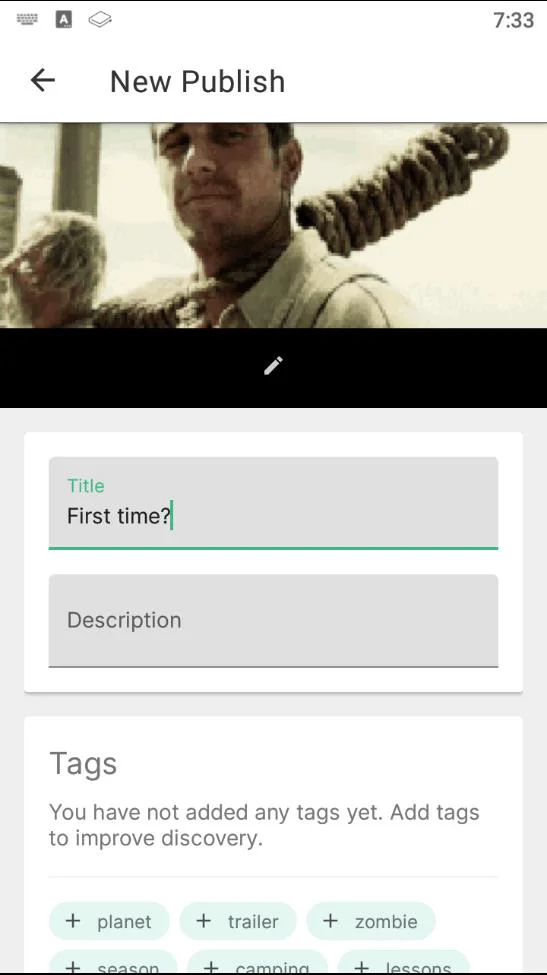
|
||||
|
||||
6. You have the option to select/create the channel you would like to publish the content under. If no channel is selected, it will be posted anonymously.
|
||||
|
||||

|
||||

|
||||
|
||||
7.Under the `Price`, first, determine if you want to make your content free or set a price in LBC per view.
|
||||
7. Under the `Price`, first, determine if you want to make your content free or set a price in LBC per view.
|
||||
|
||||
8. Type in the URL you want the content to be found under, along with a minimum of 0.00000001 LBC deposit for the upload (default amount is higher due to publishing fees). If you are trying to outbid a user-friendly/common URL, the system will suggest a minimum bid to take over the content at that vanity URL. There may be a delay for this takeover. Making your bid higher will result in (better discovery)[https://lbry.com/faq/trending) for your content. For more details regarding the URL or bid, check out our [naming document](/faq/naming).
|
||||
8. Type in the URL you want the content to be found under, along with a minimum of 0.00000001 LBC deposit for the upload (default amount is higher due to publishing fees). If you are trying to outbid a user-friendly/common URL, the system will suggest a minimum bid to take over the content at that vanity URL. There may be a delay for this takeover. Making your bid higher will result in [better discovery](/faq/trending) for your content. For more details regarding the URL or bid, check out our [naming document](/faq/naming).
|
||||
|
||||

|
||||

|
||||
|
||||
9. Next, there is `Show extra fields` which gives you an option to select language and license. The default language is set to `English`, and the License is set to `None`. If a change is needed, click the dropdown menus and select the appropriate choice.
|
||||
|
||||
|
||||
9. Next, there is `Show extra fields` which gives you an option to select language and license. Default language is set to `English`, and the License is set to `None`. If a change is needed, click the dropdown menus and select the appropriate choice.
|
||||
|
||||
*please review our terms of service before publishing [terms of service](/termsofservice)
|
||||
*please review our terms of service before publishing [terms of service](/termsofservice)*
|
||||
|
||||
Click `Publish`.
|
||||
|
||||
The file will process in the background and will be added to the LBRY Blockchain. It is a good idea to leave LBRY open for a while after this to make sure the app is able to share your file to at least one peer on the data network. Larger files will take longer to upload depending on your network speed.
|
||||
The file will process in the background and will be added to the LBRY Blockchain. It is a good idea to leave LBRY open for a while after this to make sure the app is able to share your file with at least one peer on the data network. Larger files will take longer to upload depending on your network speed.
|
||||
|
||||
|
||||
Claim related [wallet transactions](/faq/transaction-types) ensure that the blockchain uniquely identifies your content and the payment/tips can be routed appropriately.
|
||||
|
||||
### How Do I Claim Rewards In The Android App? {#rewards}
|
||||
## How do I claim Rewards in the Android app? {#rewards}
|
||||
|
||||
You'll receive daily random rewards just for watching the videos you love! All you need to do is open your LBRY app and start watching. Comeback everyday for a different reward.Incase for some reason the reward does not show up in your wallet after watching a video everyday, go to rewards and click on the daily rewards.
|
||||
You'll receive daily random rewards just for watching the videos you love! All you need to do is open your LBRY app and start watching. Come back every day for a different reward. For other rewards that can be claimed, see the Rewards page.
|
||||
|
||||
To check whether your wallet is updated, you need to swipe your screen to show the menu bar, click on Wallet and you will see your overall updated balance. Check [How to Backup Your Wallet](/faq/how-to-backup-wallet)
|
||||
|
||||
### How Do I Enable Background Media Playback? {#backgroundmediaplayback}
|
||||
## How do I enable background media playback? {#backgroundmediaplayback}
|
||||
|
||||
When playing anything on the LBRY android app, it will stop playing when you minimize the app or switch to another application. Since we aren't YouTube and won't make you pay for subscription to enable background media playback, you can enable this feature in the app settings.
|
||||
|
||||
1. Swipe your phone screen to the right to reveal the menu, select Settings.
|
||||
2. Tap the `Enable background media playback` toggle on the right hand side, this will change the status of that option from grey to green.
|
||||
2. Tap the `Enable background media playback` toggle on the right-hand side, this will change the status of that option from grey to green.
|
||||
|
||||

|
||||

|
||||
|
||||
Now you will be able to keep your media playing in the background without leaving the app open.
|
||||
*To disable this feature, please tap the option to enable background media player to change the status from green to grey.*
|
||||
|
||||
### How Do I Stop The LBRY Service From Running In The Background? {#stoplbryservice}
|
||||
## How do I stop the LBRY service from running in the background? {#stoplbryservice}
|
||||
|
||||
You might have noticed the LBRY icon in your notifications with the status, `LBRY service is running in the background`. We keep the app open in the background to stay up-to-date with the blockchain, which helps the app load contents faster as it arrives. In the future, you'll be able to support the LBRY network and earn hosting rewards, but for now, the hosting features are disabled.
|
||||
You might have noticed the LBRY icon in your notifications with the status, `LBRY service is running in the background`. We keep the app open in the background to stay up-to-date with the blockchain, which helps the app load content faster as it arrives. In the future, you'll be able to support the LBRY network and earn hosting rewards, but for now, the hosting features are disabled.
|
||||
|
||||
However, if you do not want the LBRY service to be running in the background, you can disable this in the settings page by tapping `Keep the daemon background service running after closing the app` - this will change the status of that option from green to grey. Now close the LBRY app by clicking back multiple times or swipe the app to close - the notification icon should disappear.
|
||||
However, if you do not want the LBRY service to be running in the background, you can disable this in the settings page by tapping `Keep the daemon background service running after closing the app` - this will change the status of that option from green to grey. Now close the LBRY app by swiping it from quickswitch to close - the notification icon should disappear.
|
||||
@@ -1,5 +1,5 @@
|
||||
---
|
||||
title: Appreciation for Contributing
|
||||
title: Appreciation for contributing
|
||||
category: other
|
||||
---
|
||||
|
||||
|
||||
@@ -8,22 +8,22 @@ We have covered LBRY wallet backup procedures in the guide [here](/faq/how-to-ba
|
||||
In addition to those two directories, users may also want to copy their LBRY downloads - this directory is normally set to your local Downloads folder but can also be configured via the LBRY app. To check your LBRY Downloads directory, open the LBRY app and go to Settings - it is listed in the `Download Directory` section. If you chose not to copy over your Downloads folder, the content could be regenerated from the data in your `lbrynet` folder at a later time via the LBRY app.
|
||||
|
||||
To summarize, the main directories to consider when backing up or migrating a LBRY installation are as follows:
|
||||
##### - LBRY Wallet - `lbryum`
|
||||
##### - Data/Settings - `lbrynet` (`LBRY` on Mac)
|
||||
##### - File Downloads - Typically your local Downloads directory (Check settings in LBRY app).
|
||||
- LBRY Wallet - `lbryum`
|
||||
- Data/Settings - `lbrynet` (`LBRY` on Mac)
|
||||
- File Downloads - Typically your local Downloads directory (Check settings in LBRY app).
|
||||
|
||||
##### *\*Please note: both the Data/Settings and File Downloads directories may be large if you have downloaded lots of LBRY content*
|
||||
*\*Please note: both the Data/Settings and File Downloads directories may be large if you have downloaded lots of LBRY content*
|
||||
|
||||
### How do I backup all LBRY related data?
|
||||
## How do I backup all LBRY related data?
|
||||
|
||||
1. Refer to the LBRY [working directories](/faq/lbry-directories) to find your data folders
|
||||
2. Make a copy of the `lbrynet` (`LBRY` folder if on Mac) folder to a secure location
|
||||
3. Make a copy of the `lbryum` folder to a secure location
|
||||
4. Make a copy of your LBRY Downloads directory to a secure location
|
||||
|
||||
### How do I migrate all LBRY related data to a new installation?
|
||||
## How do I migrate all LBRY related data to a new installation?
|
||||
|
||||
1. Install [LBRY](/get) onto the target PC. Close LBRY after the initial startup. LBRY minimizes to the system tray by defailt, so make sure that is is completely closed.
|
||||
1. Install [LBRY](/get) onto the target PC. Close LBRY after the initial startup. LBRY minimizes to the system tray by default, so make sure that is is completely closed.
|
||||
2. Copy the `lbrynet` folder from the previous section into the appropriate [location](/faq/lbry-directories) on your new installation.
|
||||
3. Copy the `lbryum` folder from the previous section into the appropriate [location](/faq/lbry-directories) on your new installation.
|
||||
4. Copy your LBRY Downloads from the previous section into the appropriate location.
|
||||
@@ -35,10 +35,10 @@ To summarize, the main directories to consider when backing up or migrating a LB
|
||||
|
||||
*\*Note 2: If you get startup errors after this procedure: check if the `daemon_settings.yml` file from the `lbrynet` folder points to the correct LBRY file download directory. If it does not, edit the file with correct file path and restart the app. You can view and edit this file with any text editor.*
|
||||
|
||||
### How do I backup just my wallet?
|
||||
## How do I backup just my wallet?
|
||||
|
||||
Please see [our FAQ on wallet backup procedures](https://lbry.com/faq/how-to-backup-wallet)
|
||||
|
||||
### I'm in need of some assistance, can you help?
|
||||
## I'm in need of some assistance, can you help?
|
||||
|
||||
Of course, we are always here to help! Check out our [help page](/faq/how-to-report-bugs) on how to reach us. If you are having trouble starting LBRY after migration, sending us your [log file](/faq/how-to-find-lbry-log-file) will expedite the resolution.
|
||||
@@ -10,4 +10,4 @@ Do you use BitTorrent? Imagine getting paid to seed files into the network. Beca
|
||||
|
||||
Do you shop on the iTunes Store? Imagine paying less for songs, TV episodes, and music videos while having 100% of the cost go directly to the creators.
|
||||
|
||||
LBRY is a digital media library at your fingertips. It can store any kind of content and make it available at low cost on demand. In a few years time, LBRY may become your one-stop-shop for everything digital, from ebooks to video games to movies. One app to rule them all – but still leaving more power in your hands because it is decentralized by design.
|
||||
LBRY is a digital media library at your fingertips. It can store any kind of content and make it available at low cost on demand. In a few years, LBRY may become your one-stop-shop for everything digital, from ebooks to video games to movies. One app to rule them all – but still leaving more power in your hands because it is decentralized by design.
|
||||
@@ -1,21 +1,19 @@
|
||||
---
|
||||
title: What is Mining and what are the LBRY Block Rewards?
|
||||
title: What is mining and what are the LBRY block rewards?
|
||||
category: mining
|
||||
order: 1
|
||||
---
|
||||
|
||||
## What is Mining?
|
||||
## What is mining?
|
||||
|
||||
Mining is a process where computing power is used to verify transactions on the LBRY network and add them to the public ledger (LBRY blockchain). It is also a process of how additional new LBRY credits (LBC) are created as a reward for the successful miners (see details below). The process uses the mining software to calculate complex mathematical puzzles in order to secure the transactions.
|
||||
Mining is a process where computing power is used to verify transactions on the LBRY network and add them to the public ledger (LBRY blockchain). It is also the process of how new LBRY Credits (LBC) are created as a reward for the successful miners (see details below). The process uses the mining software to calculate complex mathematical puzzles in order to secure the transactions.
|
||||
Both CPU and GPU hardware can be used for mining, but the current market is dominated by GPU and ASIC mining. LBRY uses a mix of SHA512, SHA256 and RIPEMD hash functions in its algorithm. To put it in the most simple terms: mining enables secure and fast LBC transactions.
|
||||
|
||||
## Only Trust the Source
|
||||
## Only trust the source
|
||||
|
||||
The source code, and not this file, is the only true definition of the block rewards. That source file is located here in [`master`]:
|
||||
The source code, and not this file, is the only true definition of the block rewards. That source file is located [here](https://github.com/lbryio/lbrycrd/blob/v0.17.3.2/src/validation.cpp#L1025).
|
||||
|
||||
[https://github.com/lbryio/lbrycrd/blob/master/src/validation.cpp](https://github.com/lbryio/lbrycrd/blob/master/src/validation.cpp#L1025)
|
||||
|
||||
## Mining Reward Schedule
|
||||
## Mining reward schedule
|
||||
|
||||
Eventually 1,083,202,000<sup>1</sup> LBRY credits will exist.
|
||||
|
||||
@@ -23,20 +21,24 @@ Eventually 1,083,202,000<sup>1</sup> LBRY credits will exist.
|
||||
|
||||
They are awarded on the following schedule:
|
||||
|
||||
* The genesis block creates 400,000,000 credits to be administered by LBRY, Inc. 300,000,000 of these will be strategically allocated to partners, many of whom have a direct interest in the naming layer. It also includes 100,000,000 earmarked for charity. Additionally, some may be given directly to the public in ways that add value and make sense. 100,000,000 are owned by LBRY directly.
|
||||
* The genesis block created 400,000,000 credits to be administered by LBRY, Inc. 300,000,000 of these will be strategically allocated to partners, many of whom have a direct interest in the naming layer. It also includes 100,000,000 earmarked for charity. Additionally, some may be given directly to the public in ways that add value and make sense. 100,000,000 are owned by LBRY directly.
|
||||
|
||||
* The remaining 600,000,000 are mined in 3 stages:
|
||||
|
||||
1. The first stage goes from block 1 to block 5100 and will take roughly 9 days. Every block in this stage has a reward of 1 credit. This is the testing stage, to ensure that there are no glaring problems with the blockchain.
|
||||
1. The first stage went from block 1 to block 5100 and took roughly 9 days. Every block in this stage had a reward of 1 credit. This was the testing stage, to ensure that there were no glaring problems with the blockchain.
|
||||
|
||||
2. The second stage is the ramp-up. It goes from block 5101 to block 55000 (roughly 3 months of mining). During this stage, the block reward increases linearly from 2 to 500. 500 is the largest block reward available.
|
||||
2. The second stage was the ramp-up. It went from block 5101 to block 55000 (roughly 3 months of mining). During this stage, the block reward increased linearly from 2 to 500. 500 was the largest block reward available.
|
||||
|
||||
3. The final stage is the "normal" mining stage. From block 55001 onward, the block reward decreases logarithmically over the course of 20 years.
|
||||
3. The final and current stage is the "normal" mining stage. From block 55001 onward, the block reward decreases logarithmically over the course of 20 years.
|
||||
|
||||
* Block rewards ramp up slowly because we want to ensure that users are given some time to get LBRY up and running, and to avoid unfairly benefiting the earliest users.
|
||||
* Block rewards ramped up slowly because we wanted to ensure that users were given some time to get LBRY up and running, and to avoid unfairly benefiting the earliest users.
|
||||
|
||||
* To see the current block reward, visit the [LBRY Blockchain Explorer](https://explorer.lbry.com) and explore the latest block details.
|
||||
|
||||
## Where can I see this visually?
|
||||
The [Stats page on the Explorer](https://explorer.lbry.com/stats) has this information, including inflation rates and emission schedule. It can be exported to CSV.
|
||||
## Other Information
|
||||
The LBRY blockchain has a targeted block time of 2.5 minutes. This doesn't mean that a block will be confirmed exactly every 2.5 minutes, just that the average time between blocks is about that length.
|
||||
|
||||
The max size of each block is currently around 2 MB. In an average block, this translates to around 1800 transactions.
|
||||
|
||||
## Where can I see this visually?
|
||||
The [Stats page on the Explorer](https://explorer.lbry.com/stats) has this information, including inflation rates and emission schedule. It can be exported to CSV.
|
||||
@@ -5,6 +5,5 @@ category: other
|
||||
|
||||
Yep. You can see it at [https://explorer.lbry.com](https://explorer.lbry.com).
|
||||
|
||||
If the enslaved squirrels that run our primary explorer are sleeping, try
|
||||
[https://lbrypool.com/explorer/LBC](https://lbrypool.com/explorer/LBC)
|
||||
|
||||
If the enslaved squirrels that run our community block explorer are sleeping, try
|
||||
[https://lbrypool.com/explorer/LBC](https://lbryexplorer.tech/)
|
||||
@@ -0,0 +1,171 @@
|
||||
---
|
||||
title: How do I use the Telegram bot?
|
||||
category: bots
|
||||
order: 1
|
||||
---
|
||||
|
||||
The LBRY Telegram bot is a member of the [official LBRY Telegram group](https://t.me/lbryofficial). And running 24/7 on [lbry.melroy.org](https://lbry.melroy.org).
|
||||
|
||||
The bot is able to support you with all your basic questions regarding LBRY, including but not limited to listing the top channels, the LBRY Credit (LBC) price, mining data, address/transaction(s)/tip information and so much more.
|
||||
|
||||
**Hint:** Since the bot is part of the channel group, you can directly start typing the command starting with `/`; Telegram can support you by auto-completing the commands. Starting the commands with `!`-sign is also supported.
|
||||
|
||||
**Good to know:** LBRY Telegram bot is currently hosted on [gitlab.melroy.org](https://gitlab.melroy.org/melroy/lbry-bot) with a mirror on [Github.com](https://github.com/danger89/LBRY-Bot). You are free to create pull-requests with bug fixes or new features.
|
||||
|
||||
## Basic commands
|
||||
|
||||
### Help
|
||||
|
||||
The only command you really need to remember is `/help`, which should point you in the right direction.
|
||||
|
||||
- `/help@LBRY_telegram_bot`
|
||||
|
||||

|
||||
|
||||
### Status
|
||||
|
||||
Retrieve Lbrynet, Lbrycrd, Chainquery status. Including current versions of the services used by the bot.
|
||||
|
||||
- `/status`
|
||||
|
||||
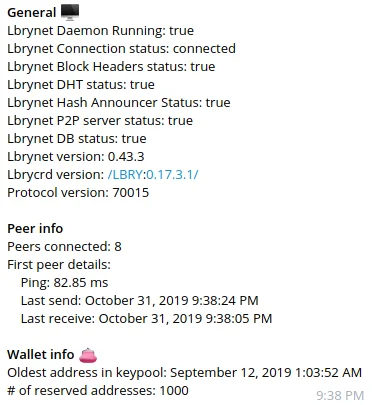
|
||||
|
||||
### Network info
|
||||
|
||||
Get some general LBRY Networking info.
|
||||
|
||||
- `/networkinfo`
|
||||
|
||||

|
||||
|
||||
### Stats
|
||||
|
||||
Get blockchain, mining information (hashrate, difficulty and reward) and exchange statistics.
|
||||
|
||||
- `/stats`
|
||||
|
||||

|
||||
|
||||
### Price
|
||||
|
||||
Get the latest market price, percentage of change and more.
|
||||
|
||||
- `/price`
|
||||
|
||||
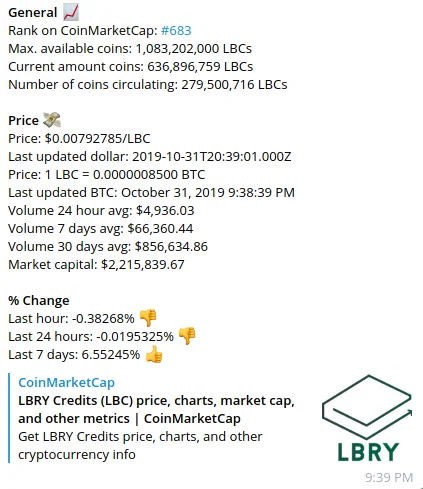
|
||||
|
||||
### Latest content
|
||||
|
||||
Get the latest uploaded content, with links to the content.
|
||||
|
||||
- `/lastcontent`
|
||||
|
||||

|
||||
|
||||
### Latest channels
|
||||
|
||||
Get the last created channels, with links to the channels.
|
||||
|
||||
- `/lastchannels`
|
||||
|
||||

|
||||
|
||||
### Latest blocks
|
||||
|
||||
Get the last 10 mined blocks.
|
||||
|
||||
- `/lastblocks`
|
||||
|
||||

|
||||
|
||||
### Top 10
|
||||
|
||||
Top 10 biggest transactions & top 10 most subscribed (popular) channels.
|
||||
|
||||
- `/top10`
|
||||
|
||||

|
||||
|
||||
## Advance commands
|
||||
|
||||
There are advanced bot commands that require additional user input.
|
||||
|
||||
### File
|
||||
|
||||
Retrieve content by URL, with thumbnail and link to the content as well.
|
||||
|
||||
- `/file <URL>`
|
||||
|
||||
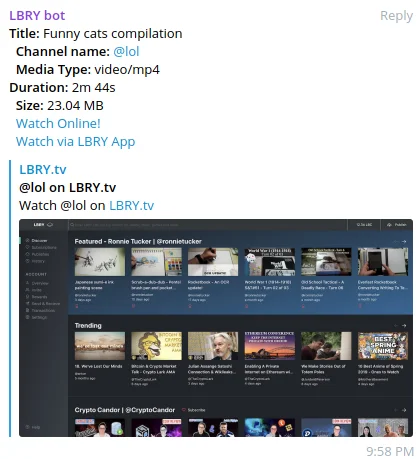
|
||||
|
||||
### Tips
|
||||
|
||||
Get the top 10 highest tips of the given name (channel or content).
|
||||
|
||||
- `/tips <name>`
|
||||
|
||||

|
||||
|
||||
### Content Tips
|
||||
|
||||
Get the top 10 highest tips of given content URI.
|
||||
|
||||
- `/contenttips <content URI>`
|
||||
|
||||

|
||||
|
||||
### Transaction
|
||||
|
||||
Get transaction information, like amount, block-height, in/out.
|
||||
|
||||
- `/transaction <hash>`
|
||||
|
||||

|
||||
|
||||
### Address
|
||||
|
||||
Get address information, like 'balance'.
|
||||
|
||||
- `/address <address>`
|
||||
|
||||

|
||||
|
||||
### Transactions
|
||||
|
||||
Get the transaction list of a given address.
|
||||
|
||||
- `/transactions <address>`
|
||||
|
||||
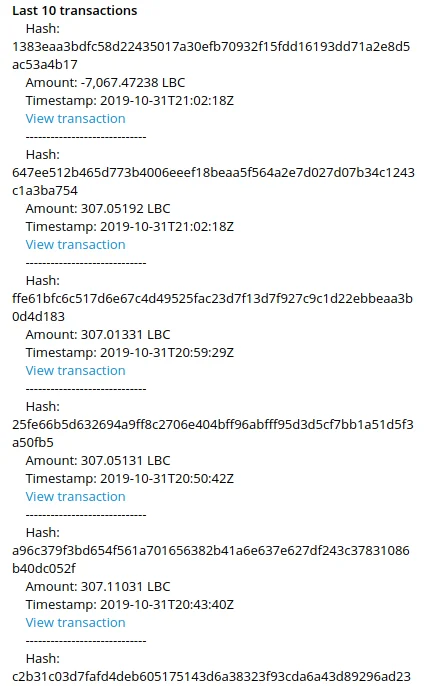
|
||||
|
||||
### Block
|
||||
|
||||
Get block information, like block size, difficulty, confirmations and more.
|
||||
|
||||
- `/block <hash or block height>`
|
||||
|
||||
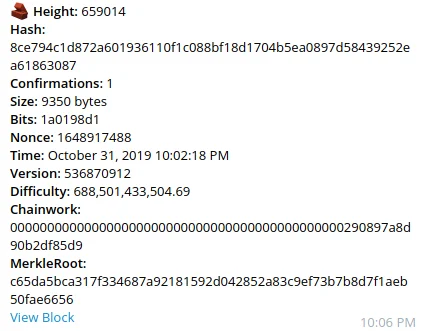
|
||||
|
||||
## Do you have questions?
|
||||
|
||||
The bot helps you to answer some basics FAQs as well:
|
||||
|
||||
### Why LBRY?
|
||||
|
||||
- `/why`
|
||||
|
||||

|
||||
|
||||
### What is LBRY?
|
||||
|
||||
- `/what`
|
||||
|
||||
### How does LBRY work?
|
||||
|
||||
- `/how`
|
||||
|
||||
### How long has LBRY existed?
|
||||
|
||||
- `/age`
|
||||
|
||||

|
||||
@@ -0,0 +1,45 @@
|
||||
---
|
||||
title: How can I buy LBC with a credit card?
|
||||
category: getstarted
|
||||
order: 3
|
||||
---
|
||||
|
||||
On lbry.tv and the Desktop app, you can purchase LBC directly with a credit card through [MoonPay](https://moonpay.io) via an integrated buying process. Once the purchase is complete, the LBC is deposited into your wallet.
|
||||
|
||||
Some users/regions may require additional verification, potentially via government ID, by MoonPay in order to complete their purchase.
|
||||
|
||||
Please see these MoonPay FAQs for more information about using their services:
|
||||
|
||||
[Who can use MoonPay?](https://help.moonpay.io/en/articles/2509629-can-anyone-use-moonpay)
|
||||
|
||||
[What are the daily and monthly limits?](https://help.moonpay.io/en/articles/2509649-what-are-the-daily-and-monthly-limits)
|
||||
|
||||
*Note: Currently, this service may not be available in all countries. LBRY will continue working on expanding availability.*
|
||||
|
||||
## Step by step LBC purchase
|
||||
|
||||
1. Access your wallet page by clicking your LBC balance in the top right and then click the Buy button.
|
||||
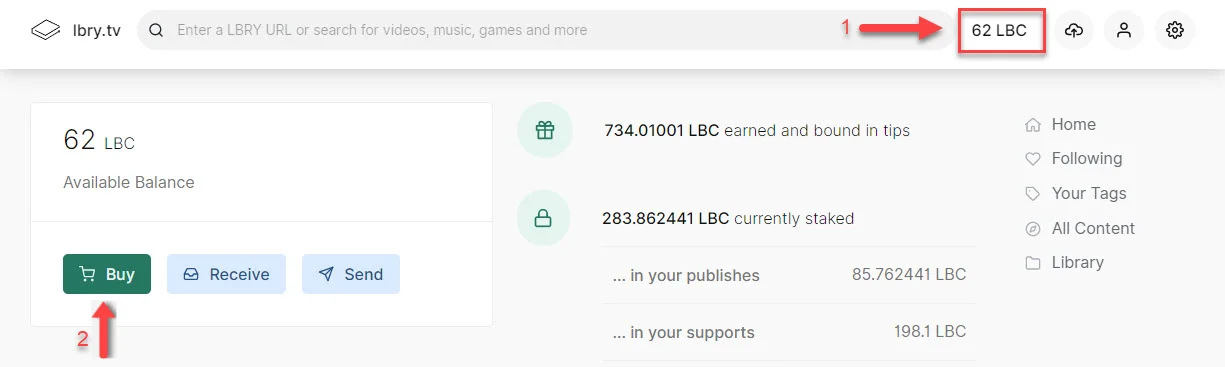
|
||||
1. Enter the amount of LBC you wish to purchase, either in your currency or LBC. The exchange rate and total purchase amount will be shown at the bottom. Click **Buy** to continue.
|
||||
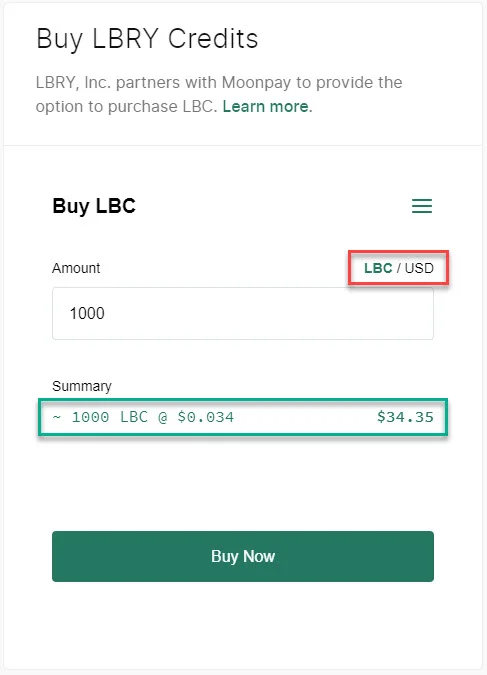
|
||||
1. Your LBC address will be shown, click **Buy Now**.
|
||||
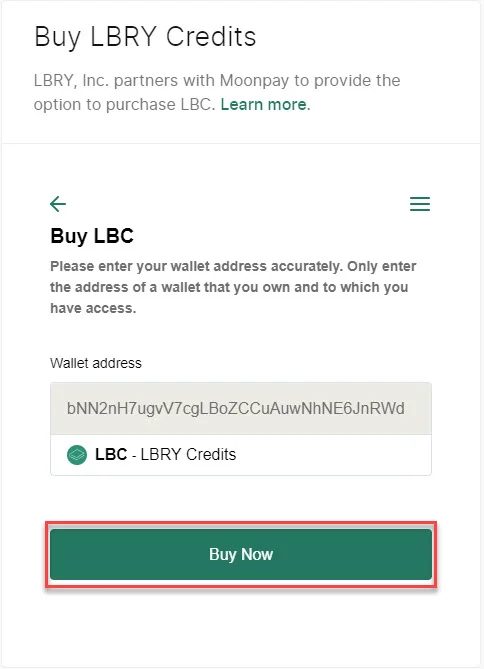
|
||||
1. MoonPay will now ask you to verify your email. By default, this will be sent to your app email. Enter the code from your email and click **Continue**.
|
||||
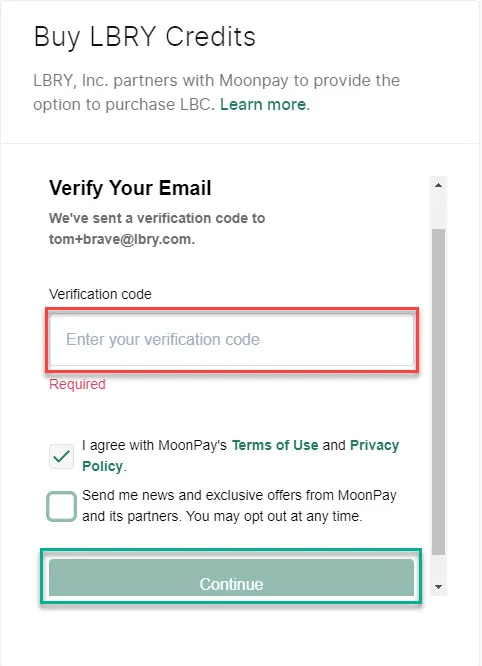
|
||||
1. You'll be asked to provide additional information about yourself, click **Continue** to proceed.
|
||||
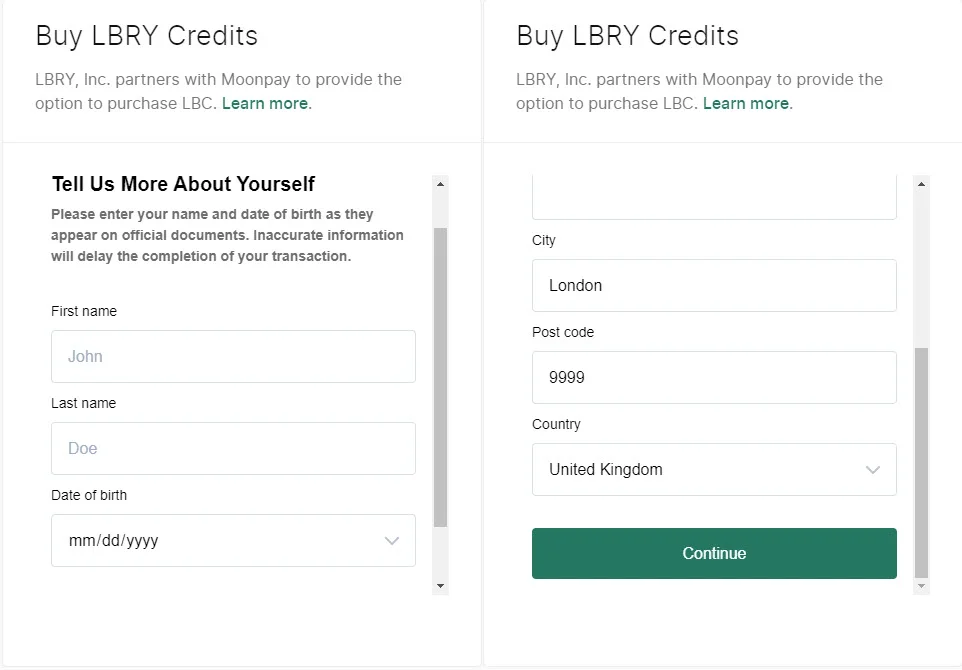
|
||||
1. Add a credit/debit card to use for the purchase and then review the purchase amount and fee (min of ~5 USD, or 4.5% typically). Click **Buy Now**.
|
||||
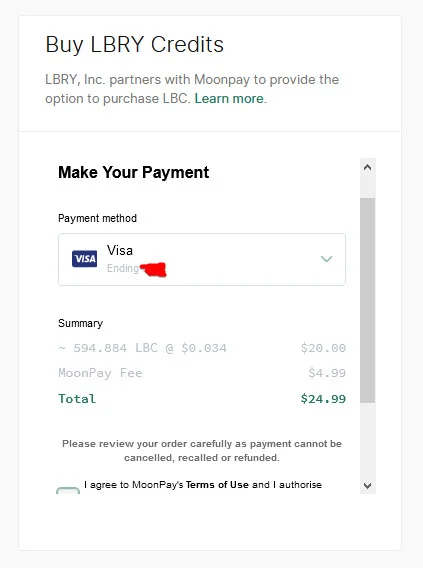
|
||||
1. You may be prompted for additional information for your credit card and/or identity, and then you'll see your confirmation.
|
||||
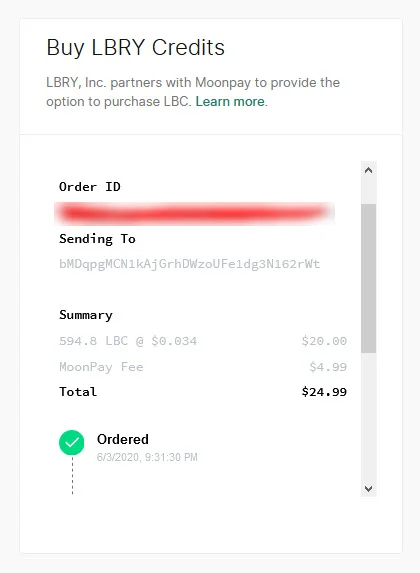
|
||||
1. The LBC should appear in your balance shortly. Thank you for purchasing LBC!
|
||||
|
||||
## Trouble with cookies or want to purchase outside of the app?
|
||||
|
||||
If you are having trouble on lbry.tv with cookies or want to purchase directly through MoonPay, please [use this URL](https://buy.moonpay.io/?apiKey=pk_live_xNFffrN5NWKy6fu0ggbV8VQIwRieRzy&colorCode=%23257761¤cyCode=lbc&showWalletAddressForm=true). You will be prompted for your LBC wallet address.
|
||||
|
||||
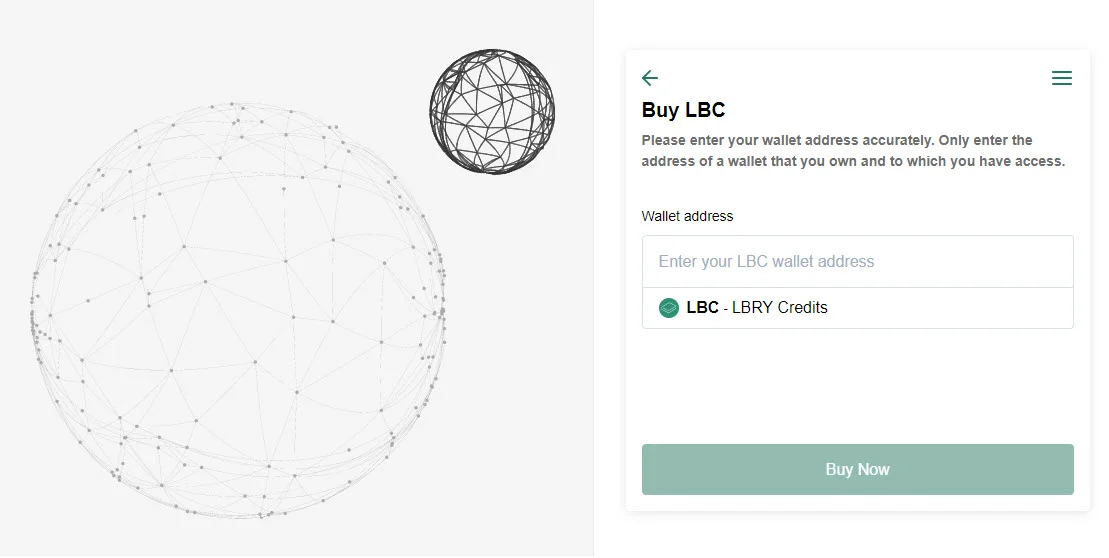
|
||||
|
||||
## Have additional questions or need support?
|
||||
|
||||
We are always here to help! Check out our [help page](/faq/how-to-report-bugs) on how to reach us. If you are having trouble with something on the MoonPay side, you can also [reach out to them](support@moonpay.io).
|
||||
@@ -0,0 +1,98 @@
|
||||
---
|
||||
title: Buying and selling LBC on exchanges
|
||||
category: getstarted
|
||||
---
|
||||
This guide is meant for informational purposes only and is not financial advice.
|
||||
|
||||
Currently, in order to exchange LBC for traditional currencies (and vice versa), you'll need to use [cryptocurrency exchanges](/faq/exchanges). LBRY is actively working on ways to make this easier right inside our applications, but we don't have an ETA on when this would be available.
|
||||
|
||||
Some exchanges have a US Dollar (USD/USDT) market, whereas others only trade LBC against Bitcoin (BTC). This means you'd need to go through BTC first before being able to obtain traditional currencies like USD. USDT is the equivalent of a digital dollar and makes it easier to exchange LBC.
|
||||
|
||||
These steps below are an example of how to buy and sell LBC on Bittrex which has both USDT and BTC market pairs, but the mechanism of using order books will be similar on other exchanges.
|
||||
|
||||
If you are acquiring LBC, you'll need to have BTC deposited into your account, link a bank account to deposit USD, or use a credit card (not available in all locations). If you are selling LBC, you'll need to [deposit the LBC to your Bittrex account first](#Withdrawing-LBC-to-Bittrex).
|
||||
|
||||
## Login or create a Bittrex account
|
||||
1. Login / create a [Bittrex account](https://bittrex.com) (you may need to complete KYC)
|
||||
|
||||
## Depositing funds
|
||||
### Depositing USD {#Depositing-USD}
|
||||
**Please note: This is only available to some customers depending on location**
|
||||
1. [Follow this process to enable USD](https://bittrex.zendesk.com/hc/en-us/articles/360021914672-How-do-I-deposit-USD-into-Bittrex-)
|
||||
1. Click on `Holdings` from the upper right corner.
|
||||
|
||||
1. Once the holdings page loads up, click on **Deposit by bank/wire**
|
||||
1. Click on Wire Transfer and click Get Started.
|
||||
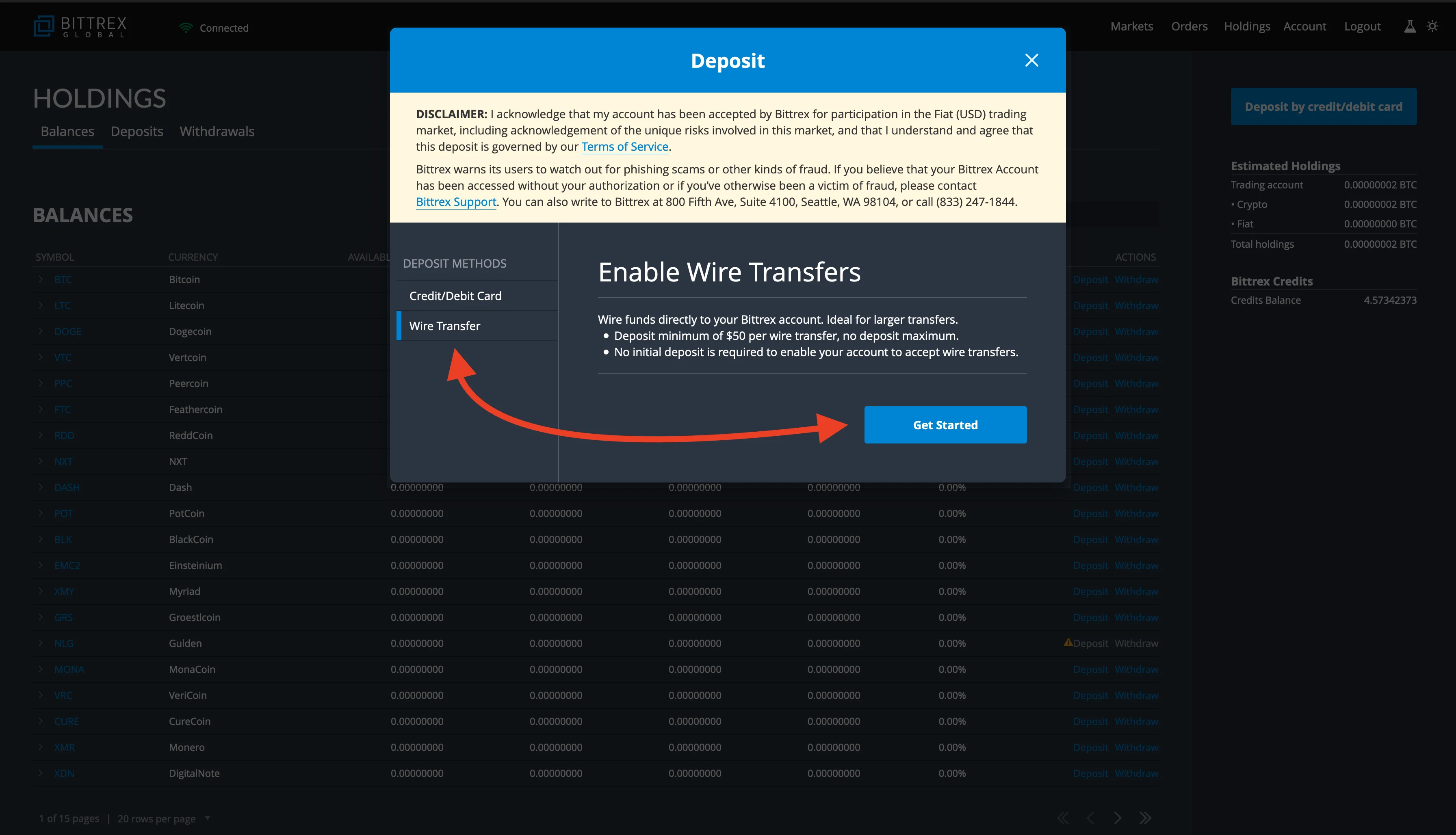
|
||||
1. Finish the process and deposit USD into your account.
|
||||
|
||||
### Purchasing with a debit card from Bittrex
|
||||
**Please note: This is only available to some customers depending on location**
|
||||
1. Click on `Holdings` from the upper right corner.
|
||||

|
||||
1. Once the holdings page loads up, click on **Deposit by credit/debit card**.
|
||||
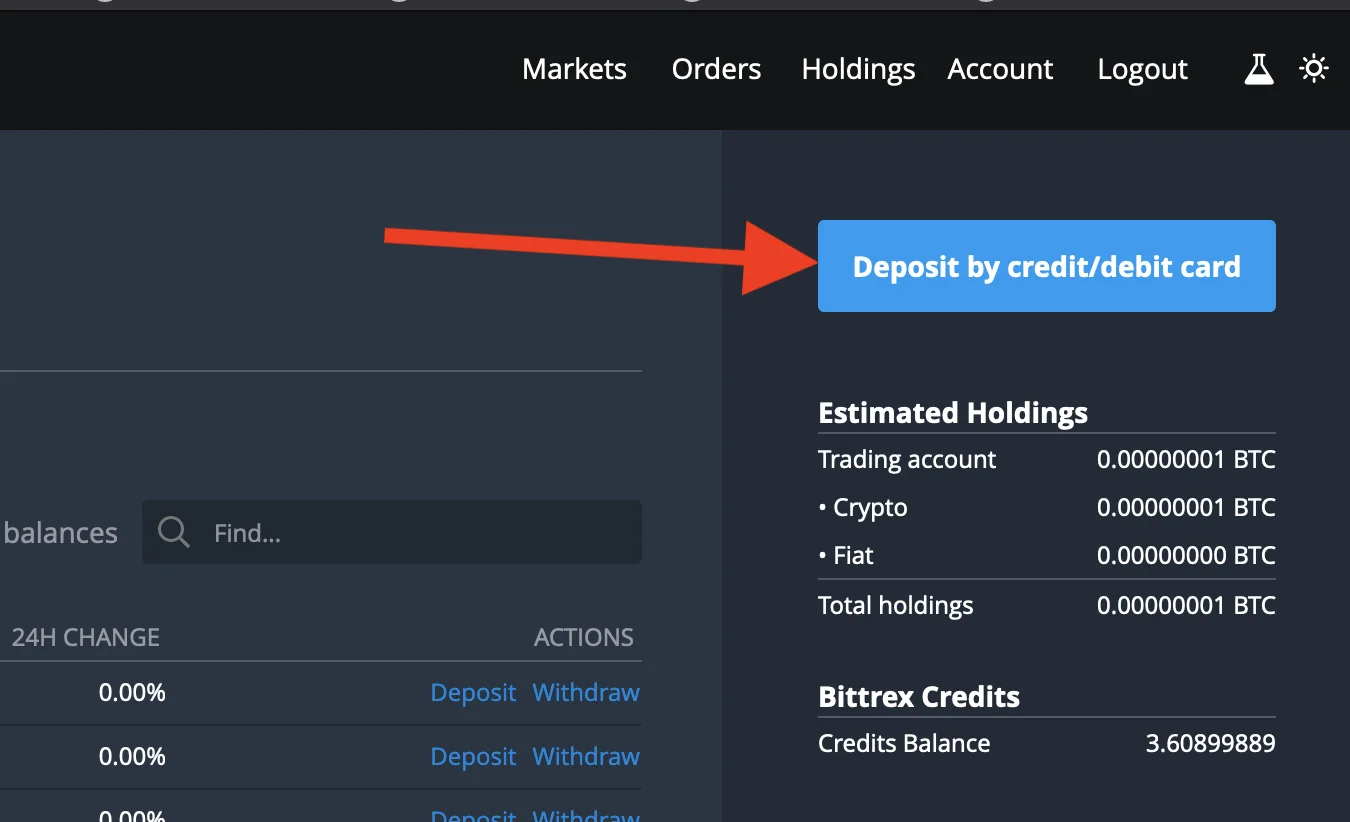
|
||||
1. Enter the amount you'd like to purchase in dollars and click on **Enter card info next**.
|
||||
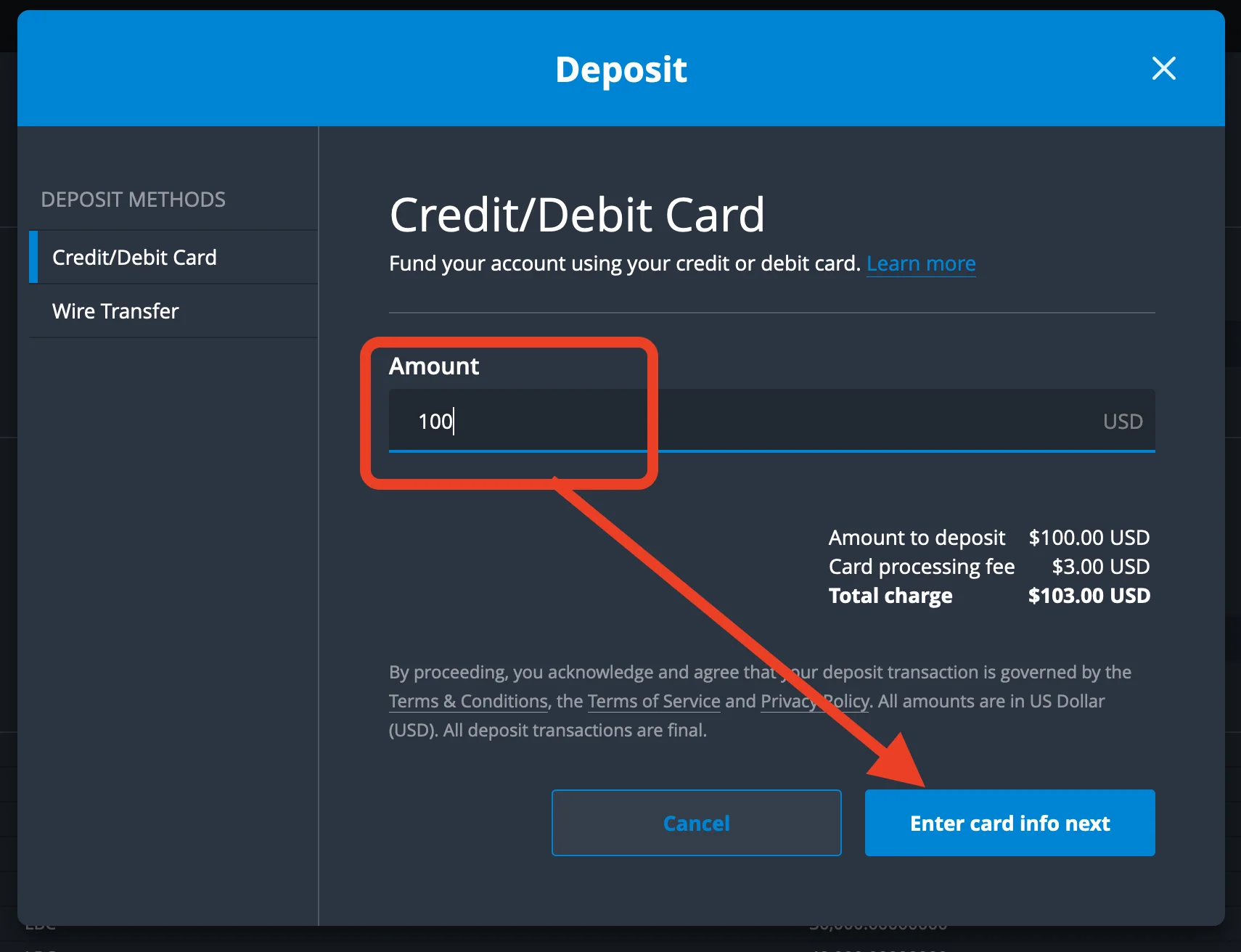
|
||||
1. Enter your card details and any other information and click on pay.
|
||||
1. Once the payment is successful, you should see fiat balance in BTC equivalence
|
||||
|
||||
### Depositing BTC
|
||||
1. Click on `Holdings` from the upper right corner.
|
||||

|
||||
1. Once the holdings page loads up, find BTC and click the deposit button.
|
||||
1. Deposit BTC to your account by sending funds to the address shown.
|
||||
|
||||
## Buying
|
||||
|
||||
### Purchasing LBC with BTC / USDT
|
||||
1. From the Bittrex home page: scroll down, under the BTC or USDT market, search for LBC and once it comes up, click on the trading pair.
|
||||

|
||||
1. Click on the market price you'd like to buy LBC (usually the first in the sell order book indicated as red.)
|
||||
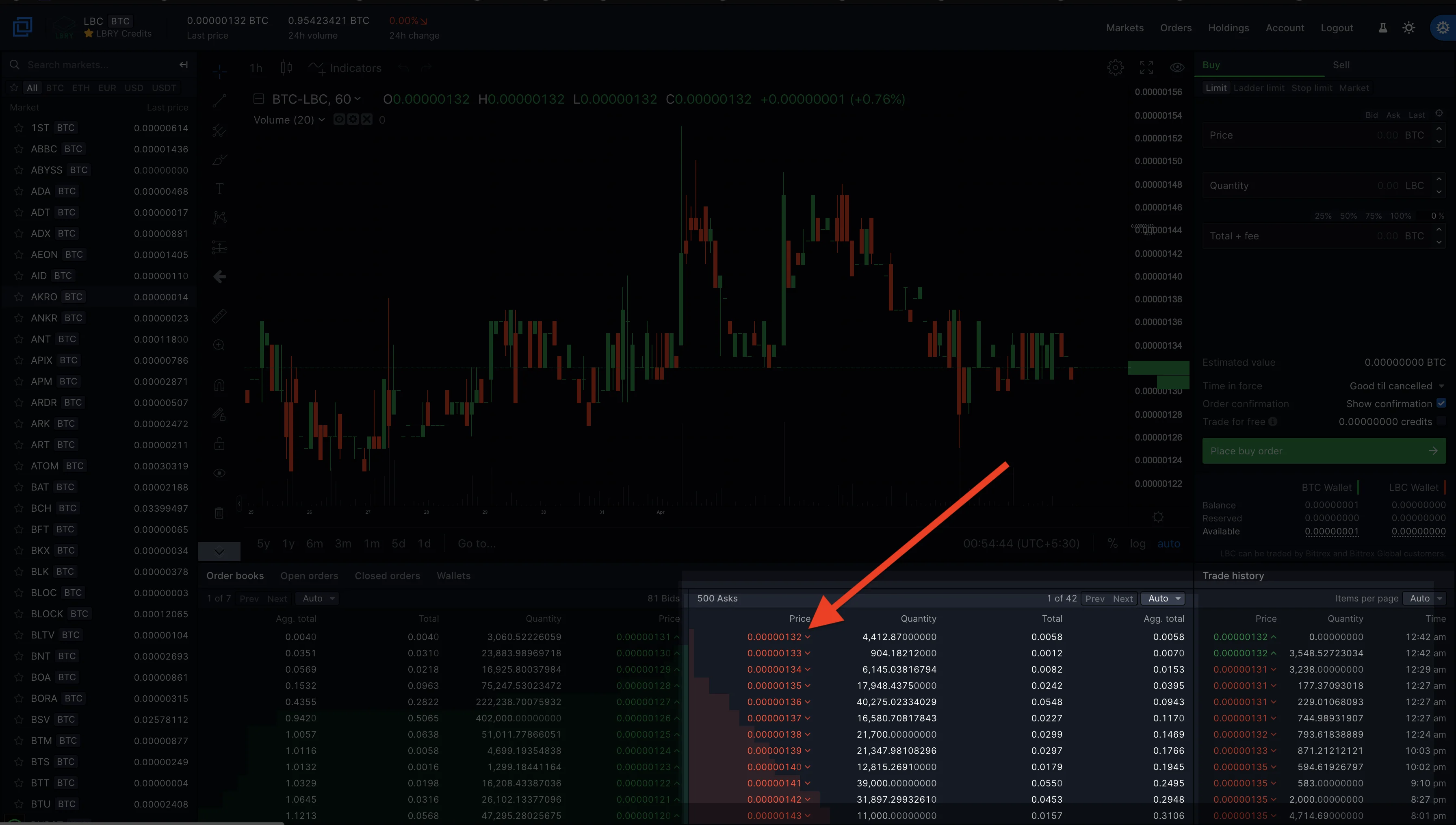
|
||||
1. Enter how much LBC you want to purchase or simply click on the percentage to select the amount you'd like to purchase, for example, 50% of your total holdings or 100% of your total holding in BTC.
|
||||
1. Click on place order, and once the order is executed, you'll now see your LBC holdings. You can check this right below the place order button or the holdings page from the upper right screen.
|
||||
|
||||
## Selling
|
||||
|
||||
### Selling LBC for BTC / USDT
|
||||
To sell LBC for BTC or USDT, you will have to deposit your LBC to the Bittrex LBC wallet. [See depositing LBC to Bittrex](#Withdrawing-LBC-to-Bittrex)
|
||||
1. Go to the Bittrex home page, scroll down, under the BTC / USDT market, search for LBC and once it comes up, click on the trading pair.
|
||||

|
||||
1. Click on Sell
|
||||
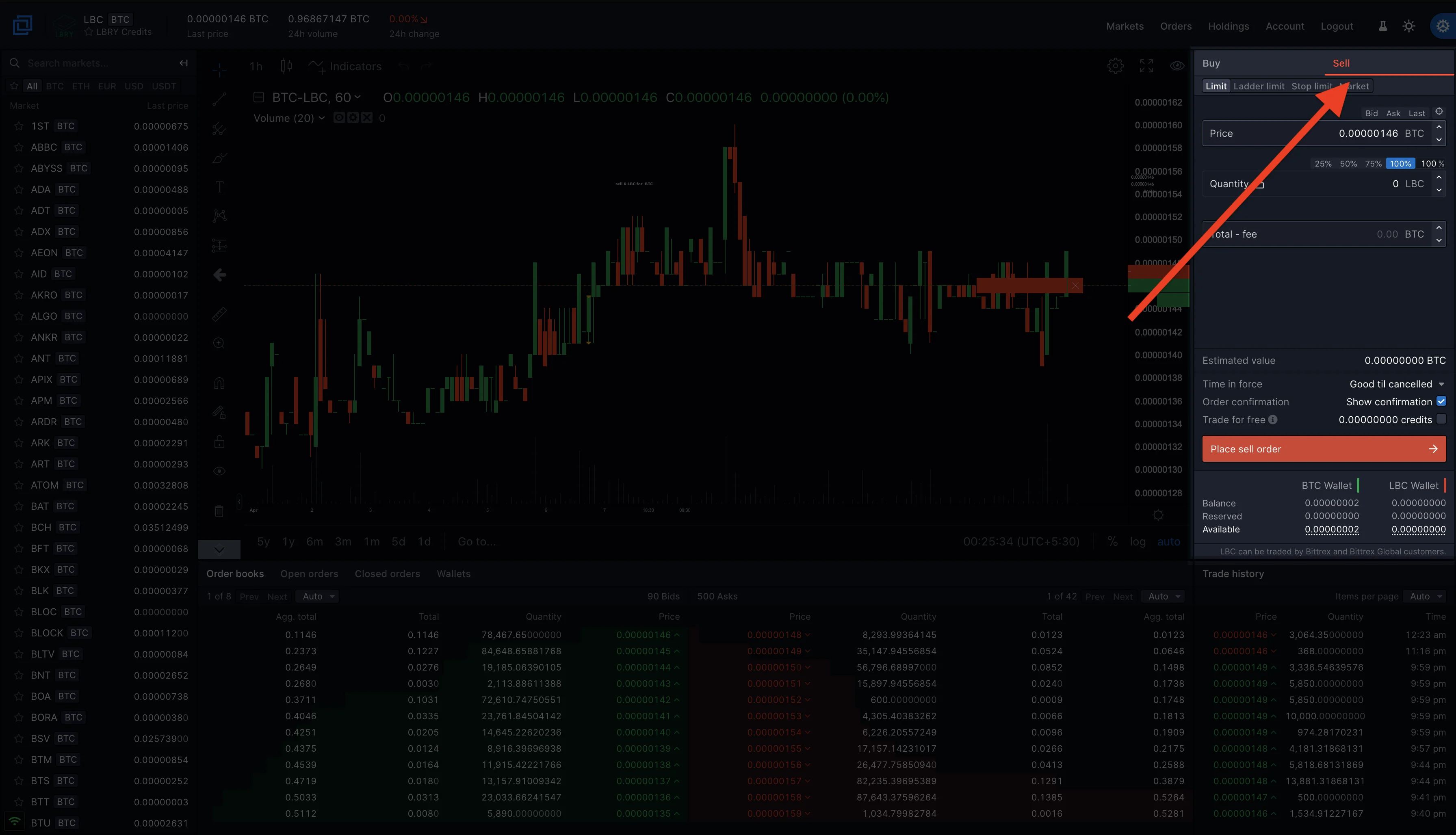
|
||||
1. Click on the market price you'd like to sell LBC (usually the first in the buy order book indicated as green.)
|
||||
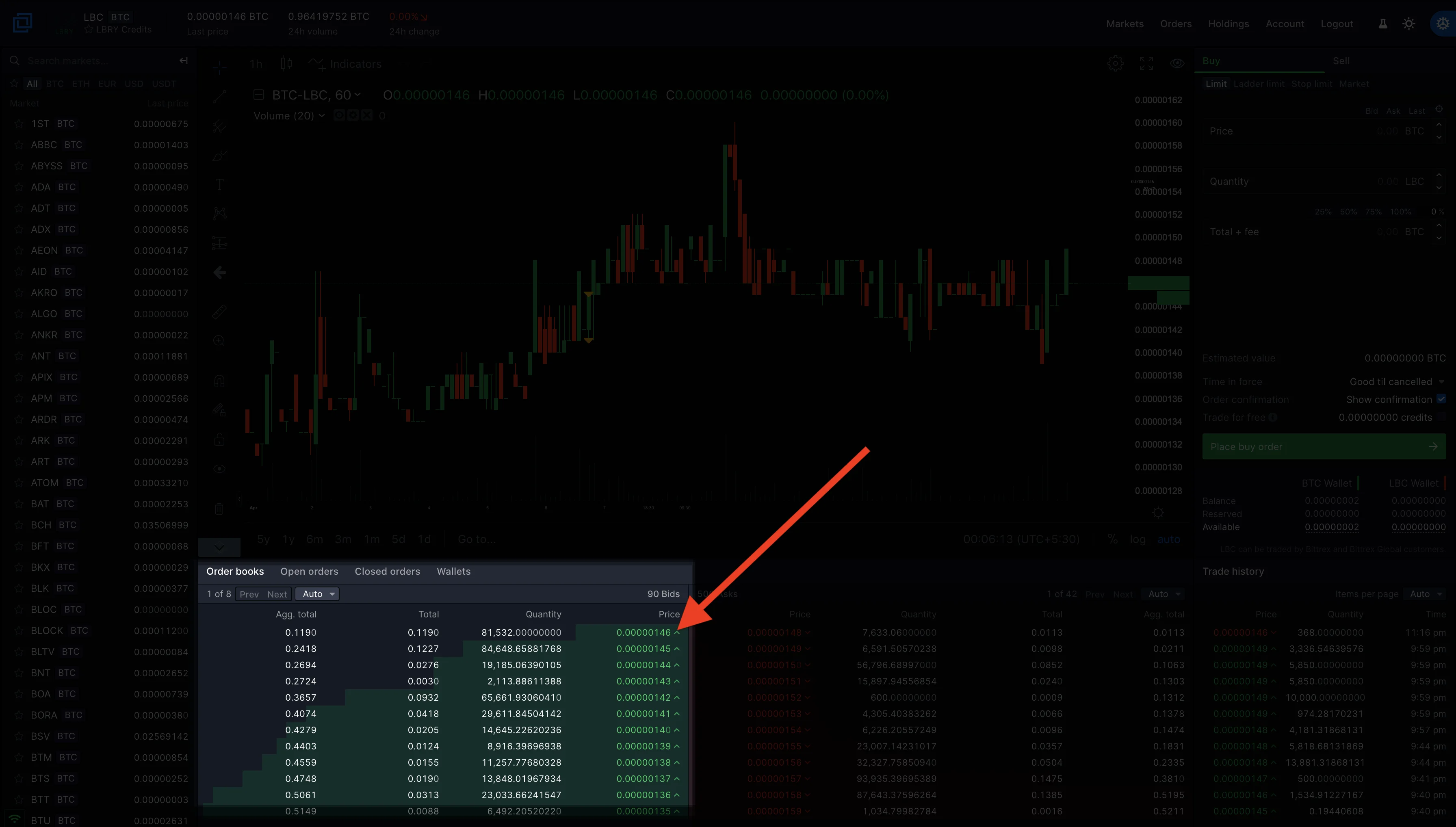
|
||||
1. Enter how much LBC you want to sell or simply click on the percentage to select the amount you'd like to sell. For example, 50% of your total holdings or 100% of your total holding in LBC.
|
||||
1. Click on place sell order, and once the order is executed, you'll now see your BTC holdings. You can check this right below the place order button or the holdings page from the upper right screen.
|
||||
|
||||
## Managing and withdrawing funds
|
||||
|
||||
### Checking Holdings and withdrawing LBC to your LBRY account.
|
||||
1. Click on the holdings on the upper right corner of the Bittrex page.
|
||||

|
||||
1. Toggle the **Show Zero Balances** option to show only wallets with balance or you can use the **find** option to search for LBC.
|
||||
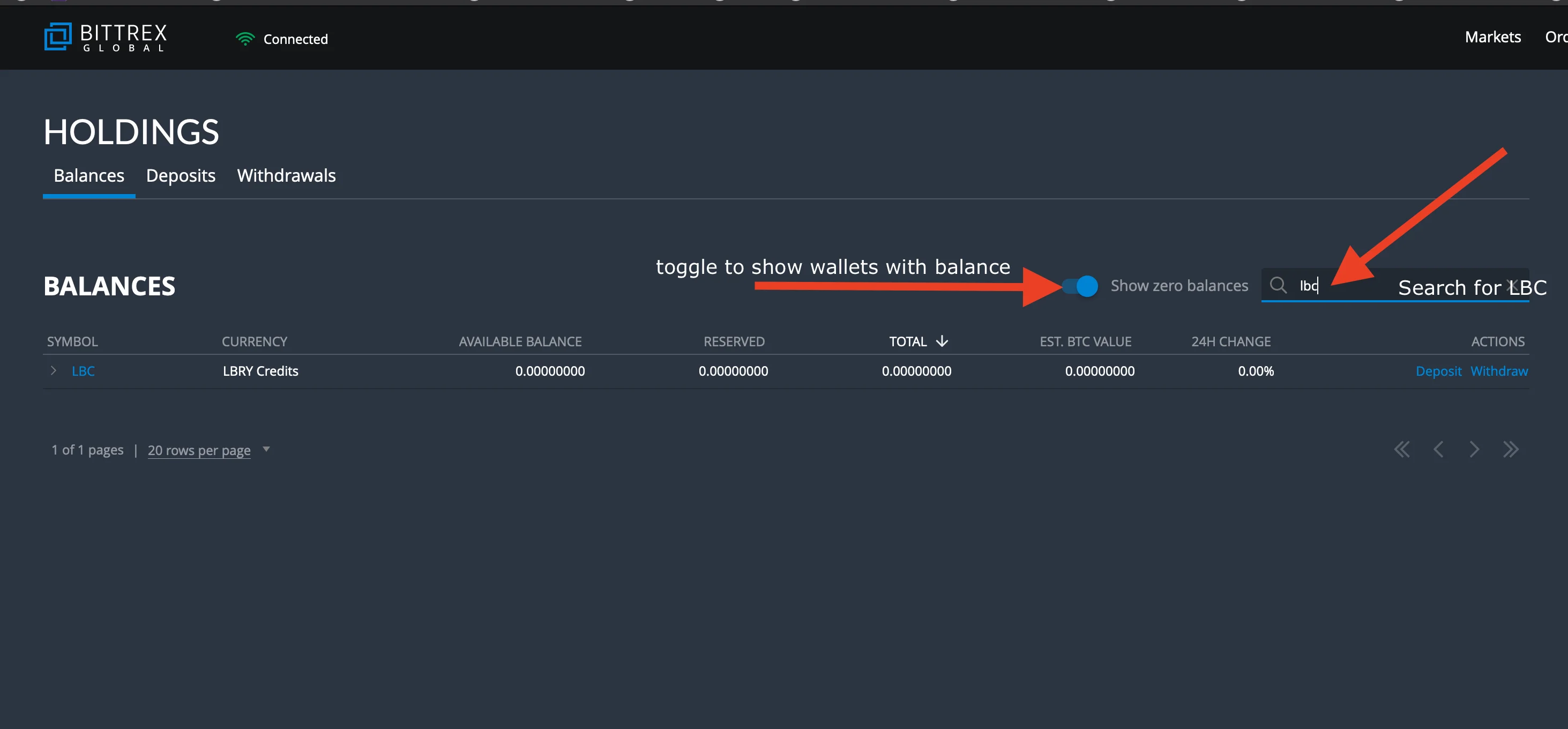
|
||||
1. Click on withdraw.
|
||||
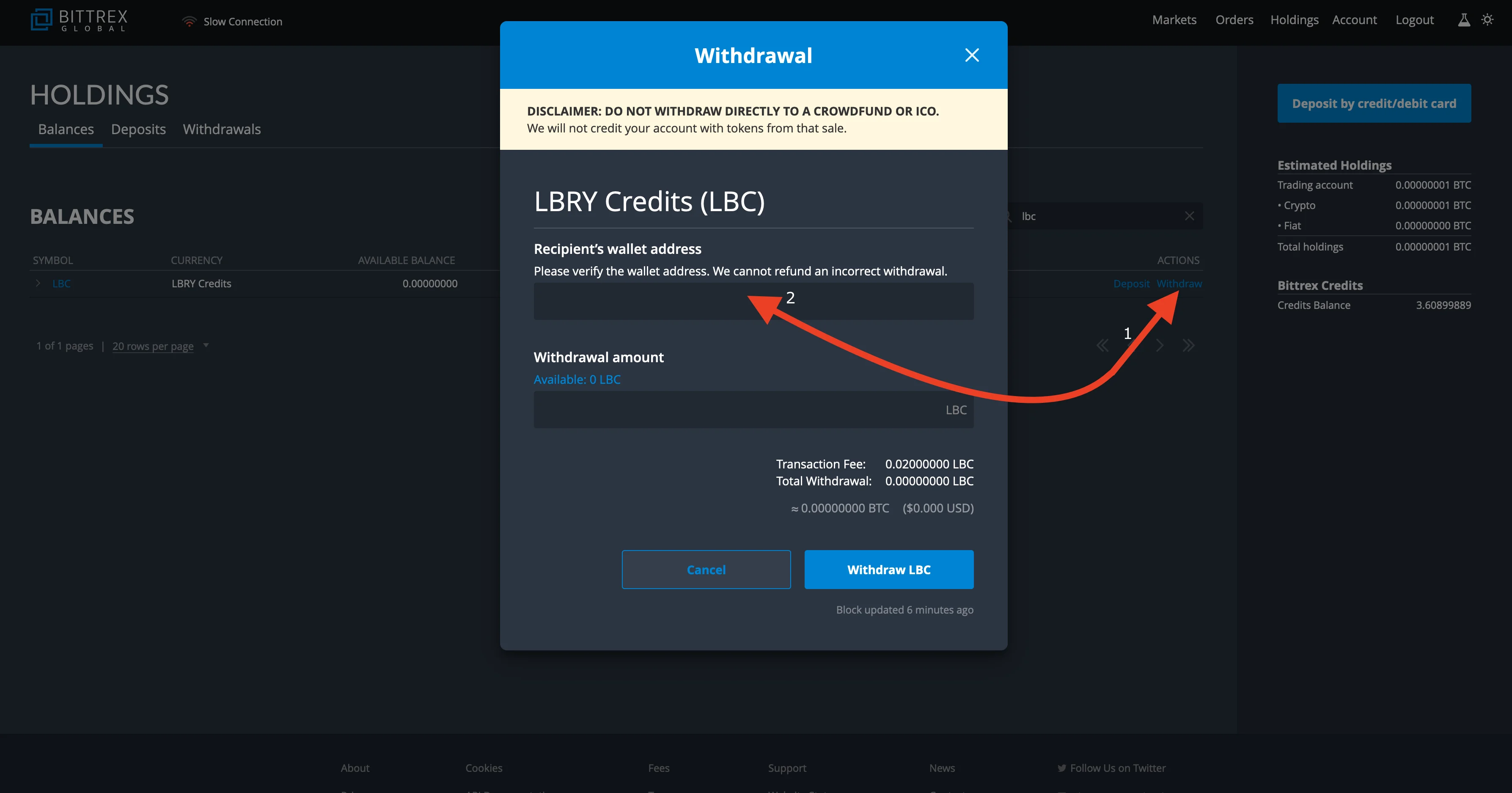
|
||||
1. Go to your LBRY app/lbry.tv page, click on the balance on the top right and click on `your address` to bring up your LBRY address.
|
||||
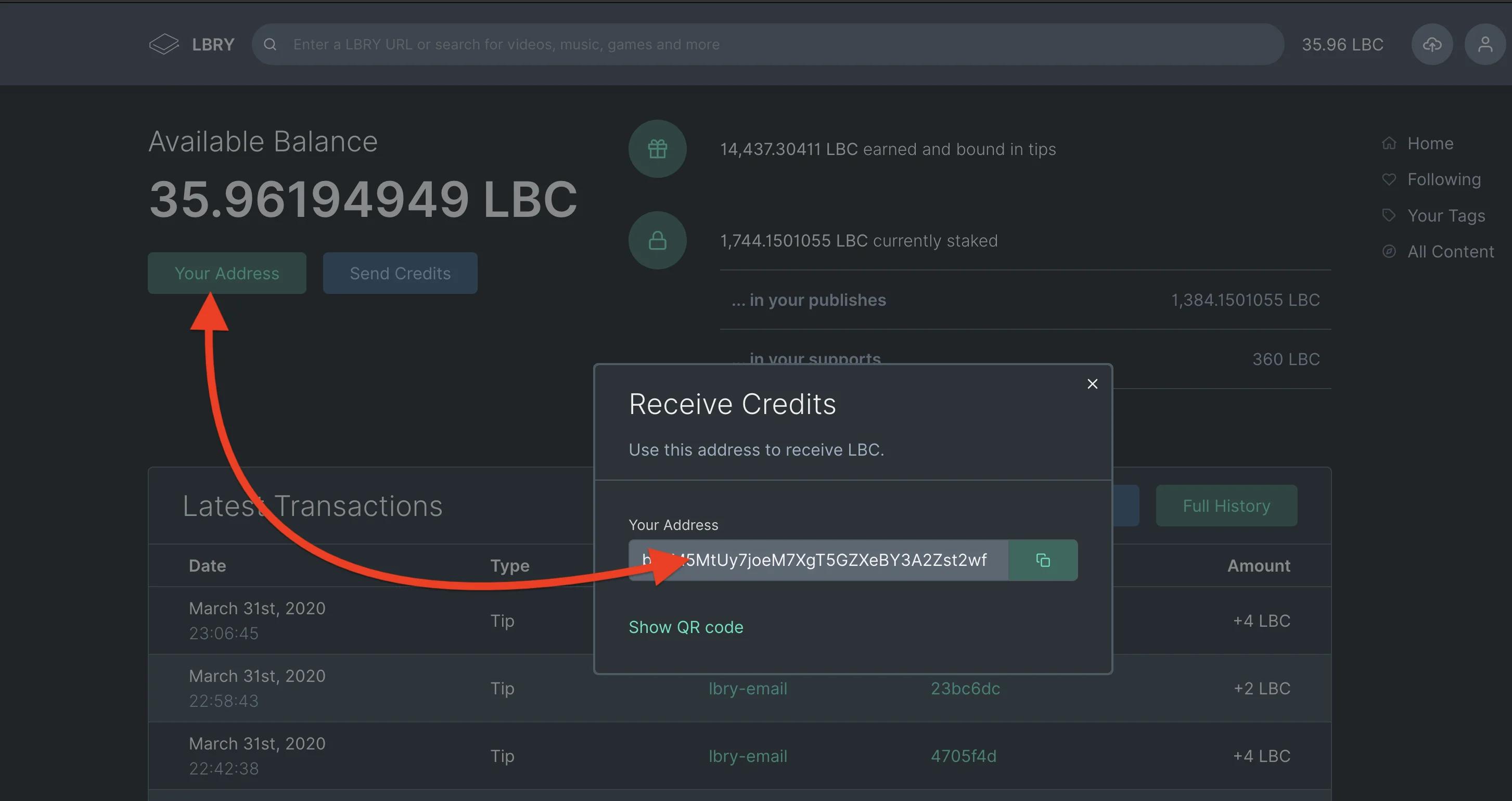
|
||||
1. Copy the address you get from your LBRY account to the address field on the Bittrex withdrawal page.
|
||||
1. Click on **available balance** or enter the total amount of LBC you want to withdraw and click on withdraw.
|
||||
1. Type in your 2FA if necessary and you are done, you should see your balance withdrawn from Bittrex to your LBRY account in minutes.
|
||||
|
||||
### Withdrawing LBC to Bittrex {#Withdrawing-LBC-to-Bittrex}
|
||||
1. Click on the holdings on the upper right corner of the Bittrex page.
|
||||
1. Search for LBC using the **find** option on the Bittrex holdings page.
|
||||
1. Click on the option for deposit.
|
||||
1. Copy your LBC wallet address.
|
||||
1. Open the wallet page on your LBRY app/lbry.tv by clicking on the balance option/wallet page.
|
||||
1. Click the option for send credits.
|
||||
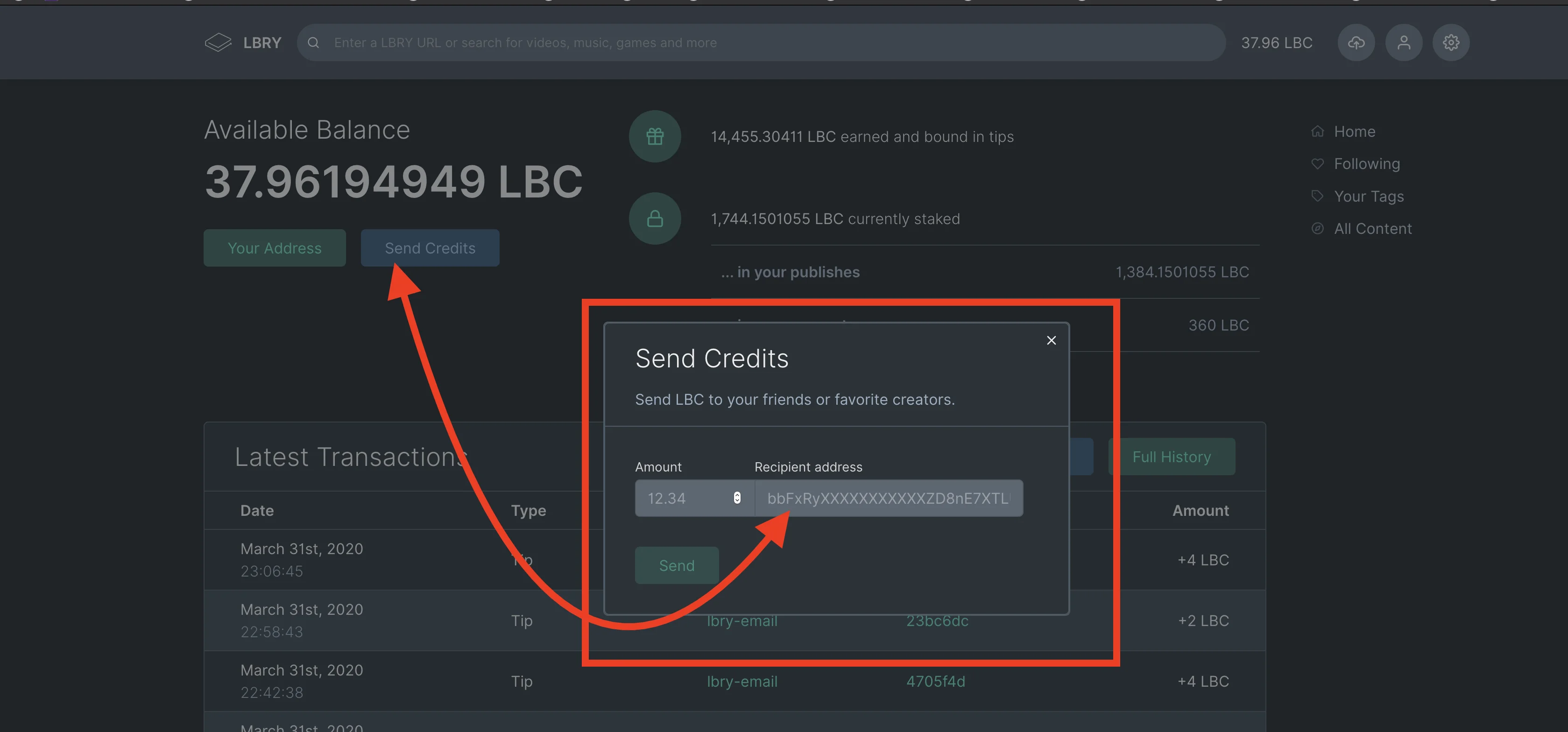
|
||||
1. Paste the address you copied from Bittrex and enter the amount you want to transfer and click send.
|
||||
1. To check the status of your withdrawal, go to the holdings page on Bittrex and click on deposits. This will show pending deposit status.
|
||||
|
||||
### Withdrawing USDT to your bank
|
||||
Bittrex allows you to withdraw USDT to USD by first using the [USDT/USD market](https://bittrex.com/Market/Index?MarketName=USD-USDT) and then sending USD to your bank.
|
||||
|
||||
**Please note that it may take up to 10 minutes for the status to reflect under the deposit status. Bittrex requires 30 confirmations which can take anywhere from 60-90 minutes.**
|
||||
@@ -2,8 +2,8 @@
|
||||
title: Has LBRY received any secret government subpoenas? Does LBRY have a warrant canary?
|
||||
category: other
|
||||
---
|
||||
Unfortunately, the nature of _secret_ subpoenas means they have to be kept secret. Fortuantely, LBRY maintains a warrant canary, viewable at:
|
||||
Unfortunately, the nature of _secret_ subpoenas means they have to be kept secret. Fortunately, LBRY maintains a warrant canary, viewable at:
|
||||
|
||||
[https://lbry.com/canary](https://lbry.com/canary)
|
||||
|
||||
For more on warrant canaries and how they work, check out this [Wikipedia article](https://en.wikipedia.org/wiki/Warrant_canary).
|
||||
For more on warrant canaries and how they work, check out this [Wikipedia article](https://en.wikipedia.org/wiki/Warrant_canary).
|
||||
@@ -17,7 +17,7 @@ We believe LBRY to be the most censorship-resistant system to ever exist for the
|
||||
|
||||
To understand where LBRY’s censorship resistance comes from, we need to break the problem down into two areas: data (the digital content) and metadata (information about the digital content, such as it’s title or publisher).
|
||||
|
||||
In the case of the data itself, LBRY is as or more censorship-resistant as BitTorrent or other peer-to-peer networks. Like these other networks, when you publish a file, it ends up being hosted by dozens, hundreds, or thousands of other computers, depending on its popularity. Additionally, there are economic incentives to host content that is popular but undersupplied, which means that LBRY is even better than its predecessors, which were already world leaders in the censorship-resistance department.
|
||||
In the case of the data itself, LBRY is as or more censorship-resistant as BitTorrent or other peer-to-peer networks. Like these other networks, when you publish a file, it ends up being hosted by dozens, hundreds, or thousands of other computers, depending on its popularity. Additionally, there are economic incentives to host content that is popular but undersupplied, which means that LBRY is even better than its predecessors, which were already world leaders in the censorship-resistance department.
|
||||
|
||||
In the case of the metadata, LBRY is truly novel. Previous peer-to-peer systems had decent censorship-resistance at the data level, but never the metadata. LBRY writes it’s metadata to a public blockchain, the same technology that powers the censorship-resistant Bitcoin. Metadata in the LBRY blockchain cannot be altered without a hard-fork of the network, which is an expensive and unlikely proposition. Even if this happened, it would be possible to roll-back the system to it’s last previously good state, resulting in only a temporary rather than permanent data loss.
|
||||
|
||||
@@ -33,4 +33,4 @@ Censorship-resistance matters because there are many people in the world who wou
|
||||
|
||||
Prosperity and freedom starts with the ability for people to communicate freely with one another. The ability to censor is the ability to control the narrative and spread propaganda.
|
||||
|
||||
For the purposes of discovering truth and fighting injustice, censorship-resistance is absolutely vital.
|
||||
For the purposes of discovering truth and fighting injustice, censorship-resistance is absolutely vital.
|
||||
@@ -12,14 +12,14 @@ _On the left, navigating to Rewards in LBRY Desktop and lbry.tv. On the right, n
|
||||
|
||||
You can find the rewards section under the Account menu > Rewards. On Android, click or slide out the menu, and then select Rewards. [Click here to navigate directly to your app](https://open.lbry.com/?rewards).
|
||||
|
||||
In addition to the one-time rewards, we have a daily reward for watching content you love on LBRY - so make sure to check back often to keep earning!
|
||||
In addition to the one-time rewards, we have a daily reward for watching content you love on LBRY - so make sure to check back often to keep earning!
|
||||
|
||||
LBC rewards can be used to buy content on the LBRY network, to support your favorite creators, or to publish yourself. Tipping creators also helps creators become discovered on LBRY by boosting their relevance in results.
|
||||
|
||||

|
||||
|
||||
You may need to complete account verification to participate in the rewards program. See our [Rewards FAQ](https://lbry.com/faq/rewards) for more information and details about what rewards are available.
|
||||
You may need to complete account verification to participate in the rewards program. See our [Rewards FAQ](https://lbry.com/faq/rewards) for more information and details about what rewards are available.
|
||||
|
||||
### More Tutorials
|
||||
### More tutorials
|
||||
|
||||
If you’d like to learn more about how to get the most out of LBRY, check out our [other tutorials](https://lbry.com/faq?category=tutorial) or [Frequently Asked Questions](https://lbry.com/faq).
|
||||
+15
-4
@@ -1,16 +1,27 @@
|
||||
---
|
||||
title: How does LBRY handle content and what am I allowed to upload?
|
||||
category: publisher
|
||||
order: 4
|
||||
---
|
||||
|
||||
This guide provides answers to questions regarding what you may upload to the LBRY app and network and how it differs from current centralized/status quo systems. To learn more about reporting infringing or illegal content and DMCA procedures, please see our [DMCA article](/faq/dmca).
|
||||
This guide provides answers to questions regarding what you may upload to LBRY and network and how it differs from current centralized/status quo systems. To learn more about reporting infringing or illegal content and DMCA procedures, please see our [DMCA article](/faq/dmca).
|
||||
|
||||
### What content can I legally upload to LBRY?
|
||||
## What content can I legally upload to LBRY?
|
||||
|
||||
You may upload legal content that you own or have obtained permission to use, as long as it does not infringe on the rights of others.
|
||||
This includes Public Domain content, Creative Commons or Open Source content shared according to the license requirements, and Copyrighted content where you have permission from the owner.
|
||||
|
||||
### Because LBRY is decentralized, doesn't this mean the content can't be removed?
|
||||
We ask you to follow these simple rules:
|
||||
|
||||
1) The content is yours, you have permission to post it, or it's public domain / fair use / license allows re-use. If re-use is allowed, the original source and any other licensing rules must be followed.
|
||||
|
||||
2) The content is tagged properly, especially with mature content. Do not abuse tags with ones that don't pertain to your content.
|
||||
|
||||
3) The content is not illegal in your jurisdiction.
|
||||
|
||||
Failure to follow these rules may result in the filtering of your content/channel and the ability to earn rewards will be revoked.
|
||||
|
||||
## Because LBRY is decentralized, doesn't this mean the content can't be removed?
|
||||
|
||||
It is important to make a distinction between the LBRY protocol and any applications running on top when referring to censorship and the ability to block access to certain content. The LBRY protocol is fully decentralized and censorship-resistant - it provides permissionless access to [claiming of URLs](/faq/naming) and indexing metadata on the blockchain, and facilitates data transfers over a peer to peer (P2P) network which consists of our own content severs and anyone running the LBRY protocol. This means infringing content may be stored on our servers, by the uploader and by anyone else who may have downloaded it.
|
||||
|
||||
@@ -18,6 +29,6 @@ On the other hand, LBRY also makes an App and other services like [spee.ch](http
|
||||
|
||||
LBRY Inc., makes no guarantee your content will be hosted on the network. The peer-to-peer network relies on seeders to host content. If no user continues to host data - including you, it will not continue to be available on the network.
|
||||
|
||||
### What do I do if I see content that's illegal or infringing in the LBRY App?
|
||||
## What do I do if I see content that's illegal or infringing on LBRY?
|
||||
|
||||
Please read our [DMCA FAQ](/faq/dmca) for more information on reporting infringing content.
|
||||
@@ -1,5 +1,5 @@
|
||||
---
|
||||
title: LBRY Contest Terms and Conditions
|
||||
title: LBRY contest terms and conditions
|
||||
category: other
|
||||
---
|
||||
|
||||
|
||||
@@ -0,0 +1,29 @@
|
||||
---
|
||||
title: How does LBRY handle COPPA and child-directed content?
|
||||
category: other
|
||||
---
|
||||
Some video publishing platforms, like YouTube, require you to explicitly designate your content as for children, with the threat of fines and/or legal sanction if you do so improperly. This article covers how LBRY covers these things.
|
||||
|
||||
<span class="img--constrained">
|
||||

|
||||
</span>
|
||||
|
||||
## Are creators legally or otherwise required to designate content as for children on LBRY?
|
||||
|
||||
No. While you have the option of tagging your content as for children or child-friendly, there is no specific requirement to do so. Whether you tag your content or not, you will not face sanction from us or the United States government if you do not designate your content properly in this regard.
|
||||
|
||||
_Note that tagging your content improperly can result in it being negatively weighted or filtered, especially failing to tag mature content._
|
||||
|
||||
## Why do creators have to do this on YouTube, but not LBRY?
|
||||
|
||||
YouTube’s parent organization, Google, tracks the activity of users across the internet, regardless of their age. Because Google serves targeted advertisements to these users, this triggers a legal requirement to attempt to prevent doing so to children. Google chooses to satisfy this requirement by putting the onus on the creators themselves.
|
||||
|
||||
In the case of LBRY, all users must affirm they are of the valid legal age to create a lbry.tv account. Users without lbry.tv accounts are not tracked and targeted. Additionally, LBRY does not perform the targeted advertising that Google does.
|
||||
|
||||
## I am a YouTube creator concerned about COPPA changes. How can I get on to LBRY?
|
||||
|
||||
LBRY has a YouTube partner program that offers rewards, syncs your content, and takes just a few clicks to enroll. [Learn more here](https://lbry.com/youtube).
|
||||
|
||||
## How can a creator tag content as child-friendly?
|
||||
|
||||
We recommend using the tags “child friendly” and/or “family-friendly” when publishing. Read more about [how to publish](/faq/how-to-publish).
|
||||
@@ -7,23 +7,23 @@ LBRY, Inc. controls a significant number of LBRY credits (LBC). At the inception
|
||||
|
||||
This document outlines LBRY, Inc. policies, disclosures and intentions in administering those credits. Its purpose is to ensure we operate forthrightly and in the best interests of the LBRY community.
|
||||
|
||||
## Credit Overview
|
||||
## Credit overview
|
||||
|
||||
The initial 400m credits are broken down as follows:
|
||||
|
||||
| Name | Amount | Purpose | Wallet (Initial) | Wallet (Current) |
|
||||
| ---- | ------ | ---------------- | -------- | -------- |
|
||||
| Community | 200m | Rewards to early adopters, new users, and community contributions. | [link](https://explorer.lbry.com/address/rRmURzvpHTysU4xUSp9CXeosBTbYfKs7n5) | [link](https://explorer.lbry.com/address/rFLUohPG4tP3gZHYoyhvADCtrDMiaYb7Qd) |
|
||||
| Operational | 100m | To allow LBRY, Inc. to function and profit. | [link](https://explorer.lbry.com/address/rTZF9RvfkLJ6hwCwERwFd7dppRMeddKjpe) |[link](https://explorer.lbry.com/address/r9PGXsejVJb9ZfMf3QVdDEJCzxkd9JLxzL) |
|
||||
| Institutional | 100m | For strategic partnerships or assistance with charities, non-profits, or other institutions. | [link](https://explorer.lbry.com/address/rVRMmGLZenVXpT1NwYMGcnwFc642kEgWTV) | [link](https://explorer.lbry.com/address/r9srwX7DEN7Mex3a8oR1mKSqQmLBizoJvi) |
|
||||
| Community | 200m | Rewards to early adopters, new users, and community contributions. | [link](https://explorer.lbry.com/address/rRmURzvpHTysU4xUSp9CXeosBTbYfKs7n5) | [link](https://explorer.lbry.com/address/rEqocTgdPdoD8NEbrECTUPfpquJ4zPVCJ8) |
|
||||
| Operational | 100m | To allow LBRY, Inc. to function and profit. | [link](https://explorer.lbry.com/address/rTZF9RvfkLJ6hwCwERwFd7dppRMeddKjpe) |[link](https://explorer.lbry.com/address/r7hj61jdbGXcsccxw8UmEFCReZoCWLRr7t) |
|
||||
| Institutional | 100m | For strategic partnerships or assistance with charities, non-profits, or other institutions. | [link](https://explorer.lbry.com/address/rVRMmGLZenVXpT1NwYMGcnwFc642kEgWTV) | [link](https://explorer.lbry.com/address/rKaAUDxr24hHNNTQuNtRvNt8SGYJMdLXo3) |
|
||||
|
||||
## Quarterly Reports
|
||||
## Quarterly reports
|
||||
|
||||
LBRY issues a quarterly report every 3 months in January, April, July, and October, covering the preceding 3 full months. These reports outline the corresponding transaction history as the current state of LBRY, Inc.'s balance sheet and anticipated future expenditures.
|
||||
|
||||
The full list of these reports can be seen on [the credit reports page](/credit-reports).
|
||||
|
||||
## Community Fund
|
||||
## Community fund
|
||||
|
||||
The Community Fund is 200m LBC reserved for spreading usage and adoption of the LBRY protocol. The more people that use and love LBRY, the stronger the LBRY network is.
|
||||
|
||||
@@ -36,7 +36,7 @@ At a high-level, this fund will be used for the following purposes:
|
||||
|
||||
We expect a dispersal of this fund lasting a period a minimum of 5 years and likely closer to 10.
|
||||
|
||||
## Operational Fund
|
||||
## Operational fund
|
||||
|
||||
The Operational Fund is 100m LBC reserved for LBRY, Inc. itself.
|
||||
|
||||
@@ -48,7 +48,7 @@ Minimal engagement in the market is especially necessary throughout stages of lo
|
||||
|
||||
Should LBRY make placements from this fund, it will seek long-term engagements and commitments that align interests with LBRY, Inc. and minimize market influence.
|
||||
|
||||
## Institutional Fund
|
||||
## Institutional fund
|
||||
|
||||
The Institutional Fund is 100m LBC reserved for the formation of institutional partnerships, and for grants, donations, and other ways of strengthening relationships with organizations of need or like-mindedness.
|
||||
|
||||
@@ -62,6 +62,6 @@ Sample usages of this fund include:
|
||||
|
||||
LBRY, Inc. anticipates a dispersion period for these tokens significantly exceeding the administration of the community fund. It has no plans to utilize these credits until achieving more community growth and drafting specific programs for participation.
|
||||
|
||||
## More Details
|
||||
## More details
|
||||
|
||||
For specific details of fund utilization, check the most recent [quarterly report](/credit-reports).
|
||||
@@ -0,0 +1,43 @@
|
||||
---
|
||||
title: How is LBRY different from "decentralized" websites, like BitChute or DTube?
|
||||
category: differences
|
||||
---
|
||||
|
||||
There are a number of web-based digital content sites, such as BitChute, DTube, DLive, or many others that claim to be some form of decentralized, censorship-resistant, or peer-to-peer.
|
||||
|
||||
There are a number of differences between LBRY and any specific platform, but there are two vital differences common to all of them:
|
||||
|
||||
1. They all still have a single, centralized control point, typically their website.
|
||||
2. They all rely on the assumption that a single entity will continue to act benevolently for all time.
|
||||
|
||||
## Why is that worse?
|
||||
|
||||
Let’s look at the differences through an example, Bitchute.
|
||||
|
||||
For each video, BitChute creates a corresponding torrent, that is supposed to decentralize the hosting of the data (though this is [disputed](https://www.dailydot.com/layer8/bitchute-decentralization-claims/)).
|
||||
|
||||
However, let’s assume that there are magically enough people who download and continue to host these torrents, for free. All of the metadata and the entire user-experience is still *entirely* wrapped up in BitChute.
|
||||
|
||||
There is no alternative client. There is no data network that users are actively participating in (unless the video is open). If BitChute goes down, closes, or is taken over by censorious scolds (or the rent-extractors), *the whole thing is gone*. No one can even make another copy of it, because the source is closed.
|
||||
|
||||
Additionally, a single point of censorship means those around the world who would attempt to ban facts because they find them inconvenient have a clear place to go and ban them.
|
||||
|
||||
## How is LBRY better?
|
||||
|
||||
In the case of LBRY:
|
||||
|
||||
- You can access and use LBRY in a truly decentralized, peer-to-peer way. Via [LBRY Desktop](https://lbry.com/get), anyone in the world can access the LBRY network without relying on LBRY Inc. servers or machinery.
|
||||
- If LBRY ever turns evil, all code is open-source and anyone in the world (okay, mainly nerds) could develop and release their own version with minimal effort. Hundreds of people have contributed to LBRY, the vast majority as volunteers.
|
||||
- *Anyone in the world* can run their own version of lbry.tv or make their own LBRY app, completely separate from us and without our permission.
|
||||
|
||||
## I'm a creator that wants to make a comparative video between LBRY and another platform.
|
||||
|
||||
That's awesome! We're offering 1000 LBC to any creator who wants to make a video on this subject.
|
||||
|
||||
Here's how to get it:
|
||||
|
||||
1. Make the video. You should show the experience within the applications to make the comparison. Any conclusions you reach are fine (that is, it doesn't have to be pro-LBRY), so long as it doesn't actively misstate anything about LBRY.
|
||||
1. Post it to LBRY and the platform you are comparing us to. Add the tag #lbryvs (you can also add #lbryvsbitchute, #lbryvsdlive, etc.)
|
||||
1. Tweet at @LBRYio and the platform you are comparing us to with a link to the video and using the same hashtag(s) mentioned above. If you don't use Twitter, you can email hello@lbry.com with a link to your video and a screenshot of you posting about it somewhere else.
|
||||
|
||||
LBRY reserves the right to not offer this reward if you attempt to abuse it (for example, by creating a brand new account and creating an extremely low-effort video).
|
||||
@@ -1,13 +1,15 @@
|
||||
---
|
||||
title: How is LBRY different from IPFS / BitTorrent?
|
||||
title: How is LBRY different from IPFS or BitTorrent?
|
||||
category: differences
|
||||
---
|
||||
|
||||
IPFS and BitTorrent are wonderful technologies from which LBRY has drawn a lot of inspiration. However, they both suffer from the same flaws:
|
||||
IPFS and BitTorrent are wonderful technologies from which LBRY has drawn a lot of inspiration.
|
||||
|
||||
- Lack of discovery. BitTorrent and IPFS provide decentralized ways to access a unique piece of data or information, but they do not provide an overall catalog that lists all of the available data or information to consume.
|
||||
- Ugly URLs. BitTorrent only provides access via long, complex magnet URLs. IPFS supports human-friendly naming via IPNS, but this is an after-the-fact hack and does not provide a single, authoritative, user-friendly namespace with the way the LBRY does.
|
||||
- Lack of monetization. Neither BitTorrent nor IPFS support payments to publishers for the content or data they create and publish to the network*; LBRY does.
|
||||
- Incentive problems. BitTorrent and IPFS rely on people being generous with their own resources for data to continue to be available. LBRY creates market incentives for data to be as widespread and available as possible.
|
||||
However, they both suffer from the same problems:
|
||||
|
||||
- **Lack of discovery**. BitTorrent and IPFS provide decentralized ways to access a unique piece of data or information, but they do not provide a way to discover or find what is available.
|
||||
- **Lack of monetization**. Neither BitTorrent nor IPFS innately support payments to publishers for the content or data they create and publish to the network, while LBRY does.
|
||||
- **No identity**. On LBRY, publishes can be authoritatively and provably issued by a cryptographically secured identity.
|
||||
- **Ugly URLs**. BitTorrent only provides access via long, complex magnet URLs. IPFS supports human-friendly naming via IPNS, but as a sort of after-the-fact hack. LBRY URLs tell you what is on the other side of them _before_ you click them.
|
||||
- **Incentive problems**. BitTorrent and IPFS rely on people being generous with their own resources for data to continue to be available. LBRY creates market incentives for data to be as widespread and available as possible.
|
||||
|
||||
**Yes, there are attempts to add this via a layer on top, but LBRY bakes it in.*
|
||||
@@ -1,10 +1,12 @@
|
||||
---
|
||||
title: How is LBRY different from MaidSafe / Storj?
|
||||
title: How is LBRY different from decentralized cloud storage, like Sia or Storj?
|
||||
category: differences
|
||||
---
|
||||
|
||||
MaidSafe and Storj are attempting to be decentralized platforms that enable many uses, rather than a decentralized protocol designed to serve a singular purpose.
|
||||
Sia and Storj are both doing interesting things with decentralizing cloud storage, but in a way that is pretty different from LBRY.
|
||||
|
||||
LBRY is designed to do one thing and only one thing well: the discovery, access, and (optionally) purchase of digital content.
|
||||
Decentralized cloud storage companies are meant to be replacements or analogs to Dropbox, CDNs, or other privately controlled tools. These aren't systems where all of the content put into them is intended for public consumption. Instead, they are systems where the publisher pays a price for a promise that his content will be made available subject to certain conditions.
|
||||
|
||||
By being designed from the ground up for a highly specific purpose, LBRY can both deliver better performance and move faster than attempts to create a similar system on top of other decentralized platforms. All three ventures are in an early stage, so it is an open question which will achieve mainstream adoption.
|
||||
LBRY is designed to do one thing and only one thing well: the discovery, access, and (optionally) purchase of digital content. LBRY isn't a place to backup your private personal photos, it's a place to publish something if and only if you want it to be discoverable and accessible by others.
|
||||
|
||||
By being designed from the ground up for a highly specific purpose, LBRY can both deliver better experience and move faster than attempts to create a similar system on top of other decentralized platforms.
|
||||
@@ -13,19 +13,19 @@ LBRY is also brave and little. So we're basically, fundamentally the same as a t
|
||||
|
||||
There happen to be a lot of technological advancements that have happened to toasters. These scientific feats apply to LBRY, as well.
|
||||
|
||||
### Multithreading
|
||||
## Multithreading
|
||||
|
||||

|
||||
|
||||
Properly-applied multithreading has allowed the distribution of workloads in LBRY, freeing up time that could have been spent waiting for required actions.
|
||||
|
||||
### Multi-role, Multi-function
|
||||
## Multi-role, multi-function
|
||||
|
||||

|
||||
|
||||
LBRY can service many forms of data, such as videos, pictures, and sourdough.
|
||||
|
||||
### Network Optimization
|
||||
### Network optimization
|
||||
|
||||

|
||||
|
||||
|
||||
@@ -3,6 +3,8 @@ title: How is LBRY different from YouTube / Netflix / Apple TV?
|
||||
category: differences
|
||||
---
|
||||
|
||||
YouTube, Netflix, Apple TV, and other similar services are centralized platforms controlled by a single corporate entity. These companies have the ability to change the rules unilaterally, as well as censor content to appease authoritarian governments or corporate partners.
|
||||
<iframe width="560" height="315" src="https://lbry.tv/$/embed/befreeonlbry/56cbb8e075d0f1971b311c9c9d82e0bf91919710" allowfullscreen></iframe>
|
||||
|
||||
LBRY is a decentralized, open-source protocol that is controlled by its users. LBRY facilitates a similar experience to the aforementioned services but does it in a way that is entirely decentralized. LBRY can never unilaterally change the rules on publishers or consumers, making it dramatically more trustworthy.
|
||||
YouTube, Netflix, Apple TV, and other similar services are centralized platforms controlled by a single corporation. These companies have the ability to change the rules at will, demonetize content, and even censor content to appease governments or corporate partners or advertisers. These companies offer no transparency into their source code or content search/viewing algorithms. Many creators have found themselves deplatformed and out of business overnight.
|
||||
|
||||
In contrast, LBRY is a decentralized, open-source protocol that is controlled by its users. LBRY facilitates a similar experience to the aforementioned services but does it in a way that is entirely decentralized and censorship-resistant. LBRY can never deplatform, demonetize or arbitrarily change the rules on publishers or consumers, making it dramatically more trustworthy.
|
||||
@@ -5,20 +5,20 @@ category: other
|
||||
|
||||
LBRY issues regular reports outlining its transaction history as well as the current state of LBRY, Inc.'s balance sheet and anticipated future expenditures.
|
||||
|
||||
### How do I view the reports?
|
||||
## How do I view the reports?
|
||||
|
||||
The reports are publicly available on the [Credit Reports page](https://lbry.com/credit-reports). When a new report is issued, we post a link to our official Twitter. They are also usually mentioned in a community email message, though not as promptly. You can join our mailing list here.
|
||||
|
||||
### When are reports issued?
|
||||
## When are reports issued?
|
||||
|
||||
Reports are issued every 3 months in January, April, July, and October, covering the preceding 3 full months. There is no specific day within the month that the reports are issued, though we try to get them out promptly.
|
||||
|
||||
### Are the reports financial advice? Are they legally binding?
|
||||
## Are the reports financial advice? Are they legally binding?
|
||||
The reports are not official or legal financial disclosures, nor do they formally or legally bind the company in any way. They are an attempt by us to provide transparency about our usage of LBC.
|
||||
|
||||
LBRY Inc. does not commit to following predictions made in the reports and reserves full rights to change how it uses LBC at any time.
|
||||
|
||||
### What happens if the reports contain a mistake?
|
||||
If we issue a report that was factually mistaken, we will update the report with a correction. If the mistake is caught within the same month that it was issued and was not substantial, the report will be updated without a notification other than a reply to the original Tweet.
|
||||
## What happens if the reports contain a mistake?
|
||||
If we issue a factually mistaken report, we will update the report with a correction. If the mistake is caught within the same month that it was issued and was not substantial, the report will be updated without a notification other than a reply to the original Tweet.
|
||||
|
||||
If an error is noticed in the report outside of the month it was issued or the error was substantial, then we will publish a blog post and a separate Tweet announcing the correction, as well as leave a note in the report itself linking to the blog post explaining the mistake.
|
||||
If an error is noticed in the report outside of the month it was issued or the error was substantial, then we will publish a blog post and a separate Tweet announcing the correction, as well as leave a note in the report itself linking to the blog post explaining the mistake.
|
||||
+11
-9
@@ -5,26 +5,28 @@ category: other
|
||||
|
||||
Please see our [Content FAQ](/faq/content) for an explanation of how the LBRY network handles content and how to report infringing material.
|
||||
|
||||
### What is a DMCA request or takedown notice?
|
||||
## What is a DMCA request or takedown notice?
|
||||
|
||||
The Digital Millennium Copyright Act (DMCA) is United States Copyright Law written to protect digital content against illegal use. When an owner finds their content used on the Internet without their permission, they can file a DMCA request with the website, app, or Internet Service Provider illegally hosting their content, asking for it to be removed.
|
||||
|
||||
### Someone uploaded my content to LBRY without permission. How do I report it?
|
||||
## Someone uploaded my content to LBRY without permission. How do I report it?
|
||||
|
||||
Reporting infringing/illegal content in the LBRY App is easy. You can [file a report here](/dmca) or within the LBRY app.
|
||||
Reporting infringing/illegal content on LBRY is easy. You can [file a report here](/dmca) or within the LBRY apps / [lbry.tv](https://lbry.tv).
|
||||
|
||||
Open the LBRY App and navigate to the content you wish to report. Underneath the content, there are two buttons: "Download," and "Report." When you click on the Report button, you will be redirected to a web form to report the content to LBRY, Inc., who can remove the content link from the LBRY App.
|
||||
Open the LBRY and navigate to the content you wish to report. Underneath the content, there are two buttons: "Download," and "Report." When you click on the Report button, you will be redirected to a web form to report the content to LBRY, Inc., who can remove the content link from LBRY.
|
||||
|
||||
### How does LBRY handle and respond to a DMCA request or takedown notice?
|
||||
## How does LBRY handle and respond to a DMCA request or takedown notice?
|
||||
|
||||
Upon receipt of a DMCA request from the content owner or legal representative, LBRY Inc. will use its best judgment to determine validity. We will block access to content deemed infringing in any LBRY Inc. owned applications. LBRY Inc. will also remove any data related to the infringing content from servers within its control.
|
||||
Upon receipt of a DMCA request from the content owner or legal representative, LBRY Inc. will try its best to validate the legitimacy of the request and notify the alleged infringing party about it if there's a potential for dispute. Once validated, we will block access to content in any LBRY Inc. owned applications upon receipt of a DMCA takedown notice. The opposite party can file a DMCA counter notice if they believe they have a right to publish the content. If you have questions about the DMCA process, you can [find more information here.](https://www.dmca.com/faq/What-is-a-DMCA-Takedown)
|
||||
|
||||
LBRY Inc. will also remove any data related to the infringing content from servers within its control. LBRY will also abide by the [red flag rule](https://en.wikipedia.org/wiki/Online_Copyright_Infringement_Liability_Limitation_Act#Red_flags).
|
||||
|
||||
Due to the immutable nature of the LBRY blockchain, a record and metadata of the infringing content may continue to exist on network hosts if the original publisher does not remove it. The data may still exist on the original publisher's computer (and anyone who may have downloaded it prior to it being blocked) but will not be accessible through any LBRY Inc. controlled applications.
|
||||
|
||||
### Where are DMCA requests recorded?
|
||||
## Where are DMCA requests recorded?
|
||||
|
||||
You can view all of the DMCA requests LBRY receives on our [DMCA GitHub Repository](https://github.com/lbryio/dmca), categorized by year and dated by filename.
|
||||
You can view all of the DMCA requests LBRY receives on our [DMCA GitHub Repository](https://github.com/lbryio/dmca), categorized by year and dated by filename. [Red flag DMCAs](https://en.wikipedia.org/wiki/Online_Copyright_Infringement_Liability_Limitation_Act#Red_flags) are currently not recorded.
|
||||
|
||||
### Can I dispute a DMCA complaint?
|
||||
## Can I dispute a DMCA complaint?
|
||||
|
||||
Yes, you may. We can't give you legal advice, so check with your local attorney or legal group about how to do this. There are also good resources online to learn about DMCA counter-notices. The [EFF has published an excellent guide](https://www.eff.org/issues/intellectual-property/guide-to-youtube-removals) about how to deal with legal issues facing online content creators. If you have done the research or feel the content was blocked mistakenly, [please reach out to us](mailto:help@lbry.com).
|
||||
@@ -1,16 +1,15 @@
|
||||
---
|
||||
title: How do I earn LBRY credits (LBC)?
|
||||
title: How do I earn LBRY Credits (LBC)?
|
||||
category: getstarted
|
||||
order: 3
|
||||
---
|
||||
|
||||
Currently, there are several ways to earn LBRY Credits, or LBC.
|
||||
There are several ways to earn LBRY Credits, or LBC.
|
||||
|
||||
1. LBRY users receive an LBC gift by way of in-app [rewards](/faq/rewards).
|
||||
1. LBRY users get LBC for [referring](/faq/referrals) other users via the LBRY app (see Invites section of the wallet).
|
||||
1. LBRY users receive an LBC gift by way of [rewards](/faq/rewards).
|
||||
1. LBRY users get LBC for [referring](/faq/referrals) other users via the LBRY Desktop app or lbry.tv (see Account Overview page).
|
||||
1. You can earn LBC for helping with various tasks. Talk to us on [Discord Chat](https://chat.lbry.com/) if you're interested in additional testing or helping the community.
|
||||
1. [Contributing](https://lbry.tech/contribute) to the project as a developer/engineer.
|
||||
1. Research and complete LBRY [bounties](/bounty).
|
||||
1. Buy them: see [Exchanges](/faq/exchanges)
|
||||
1. Mine them: see [Mining](/faq/mining-credits).
|
||||
1. [Publish](/faq/how-to-publish) content: when you publish your own content to the LBRY network, you can set an LBC price of your choice on it.
|
||||
1. [Publish](/faq/how-to-publish) content: when you publish your own content to the LBRY network, you can set an LBC price of your choice on it. You may also be tipped by your fans.
|
||||
@@ -1,7 +1,7 @@
|
||||
---
|
||||
title: How does LBRY benefit content creators? Can I earn money using LBRY?
|
||||
category: publisher
|
||||
order: 2
|
||||
order: 3
|
||||
---
|
||||
|
||||
In our AMA title, we pitched LBRY as a "community-driven" YouTube alternative that could "save the internet." That's a lot of big talk, but what does it mean for the people who care most about the changes happening on YouTube – the content creators?
|
||||
|
||||
@@ -0,0 +1,46 @@
|
||||
---
|
||||
title: How do I share or embed LBRY videos on other websites?
|
||||
category: publisher
|
||||
order: 3
|
||||
---
|
||||
|
||||
LBRY videos can be embedded on your blog or other sites you want the video to play directly on. This is done via a simple HTML code snippet that includes an iframe to lbry.tv.
|
||||
|
||||
## How to embed a video via an iframe
|
||||
|
||||
1. From the content page, click the Share button.
|
||||

|
||||
2. Click the **<>** icon to show the embed snippet, and click the Copy button.
|
||||

|
||||
3. Paste the embed code into your website. Depending on what platform you are using, this may require an HTML code block.
|
||||
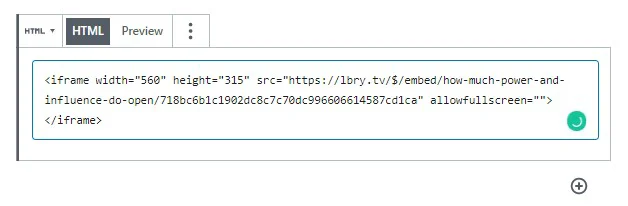
|
||||
|
||||
## What does an embed look like?
|
||||
|
||||
Here's a sample lbry.tv iframe embed, generated by following the above steps for the video [Meet lbry.tv](https://open.lbry.com/@lbry:3f/meetlbrytv:c?r=9PLaAYVfz6NLQa81fdSLpcvVhWm7joNV):
|
||||
|
||||
<iframe width="560" height="315" src="https://lbry.tv/$/embed/meetlbrytv/c6c0a5caa6cc391696e1270e33cd9d24ee7c2d52" allowfullscreen></iframe>
|
||||
|
||||
## Embed videos in markdown posts and comments on LBRY
|
||||
|
||||
You can also embed a LBRY URL in your markdown (.md) and comments posts on LBRY. It can be a vanity, canonical, or permanent URL. See sample markdown on our [lbry.tv blog post about embeds](https://open.lbry.com/@lbry:3f/embedforscience:0). It will open in the pop out player if available, or navigate to video page if not (actual embedding in this case to come later).
|
||||
|
||||
Syntax examples inside markdown file:
|
||||
|
||||
```
|
||||
<iframe src="lbry://@lbry#3f/befreeonlbry#5"></iframe>
|
||||
or
|
||||
lbry://@lbry#3f/befreeonlbry#5
|
||||
or
|
||||
https://lbry.tv/befreeonlbry
|
||||
```
|
||||
|
||||
## What else do I need to know?
|
||||
|
||||
1. When an embedded video is played, it will count as a view for your content.
|
||||
1. If a user visiting the site has a lbry.tv account, their views may also [count as tips](/faq/rewards#contentview).
|
||||
1. You'll be credited with an invite if the user signs up for a lbry.tv account later (and their first video play was from your embed).
|
||||
|
||||
## I'm in need of some assistance, can you help?
|
||||
|
||||
Of course, we are always here to help! Check out our [help page](/faq/support) on how to reach us.
|
||||
@@ -1,34 +1,34 @@
|
||||
---
|
||||
title: How Does LBRY Work with Exchanges?
|
||||
title: How does LBRY work with exchanges?
|
||||
category: other
|
||||
---
|
||||
|
||||
### What is LBRY’s policy and approach in working with cryptocurrency exchanges?
|
||||
## What is LBRY’s policy and approach in working with cryptocurrency exchanges?
|
||||
LBRY supports all blockchain tokens, including its own, being as maximally available with minimum transaction costs, both in terms of fees and human time.
|
||||
|
||||
We are happy to work with any entity that wants to make LBC available to its users or customers, whether that is in exchange for other blockchain assets, state currencies, or well… anything really.
|
||||
|
||||
LBRY engages in outreach and communications with exchanges, whether we are available on the platform or not. We also provide technical and operational assistance in making LBC available and supporting it’s continued usage.
|
||||
LBRY engages in outreach and communications with exchanges, whether we are available on the platform or not. We also provide technical and operational assistance in making LBC available and supporting its continued usage.
|
||||
|
||||
To date, LBRY has not paid to be listed, but will consider paying fees to cover additional costs for quality exchanges and/or to reach markets where LBC is not available.
|
||||
|
||||
### Why isn’t LBRY available on X?
|
||||
## Why isn’t LBRY available on X?
|
||||
The answer depends on the value of X, but the answer is almost always: we don’t know.
|
||||
|
||||
Most exchanges do not provide public or private insight into why and how they make the decisions that they do. If X is a well-known place, we’ve probably contacted them but not disclosed their reasoning. If you think X is a place we might not have heard of, you can let us know about it on [Twitter](https://twitter.com/lbryio), via [email](mailto:hello@lbry.com), or [in chat](https://chat.lbry.com).
|
||||
Most exchanges do not provide public or private insight into why and how they make the decisions that they do. If X is a well-known place, we’ve probably contacted them but not disclosed their reasoning. If you think X is a place we might not have heard of, you can let us know about it on [Twitter](https://twitter.com/lbrycom), via [email](mailto:hello@lbry.com), or [in chat](https://chat.lbry.com).
|
||||
|
||||
Additionally, if X is a well-known place, let them know you want us available there. Exchanges like there to be user demand in order to add a token. And if you tag us both on [Twitter](https://twitter.com/lbryio), maybe someone will leave you a tip…
|
||||
Additionally, if X is a well-known place, let them know you want us available there. User demand is necessary for them to add a token/coin for exchange. And if you tag us both on [Twitter](https://twitter.com/lbrycom), maybe someone will leave you a tip…
|
||||
|
||||
### Does LBRY have plans to end or ease the exchange pain?
|
||||
## Does LBRY have plans to end or ease the exchange pain?
|
||||
Yes. Working with exchanges is a pain for typical and actual users of the LBRY platform. We would happily provide onramps and offramps to many currencies, but it is a massive regulatory challenge.
|
||||
|
||||
We are working to find and provide alternatives for those who do not like the current situation with exchanges, especially for creators.
|
||||
|
||||
### I have a complaint and/or compliment about a specific statistic about the market for LBC.
|
||||
## I have a complaint and/or compliment about a specific statistic about the market for LBC.
|
||||
We’re sorry you feel that way and/or thank you.
|
||||
|
||||
We do not control the markets. We do not interfere with the markets. We do not dump and we do not pump.
|
||||
|
||||
Don’t allocate very much credit to us when the price of LBC goes up and don’t allocate too much blame to us when it goes down.
|
||||
|
||||
Software changes in a gradual way. Massive market fluctuations or moves are rarely the result of direction actions we take. We continue to hold the philosophy that focusing on building, both in tech and usage, is the only trend that matters in the long term.
|
||||
Software changes in a gradual way. Massive market fluctuations or moves are rarely the results of direct actions we take. We continue to hold the philosophy that focusing on building, both in tech and usage, is the only trend that matters in the long term.
|
||||
@@ -1,20 +1,27 @@
|
||||
---
|
||||
title: Where can I buy or sell LBC?
|
||||
title: Where can I exchange LBC?
|
||||
category: getstarted
|
||||
---
|
||||
|
||||
We are listed on several exchanges. You can buy or sell LBRY Credits at one of these:
|
||||
We are listed on several cryptocurrency exchanges. You can buy or sell LBRY Credits at any of the below.
|
||||
|
||||
### Traditional Exchanges
|
||||
You can also [purchase LBC directly via the app](/faq/buy-lbc).
|
||||
|
||||
For a guide on buying/selling, see our [Bittrex purchasing/selling FAQ](/faq/buy-sell-bittrex)
|
||||
|
||||
## Traditional exchanges
|
||||
- [Bittrex](https://bittrex.com/Market/Index?MarketName=BTC-LBC)
|
||||
- [Hotbit](https://www.hotbit.io/exchange?symbol=LBC_BTC) / [USDT](https://www.hotbit.io/exchange?symbol=LBC_USDT)
|
||||
- [CoinEx BTC](https://www.coinex.com/exchange?currency=btc&dest=lbc) / [USDT](https://www.coinex.com/exchange?currency=usdt&dest=lbc)
|
||||
- [Upbit](https://upbit.com/exchange?code=CRIX.UPBIT.BTC-LBC)
|
||||
- [Instant Bitex](https://instantbitex.com)
|
||||
- [Coinspot](https://www.coinspot.com.au/buy/lbc)
|
||||
- [Coindeal](https://frontend.coindeal.com/market/trade.html?pair=LBC/BTC)
|
||||
|
||||
### Instant Exchanges
|
||||
- [ChangeNow](https://changenow.io/exchange?amount=1&from=btc&to=lbc)
|
||||
## Instant exchanges - Crypto Only (currently under maintenance and not available)
|
||||
- [Simple Swap](https://simpleswap.io)
|
||||
- [Stealthex](https://stealthex.io/)
|
||||
- [SwapSpace](https://swapspace.co)
|
||||
- [Swapzone](https://swapzone.io)
|
||||
|
||||
## Decentralized exchanges (DEX)
|
||||
- [Bisq](https://bisq.network)
|
||||
- [BlockDX](https://blockdx.com/)
|
||||
@@ -1,11 +1,11 @@
|
||||
---
|
||||
title: Do you have a GPG key?
|
||||
title: Do you have a PGP key?
|
||||
category: other
|
||||
---
|
||||
|
||||
Reporting a security issue? [Click here](/faq/security).
|
||||
|
||||
Our GPG is on [Keybase](https://keybase.io/lbry/key.asc) and is reproduced below.
|
||||
Our PGP is on [Keybase](https://keybase.io/lbry/key.asc) and is reproduced below.
|
||||
|
||||
<pre><code id="keybase-key"></code></pre>
|
||||
<script type="text/javascript">
|
||||
|
||||
@@ -3,18 +3,21 @@ title: How does content hosting work?
|
||||
category: getstarted
|
||||
---
|
||||
|
||||
Right now, it's simple: you host what you download and publish. The hosted data is stored in the [lbrynet/blob files folder](https://lbry.com/faq/lbry-directories). On publish, the content is also sent to LBRY in order to help re-host content so your PC does not need to remain available.
|
||||
Right now, it's simple: you host what you download and publish on the LBRY Desktop app (hosting not available on lbry.tv or Android). The hosted data is stored in the [lbrynet/blob files folder](https://lbry.com/faq/lbry-directories). On publish, the content is also sent to LBRY in order to help re-host content so your PC does not need to remain available.
|
||||
|
||||
While the LBRY app is running, it communicates to the network whatever content you're making available. For proper communication to occur, your router must have UPNP enabled or you have to manually port forward 3333 TCP / 4444 UDP (see router on how to do so, each one is different).
|
||||
While LBRY Desktop is running, it communicates to the network whatever content you're making available. For proper communication to occur, your router must have UPNP enabled or you have to manually port forward 3333 TCP / 4444 UDP (see router on how to do so, each one is different).
|
||||
|
||||
Think of it like how torrents or any other peer-to-peer (P2P) service works. First, you download a file from the host(s) that have made it available via seeding. When the download has finished, you become a host in the network (seeder) that other people can download from.
|
||||
|
||||
### Controlling these settings
|
||||
On the LBRY Desktop application, you can configure the download options on the Settings page. You have the option to enable/disable to files and hosted data from being saved.
|
||||
## Controlling these settings
|
||||
On the LBRY Desktop application, you can configure the download options on the Settings page. You have the option to enable/disable to files and hosted data from being saved.
|
||||
|
||||
On Android, only published data is saved in the blobs folder.
|
||||
|
||||
### Deleting hosted content
|
||||
You can delete files from the blob folder directly, or you can also delete them from the My LBRY section of the App - both will get rid of the hosted content and you'll lose the ability to seed it anymore.
|
||||
## Moving hosted content
|
||||
Currently, this process is manual and you can see our [FAQ on how to move the hosted content](/faq/how-to-change-lbry-blob-files) to another drive.
|
||||
|
||||
## Deleting hosted content
|
||||
You can delete files from the blob folder directly, or you can also delete them from the My LBRY section of the App - both will get rid of the hosted content and you'll lose the ability to seed it anymore.
|
||||
|
||||
**Please note: Hosting fees are currently disabled on the network as we're currently working on a better way to implement the fee structure.**
|
||||
@@ -3,36 +3,39 @@ title: How do I back up my LBRY wallet?
|
||||
category: wallet
|
||||
---
|
||||
|
||||
The LBRY application relies on blockchain technology and the LBRY Credits (LBC) cryptocurrency in order to participate in the network. These LBC are stored in a wallet (data file on your PC/device) which is generated with each LBRY installation...think of your credits as digital cash on your PC. A wallet contains your funds, channel data, and claims (any uploads). An Account Sync service is provided by LBRY where an encrypted copy of your wallet is stored securely by us. Strong wallet passwords are highly recommedned if this service is used.
|
||||
LBRY relies on blockchain technology and the LBRY Credits (LBC) cryptocurrency in order to participate in the network. These LBC are stored in a wallet (data file on your PC/device if using Desktop/Mobile) which is generated with each LBRY installation...think of your credits as digital cash on your PC. A wallet contains your funds, channel data, claims (any uploads), and preferences (subscriptions/tags/etc).
|
||||
|
||||
Otherwise, it is important to understand that the wallet is not stored on any LBRY servers (except when [sync](#sync) is enabled) and as such, users are responsible for its safeguarding and making sure a backup (copy of the wallet file) is available in the event that it is lost. If a wallet is lost or needs to be transferred, follow the [restore procedures below](#restore).
|
||||
## Two ways to backup your wallet
|
||||
|
||||
*Note: Wallets should be re-backed up after creating new Channels/Identities (this is stored directly in the wallet file, and not part of the seed/restore process at the moment).*
|
||||
### lbry.tv sync
|
||||
|
||||
## Wallet Account Sync (Android only) {#sync}
|
||||
An Account Sync service is provided automatically on [lbry.tv](https://lbry.tv) and can be enabled on Desktop/Mobile which allows LBRY to store a backup of the wallet for you. [Learn more](/faq/account-sync).
|
||||
|
||||
On Android, LBRY provides a wallet backup service where an encrypted version of your account, including any claims/channels/updates, is securely backed up and stored by LBRY Inc. **LBRY cannot recover this account without the password set by the user when enabling sync. Extra caution is advised when setting/storing the password** This allows users to sign back into their devices using their email and account password, and keeping their account/wallet history. Choosing a secure password is highly recommended, especially when storing larger amounts of LBC.
|
||||
### User maintained backup
|
||||
|
||||
Only a single account will be synced per LBRY account. Wallet merging is not currently available. Both new and existing users are able to enable and configure account sync. **If an existing wallet is synced to an account that has a sync backup, it will overwrite the current wallet.** Password change and more storage (i.e. own location) features to be added at a later date.
|
||||
Otherwise, it is important to understand that the wallet is not stored on any LBRY servers (except when [sync](#sync) is enabled) and as such, users are responsible for its safeguarding and making sure [a backup](/faq/how-to-backup-wallet) (copy of the wallet file) is available in the event that it is lost. If a wallet is lost or needs to be transferred, follow the [restore procedures below](#restore).
|
||||
|
||||
*Coming to LBRY Desktop in Summer 2019*
|
||||
_Note: If you are not using the sync service, wallets should be re-backed up after creating new Channels/Identities (this is stored directly in the wallet file, and not part of the seed/restore process at the moment)._
|
||||
|
||||
## How do I find my wallet in the LBRY Desktop App?
|
||||
## How do I find my wallet in LBRY Desktop?
|
||||
|
||||
The easiest way to find the location of your LBRY wallet is via the [LBRY app](/get). Open LBRY and on the left side, you should see a sidebar menu called "Help" - the wallet location is in the **Backup Your LBRY Credits** section.
|
||||
The easiest way to find the location of your LBRY wallet is via the [LBRY app](/get). Open LBRY and on the left side, you should see a sidebar menu called "Help" - the wallet location is in the **Backup Your LBRY Credits** section.
|
||||
|
||||
## How do I backup my LBRY Desktop App wallet?
|
||||
Click on "Help" and scroll down to the **Backup Your LBRY Credits** section. Open the location of the link in your local machine and make a copy of the files stored in that location. If this link is grayed out, it usually means you don't have any credits (see section below on how to manually find the wallet).
|
||||
## How do I backup my LBRY Desktop wallet?
|
||||
|
||||
When you click `Backup`, you will be shown the location of your `lbryum` directory that contains the wallet file. Navigate to this directory via your file explorer to locate your wallet. You can either choose to backup this whole directory, the wallets directory inside it or the `default_wallet` file itself inside the wallets directory.
|
||||
Click on "Help" and scroll down to the **Backup Your LBRY Credits** section.
|
||||
|
||||
Wallets should be copied securely to one or more locations which only you have control over. Anyone with access to the wallet file could potentially have access to your LBRY Credits. Backing up is the process by which you copy the wallet files from your PC to another secure location. We recommend using Flash Drives/USBs or other external media which is kept in your possession. It is recommended to copy the wallet to more than one backup location for redundancy, especially if you are storing larger amounts of credits.
|
||||
When you click **Create Backup**, the app will generate a zip file of your wallet directory. You'll be directed to the folder it's saved to.
|
||||
|
||||
We will continue to make this process easier for users in the future through the LBRY application.
|
||||
Wallet backups should be copied securely to one or more locations which only you have control over. Anyone with access to the wallet file could potentially have access to your LBRY Credits. Backing up is the process by which you copy the wallet files from your PC to another secure location. We recommend using Flash Drives/USBs or other external media which is kept in your possession. It is recommended to copy the wallet to more than one backup location for redundancy, especially if you are storing larger amounts of credits.
|
||||
|
||||
## How do I find my wallet if I don't have LBRY open?
|
||||
|
||||
The LBRY wallet can be found manually by navigating to the [lbryum directory](/faq/lbry-directories). The `default_wallet` file is inside the wallet's folder.
|
||||
The LBRY wallet can be found manually by navigating to the [lbryum directory](/faq/lbry-directories). The `default_wallet` file is inside the `wallets` folder.
|
||||
|
||||
## How do I back up my wallet on lbry.tv?
|
||||
|
||||
lbry.tv user's wallets are automatically backed up by us. If you want a copy for yourself, you'll need to install the Desktop or Android applications and follow the steps in this FAQ.
|
||||
|
||||
## How do I find my wallet in the LBRY Android app?
|
||||
|
||||
@@ -40,22 +43,20 @@ The easiest way to find the location of your LBRY Android wallet is via the [And
|
||||
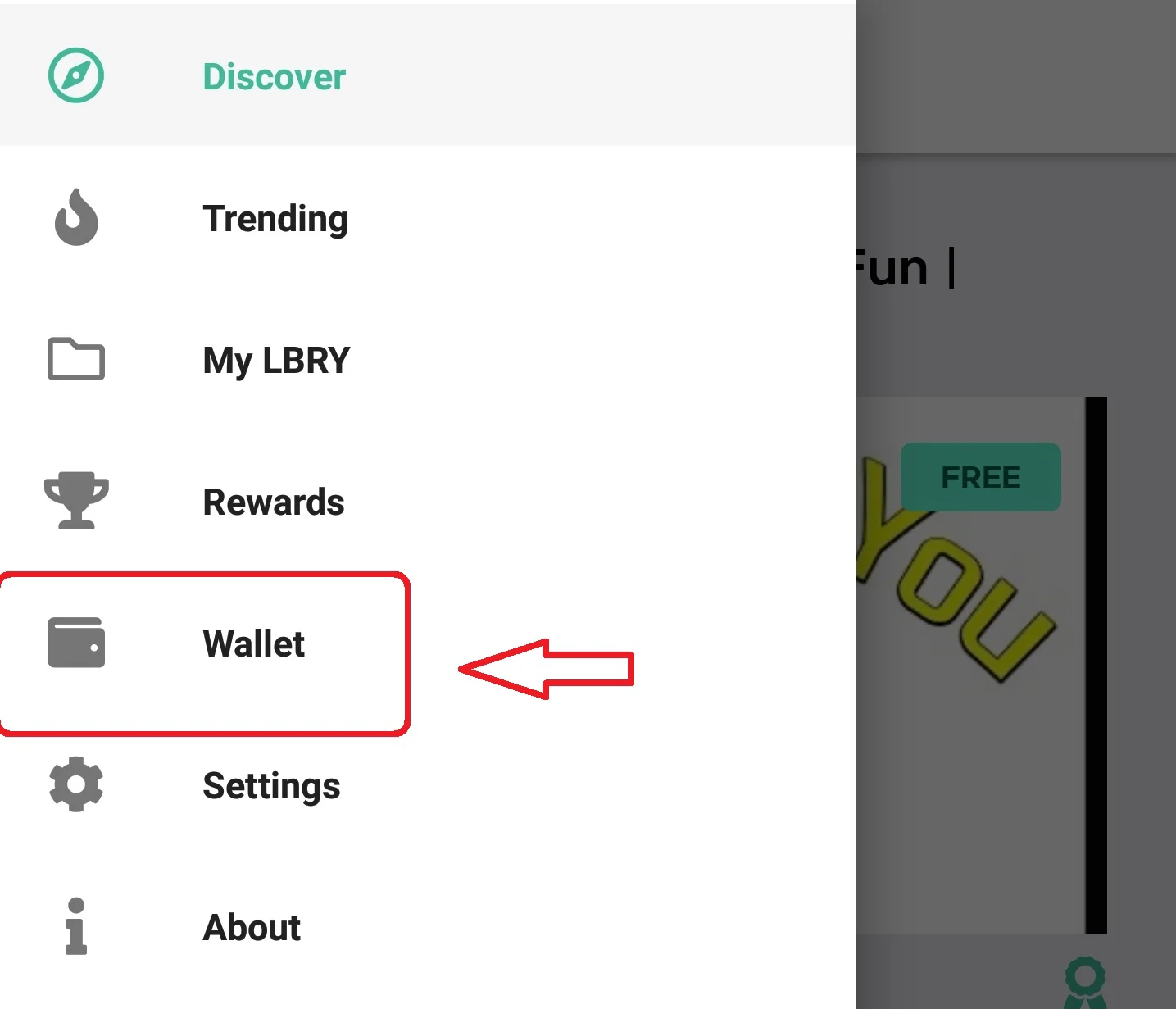
|
||||
|
||||
## How do I backup my LBRY Android app wallet? {#android}
|
||||
|
||||
The Android wallet will be removed if you uninstall the app or clear data or do not participate in the [sync](#sync) program. Scroll to the top of this page to learn more about your wallet.
|
||||
*Please note that this may vary with each Android device*
|
||||
_Please note that this may vary with each Android device_
|
||||
|
||||
1. Open your favorite file manager, navigate to `Internal storage/android/data/io.lbry.browser/files/lbryum/wallets`
|
||||
2. Copy the default_wallet to any other location on your device, i.e. your SD card or another directory on the Internal Storage
|
||||
|
||||
## Wallet migration with 0.30 SDK release {#migration}
|
||||
|
||||
If you have run one of the latest Desktop or Android releases, you'll notice a file named `old_lbryum_wallet_1` in your wallets folder. This is a backup prior to the migration to the new wallet that's part of the 0.30 LBRY SDK release. This can be backed up for safekeeping or discarded if your current wallet is showing the right balance, claims and channels.
|
||||
|
||||
## How do I restore my wallet? {#restore}
|
||||
|
||||
The process of restoring a previously backed up wallet is fairly simple. After installing LBRY, you would find the location of your wallet (see section above on finding the wallet) and replace the newly generated wallet with your backup copy (LBRY needs to be completely shut down when you do so). Before replacing the existing `default_wallet`, please confirm there are no credits inside of it by opening the LBRY app and checking the balance in the top right next to the bank icon - this should read 0 if the wallet is empty. Once the backed up `default_wallet` file is in place, start LBRY, and your balance should now be updated.
|
||||
The process of restoring a previously backed up wallet is fairly simple. After installing LBRY, you would find the location of your wallet (see section above on finding the wallet) and replace the newly generated wallet with your backup copy (LBRY needs to be completely shut down with Ctlr-Q). Before replacing the existing `default_wallet`, please confirm there are no credits inside of it by opening the LBRY app and checking the balance in the top right next to the bank icon - this should read 0 if the wallet is empty. Once the backed up `default_wallet` file is in place, start LBRY, and your balance should now be updated.
|
||||
|
||||
## Can I use the same wallet on mulitple PCs / installations?
|
||||
## Can I use the same wallet on multiple PCs / installations?
|
||||
|
||||
As of LBRY SDK 0.30 (December 2018), you can copy the default_wallet file to multiple installations and have them synced. You can even do so between PC + Android, as long as the wallet is not encrypted (Android does not support encryption yet). The only thing that won't sync at the moment is channels that are created after the file is copied (the file would need to be copied again to access the channels).
|
||||
We'd recommend using the [Account Sync service](/faq/account-sync) if you plan to use LBRY on multiple devices. You can manually copy the wallet to multiple devices and transactions will stay in sync, but newly created channels and changes to subscriptions/tags will not.
|
||||
|
||||
## How do I backup/migrate other LBRY data?
|
||||
|
||||
|
||||
@@ -3,27 +3,19 @@ title: How do I change my LBRY connected email?
|
||||
category: troubleshooting
|
||||
---
|
||||
|
||||
In certain cases, you may want to change the email connected to your LBRY App. LBRY stores the email address along with an access token which is unique to each user account. To clear this token, shutdown LBRY and see instructions below for each operating system.
|
||||
In certain cases, you may want to change the email connected to your lbry.tv account. LBRY stores the email address along with an access token which is unique to each user account. To clear this token, use the **Sign Out** button on the Account overview page (click the account icon next to settings in the top right).
|
||||
|
||||
Clearing out this token will allow you to change your email or reset your private access token. When you start up LBRY after clearing the token, you can reconnect an email address by going to **Help** > **Set Email** in the About section. After setting the email, your LBRY Rewards status should be transferred to the new account. If this does not happen, please reach out to us via [email](mailto:help@lbry.com) with your old/new email addresses.
|
||||
## Wallets and rewards
|
||||
|
||||
## Windows
|
||||
1. Open the Control Panel, find the Credentials Manager (may need change View By setting)
|
||||
2. Select **Windows Credentials**
|
||||
3. Under Generic Credentials, select **LBRY/auth_token** and click **Remove**
|
||||
Your Rewards status will not be transferred to the new account, so please [reach out to us](/faq/support) in order to merge them.
|
||||
|
||||
## MacOS
|
||||
1. Open the Mac Keychain (Click Finder > Go > Utilities > Keychain Access)
|
||||
2. Select the **Passwords** category on the left
|
||||
3. Find **LBRY/auth_token** and remove it
|
||||
If you are using lbry.tv only, your wallet will also not be transferred, so please [reach out to us](/faq/support) in order to merge them. To do this merge yourself, you'd need to sign into the old email, and then the new email, via the LBRY Desktop app.
|
||||
|
||||
## Ubuntu / Linux
|
||||
*(Exact steps may differ slightly)*
|
||||
1. Go to **Passwords and Keys**
|
||||
2. Select the **Login** folder
|
||||
3. Find **LBRY/auth_token** and right click > Delete to remove it
|
||||
If you sign out of the Desktop app and back in with a different email, **these wallets and accounts will be merged**. Do not do this unless it's intentional and you expect the new email to be used by the same person.
|
||||
|
||||
## Changing email on Android {#android}
|
||||
**If you need to merge wallets, you need to backup/restore your Android wallet or use the LBRY Desktop app to merge them by signing into both emails. [Android wallet backup instructions](https://lbry.com/faq/how-to-backup-wallet#android).**
|
||||
|
||||
## Android {#android}
|
||||
*(Exact steps may differ slightly)*
|
||||
*Before proceeding, please make sure to backup your wallet if there are funds in it*
|
||||
1. Go to phone settings
|
||||
|
||||
@@ -0,0 +1,144 @@
|
||||
---
|
||||
title: How do I change the location of blob files / hosted data?
|
||||
category: troubleshooting
|
||||
---
|
||||
|
||||
When you use the application LBRY Desktop on GNU/Linux, MacOS or Windows, you participate in the LBRY protocol which is a peer to peer, decentralized file sharing network similar to BitTorrent. As you upload and download content, the app will utilize your hard disk space for storing 2MB chunks of data used to share with others. The folder where these files are stored is named **blobfiles**, which is inside the [lbrynet folder](/faq/lbry-directories) and may grow over time. Currently there is no cleanup mechanism in place, so your drive may fill up with extended usage.
|
||||
|
||||
Currently there is no way to choose the location where these files are stored. The download folder setting is for the content files themselves, not the 2MB chunks. Because the application is installed on the operating system partition by default, this can be a problem if your partition is limited.
|
||||
|
||||
At this time, the easiest workaround to change the blob files location is to use the command line (or [GUI for Windows](#GUI)) to redirect one folder to another. This redirect is called symbolic link, also known as a symlink or soft link, which is something like a shortcut in Windows.
|
||||
|
||||
**Tip**: Periodically, when you want or your free space became too small on drive, you can access this new cache folder created and then delete all it's content, regaining the space occupied by downloaded blob files.
|
||||
|
||||
Since each Operating System has its own set of rules, use the below guide according to your situation to change the location of **blobfiles** folder: [Windows](#Windows) - [MacOS](#MacOS) - [GNU/Linux](#Linux)
|
||||
|
||||
## Windows {#Windows}
|
||||
|
||||
First, make sure the application is completely closed - right-click on application's tray icon and choose the **`Exit`** option from menu or press **`Ctlr-Q`**.
|
||||
|
||||
### Method 1 (creating the symbolic link only from Command Prompt)
|
||||
---
|
||||
1. Open **`Command Prompt`** (keyboard shortcut: **`Windows Key + R`**, enter the text **`cmd`** and press **`Enter`**).
|
||||
|
||||
2. In the **`Command Prompt`** window enter the below commands:
|
||||
|
||||
>**Notes**:
|
||||
>
|
||||
>- in our example below change the drive letter **`D`** and **`LBRY_cache`** destination folder name according to your needs;
|
||||
>
|
||||
>- if your folder path contains spaces or other special characters, you’ll need to enclose it in quotation marks, like **"D:\LBRY Cache"** when you enter the commands.
|
||||
|
||||
- if you don't have already created the folder where you want to move the blob files folder, then create it now. In our example this will be placed on drive **`D:`** and named **`LBRYCache`**.
|
||||
|
||||
- if you want to preserve the existing downloaded blob files then enter the next command, if not, go the the next one:
|
||||
|
||||
**`xcopy %localappdata%\lbry\lbrynet\blobfiles D:\LBRYCache`** [press Enter]
|
||||
|
||||
- this will remove the **`blobfiles`** folder and it's content:
|
||||
|
||||
**`rd /S /Q %localappdata%\lbry\lbrynet\blobfiles`** [press Enter].
|
||||
|
||||
- this will create symblolic link with our desired folder:
|
||||
|
||||
**`mklink /J %localappdata%\lbry\lbrynet\blobfiles D:\LBRYCache`** [press Enter]
|
||||
|
||||
3. Close the Command Prompt window and open the LBRY application. If you access the new folder created for the blob files, you will see it's contents populated.
|
||||
|
||||
### Method 2 (creating the symbolic link with a graphical tool) {#GUI}
|
||||
---
|
||||
1. Open Windows Explorer (keyboard shortcut **`Windows Key + E`**) or your preferred file manager and create a folder where you want to move the LBRY cached files, if you don't have it already created.
|
||||
|
||||
2. First you need to download a small portable application from here: <a href="http://bit.ly/symlinker_executable" target="_blank">Symlink Creator</a>. After download, you need to unpack it.
|
||||
|
||||
4. In Windows Explorer enter this text in his address bar:
|
||||
|
||||
**`%localappdata%\lbry\lbrynet`** [press Enter].
|
||||
|
||||
5. If you want to preserve the existing downloaded blob files then copy the content of the **`blobfiles`** folder in the destination folder created on step 1, if not, go the the next step.
|
||||
|
||||
6. In the list of files and folders displayed select the **`blobfiles`** folder and use the shortcut key **`Shift+Del`** or drag it over **`Recycle Bin`** icon from Desktop while you hold the **`Shift`** key pressed. In this way the blob files folder and it's entire content will be deleted directly.
|
||||
|
||||
5. After that, put the cursor again in the address bar of the Windows Explorer, select the entire path and copy it in the Clipboard with shortcut key **`Ctrl+C`** or right-click over the selected text and choose **`Copy`** option from the displayed menu.
|
||||
|
||||
6. Now run the **`"Symlink Creator`"** application that you unpacked.
|
||||
Fill the textboxes following the below instructions:
|
||||
|
||||
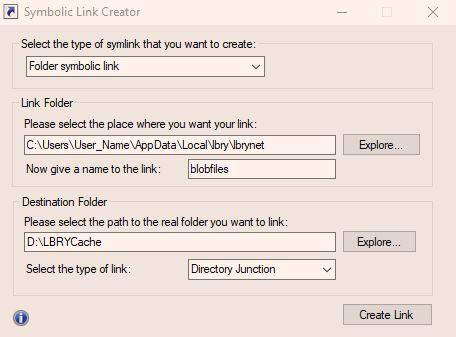
|
||||
|
||||
- select the type of symbolic link as: **`Folder symbolic link`**
|
||||
- put the cursor in the textbox named **`Please select the place where you want your link:`** and use the shortcut key **`Ctrl+V`** or right-click and choose **`Paste`** option from menu to bring back the path that you copied from Windows Explorer. In your case, **`User_Name`** will be your Windows user name.
|
||||
- in the textbox **`Now give a name to the link:`** **YOU MUST** put **`blobfiles`**. This name is mandatory, otherwise the LBRY won't start.
|
||||
- next choose your destination folder, that you created at step 1, where the cache files will be created after starting the LBRY application.
|
||||
- and finally for the **`Select the type of link:`** setting, choose the **`Directory Junction`** option and then click on the **`Create Link`** button.
|
||||
|
||||
If you respected all the above instructions you'll see a success message, otherwise it will give you an error. You can close the Symlink Creator and start the LBRY application. If you access the new folder created for the blob files, you will see it's contents populated.
|
||||
|
||||
---
|
||||
>**Note:** if you want to revert back to the original LBRY folder settings, you can delete the created symbolic link like you would with any other type of file from Command Prompt or with any file manager. After that, remember to recreate the original **`blobfiles`** folder in the original path of lbry **`%localappdata%\lbry\lbrynet\`**, otherwise the LBRY app won't start.
|
||||
|
||||
## MacOS {#MacOS}
|
||||
1. Make sure the application it's completely closed - right-click on application's icon from Dock and choose **`Quit`** option from menu or press Ctlr-Q.
|
||||
|
||||
2. Open the **Terminal** application (Press **`Command+Space`**, type **`Terminal`** and then press **`Enter`** to open **`Terminal`** from Spotlight search or navigate to **`Finder > Applications > Utilities > Terminal`** to launch the **`Terminal`** shortcut or click on the **`Terminal`** app icon from the **`Dock`** menu if it's available.)
|
||||
|
||||
3. In the Terminal window enter the below commands:
|
||||
|
||||
>**Notes**:
|
||||
>- replace **`Volume_Name`** with your mounted volume name and **`LBRY_Cache`** with the your desired folder name in our example below.
|
||||
>
|
||||
>- if your destination folder contains spaces or other special characters, you’ll need to enclose it in quotation marks, like **`/volumes/Volume_Name/"LBRY Cache"`** when enter the commands.
|
||||
|
||||
- if you don't have already created the folder where you want to move the blob files folder, then create it now:
|
||||
|
||||
**`mkdir /volumes/Volume_Name/LBRY_Cache`** [press Enter]
|
||||
|
||||
- if you want to preserve the existing downloaded blob files then enter the next command, if not, go the the next one:
|
||||
|
||||
**`cp ~/Library/"Application Support"/LBRY/blobfiles/*.* /volumes/Volume_Name/LBRY_Cache`** [press Enter]
|
||||
|
||||
- this will remove the default **`blobfiles`** folder and it's content:
|
||||
|
||||
**`rm -r ~/Library/"Application Support"/LBRY/blobfiles`** [press Enter]
|
||||
|
||||
- this will create the symbolic link with our desired folder:
|
||||
|
||||
**`ln -s /volumes/Volume_Name/LBRY_Cache ~/Library/"Application Support"/LBRY/blobfiles`** [press Enter]
|
||||
|
||||
4. Close the **`Terminal`** window and start the LBRY application. If you access the new folder created for the blob files, you will see it's contents populated.
|
||||
|
||||
>**Note:** if you want to revert back to the original situation, you can delete the created symbolic link like you would with any other type of file from **`Terminal`** app or any other file manager. After that, remember to recreate the original **`blobfiles`** folder, otherwise the LBRY app won't start.
|
||||
|
||||
## Ubuntu / Linux *(Exact steps may differ slightly)* {#Linux}
|
||||
|
||||
1. Make sure the application it's completely closed - right-click on application's tray icon and choose the **`Quit`** option from menu or press Ctlr-Q.
|
||||
|
||||
2. Open the **`Terminal`** application
|
||||
|
||||
3. In the **`Terminal`** window enter the below commands:
|
||||
|
||||
>**Notes**:
|
||||
>
|
||||
>- in our example below replace **`User_Name`** with your user name, **`Volume_Name`** with your mounted volume name and **`LBRY_Cache`** with your desired folder name;
|
||||
>
|
||||
>- if your folder path contains spaces or other special characters, you’ll need to enclose it in quotation marks, like **`"/media/User_Name/Volume_Name/LBRY Cache"`** when you enter the commands;
|
||||
|
||||
- if you don't have already created the folder where you want to move the blob files folder, then create it now:
|
||||
|
||||
**`mkdir /media/User_Name/Volume_Name/LBRY_Cache`** [press Enter]
|
||||
|
||||
- if you want to preserve the existing downloaded blob files then enter the next command, if not, go the the next one:
|
||||
|
||||
**`cp .local/share/lbry/lbrynet/blobfiles/*.* /media/User_Name/Volume_Name/LBRY_Cache`** [press Enter]
|
||||
|
||||
- this will remove the default **`blobfiles`** folder and it's content:
|
||||
|
||||
**`rm -r .local/share/lbry/lbrynet/blobfiles`** [press Enter]
|
||||
|
||||
- this will create the symbolic link with the new folder:
|
||||
|
||||
**`ln -s /media/User_Name/Volume_Name/LBRY_Cache .local/share/lbry/lbrynet/blobfiles`** [press Enter]
|
||||
|
||||
4. Close the **`Terminal`** window and start the LBRY application. If you access the new folder created for the blob files, you will see it's contents populated.
|
||||
|
||||
>**Note:** if you want to revert back to the original situation, you can delete the created symbolic link like you would with any other type of file from **`Terminal`** app or any other file manager. After that, remember to recreate the original **`blobfiles`** folder, otherwise the LBRY app won't start.
|
||||
@@ -14,17 +14,16 @@ Sample daemon_settings.yml (may vary by OS):
|
||||
download_directory: c:\users\lbry
|
||||
tcp_port: 3334
|
||||
|
||||
## Other Methods
|
||||
## Other methods
|
||||
To change the port once during runtime, set the LBRY_PEER_PORT env variable. Here's one way to do this:
|
||||
|
||||
LBRY_TCP_PORT=3334 ./lbrynet-daemon
|
||||
|
||||
Once the daemon is running, you can change the port permanently by using the following [api](/api) call
|
||||
|
||||
curl 'http://localhost:5279' --data '{"method":"settings_set", "params":{"tcp_port":<port-num>}}'
|
||||
curl -d'{"method": "settings_set", "params": {"key": "tcp_port", "value": <port-num>}}' http://localhost:5279/
|
||||
|
||||
|
||||
or via cli command
|
||||
|
||||
lbrynet settings_set --tcp_port 3334
|
||||
|
||||
|
||||
lbrynet settings set tcp_port 3334
|
||||
@@ -5,4 +5,4 @@ category: mining
|
||||
|
||||
If you are GPU mining, please use the pool dashboard or local mining client UI.
|
||||
|
||||
If you are CPU mining, you can check your hashrate using `lbrycrd-cli gethashespersec`.
|
||||
To see the overall hashrate, check out [Mining Pool Stats](https://miningpoolstats.stream/lbry).
|
||||
@@ -1,5 +1,5 @@
|
||||
---
|
||||
title: How do I use the LBRY Command Line Interface (CLI) tool?
|
||||
title: How do I use the LBRY command line interface (CLI) tool?
|
||||
category: powerusers
|
||||
---
|
||||
|
||||
@@ -23,10 +23,9 @@ As a power user, you may want to run your own commands against the LBRY SDK. Thi
|
||||
3. Type `./lbrynet status` and click **Enter**. This will return the LBRYnet status data
|
||||
4. See examples below or [LBRY SDK documentation](https://lbry.tech/api/sdk) for additional commands
|
||||
|
||||
## Common/Sample Commands
|
||||
- `lbrynet claim_list_mine` - Show list of own claims, including channels
|
||||
- `lbrynet claim_new_support --name=@channel --claim_id=<claimid> --amount=5` - add 5 LBC to a claim or channel
|
||||
## Common/sample commands
|
||||
- `lbrynet claim list` - Show list of own claims, including channels
|
||||
- `lbrynet support create --claim_id=<claimid> --amount=5.0` - add 5 LBC to a claim or channel
|
||||
- `lbrynet resolve one` - Retrieve information about winning claim at lbry://one
|
||||
- `lbrynet claim_list one` - Retrieve information about all claims at lbry://one
|
||||
- `lbrynet claim_abandon --claim_id=<claimid>` - Abandon claim by claim id (from claim info)
|
||||
- `lbrynet claim_abandon --txid=<txid> --nout=<nout>` - Abandon claim by transaction id and nout (from claim info)
|
||||
- `lbrynet claim search one` - Retrieve information about all claims at lbry://one
|
||||
- `lbrynet stream abandon --claim_id=<claimid>` - Abandon stream claim by claim id (from claim info)
|
||||
@@ -9,33 +9,33 @@ In certain cases, we may ask you to send us your log file(s). The current log fi
|
||||
|
||||
**lbrynet.log files may contain your IP address. While sharing this is not inherently dangerous, if you desire maximum privacy, please mask it before posting to public websites.**
|
||||
|
||||
### Find Logs via the LBRY App
|
||||
## Find Logs via the LBRY Desktop
|
||||
You are able to open the log folder from the Help tab in the LBRY app.
|
||||
From the LBRY App, click on the `Gear` icon on the upper right. Next, select `Help` and then click on "Open Log Folder"
|
||||
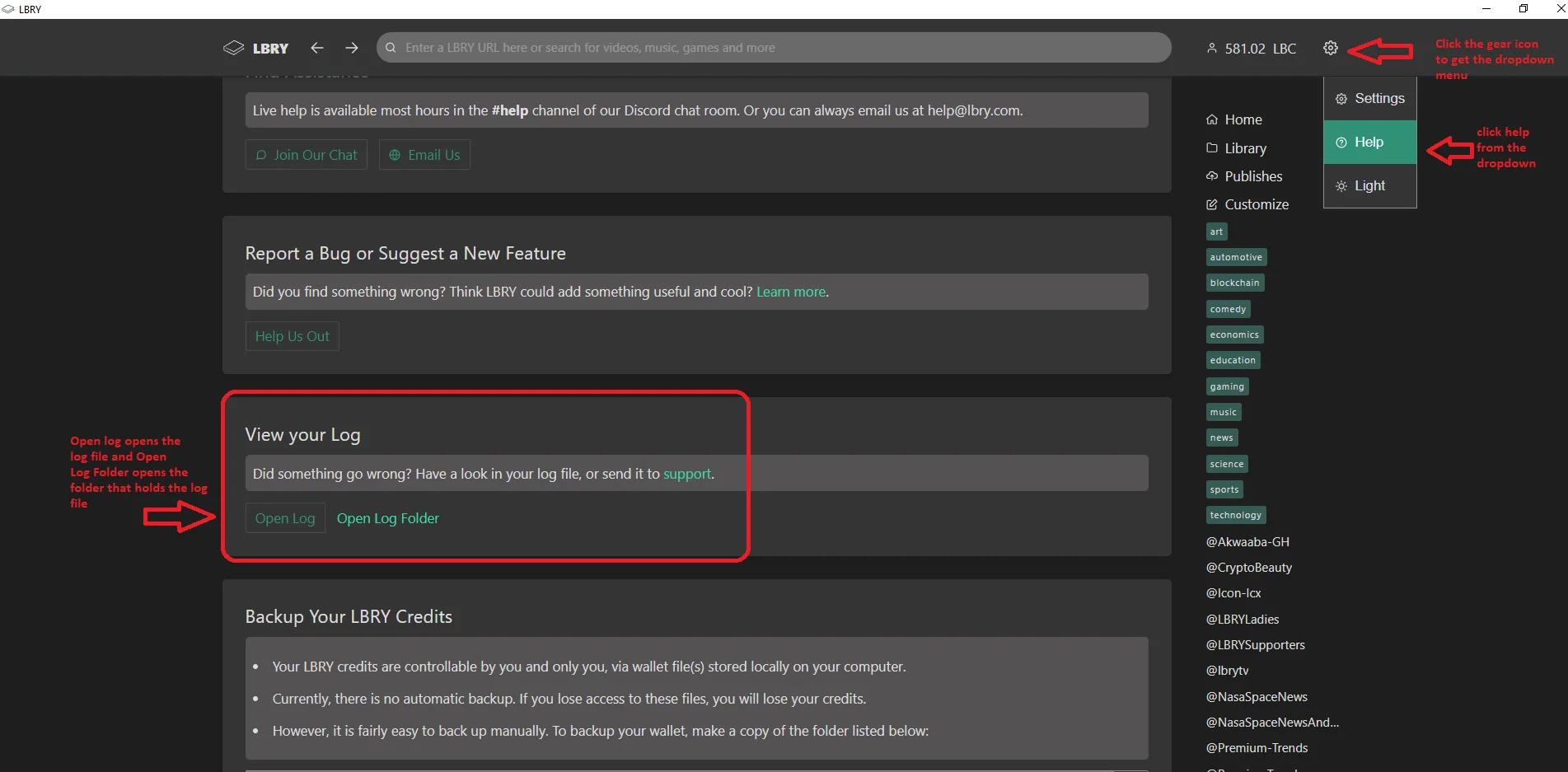
|
||||
The folder will be highlighted, so just double click to open and here you will see "lbrynet.log" or just "lbrynet".
|
||||
|
||||
### Sending log files from Android
|
||||
Navigate to the **About** page and use the **Send Logs** button at the bottom. You can email them to [help@lbry.com](mailto:help@lbry.com)
|
||||
## Sending log files from Android
|
||||
Navigate to the **About** page and use the **Send Logs** button at the bottom. You can email them to [help@lbry.com](mailto:help@lbry.com)
|
||||
|
||||
### Find Logs Manually {#manual}
|
||||
#### Windows
|
||||
## Find logs manually {#manual}
|
||||
### Windows
|
||||
1. Open File Explorer (Keyboard shortcut: Windows Key + E).
|
||||
2. Type `%localappdata%\lbry\lbrynet` (or `%appdata%\lbrynet` if you originally installed v0.14 or earlier) into the address bar and click Enter.
|
||||
3. Here you will see the `lbrynet.log` file and any archives.
|
||||
|
||||
#### MacOS
|
||||
### MacOS
|
||||
1. Open Finder.
|
||||
2. Click Go in the top menu and choose "Go To Folder".
|
||||
3. Type "~/Library/Application Support/LBRY" and then click go.
|
||||
4. Here you will see the `lbrynet.log` file and any archives.
|
||||
|
||||
#### Ubuntu / Linux *(Exact steps may differ slightly)*
|
||||
### Ubuntu / Linux *(Exact steps may differ slightly)*
|
||||
1. Navigate to your home directory. Ensure hidden files and folders are shown if using a graphical file explorer.
|
||||
2. Navigate to the `.local/share/lbry/lbrynet` folder (or `~/.lbrynet` if you originally installed v0.14 or earlier).
|
||||
3. Here you will see the `lbrynet.log` file and any archives.
|
||||
|
||||
#### Android *(Exact steps may differ slightly)*
|
||||
### Android *(Exact steps may differ slightly)*
|
||||
1. Launch your favorite file explorer.
|
||||
2. Navigate to `Internal storage\android\data\io.lbry.browser->files\lbrynet`.
|
||||
3. Here you will see the `lbrynet.log` file and any archives.
|
||||
@@ -0,0 +1,12 @@
|
||||
---
|
||||
title: How do I help translate LBRY apps?
|
||||
category: powerusers
|
||||
---
|
||||
|
||||
### Translation process:
|
||||
|
||||
1. Go to the [Transifex website](https://www.transifex.com/lbry/public/) and choose the languages you'd like to translate. If your language doesn't appear in the available languages, you can request a new language on Transifex.
|
||||
2. When you complete translating a language, please send an email to [hello@lbry.com](mailto:hello@lbry.com) detailing your work (example: "I translated 36 strings into French on the Desktop App"). There will be new strings on an ongoing basis, so please check back frequently to see if there are new translations needed.
|
||||
3. **Very important:** In some of the strings, the application passes a dynamic value. These variables are notated in the string encapsulated with percent signs. It is important to leave the text between the percent signs untranslated, otherwise the application will show an error. For example, if you see the text "%lbry_terms_of_service%", you would copy the text exactly like it is shown, complete with the percent signs and underscores, and no space characters.
|
||||
4. We will give you some appreciation in the form of LBC for your work.
|
||||
5. If you have any other questions, please join the [#translations channel in our Discord server.](https://chat.lbry.com)
|
||||
@@ -1,27 +1,29 @@
|
||||
---
|
||||
title: How do I Publish content to LBRY?
|
||||
title: How do I publish content to LBRY?
|
||||
category: publisher
|
||||
order: 1
|
||||
---
|
||||
|
||||
LBRY is a free, open, and community-driven digital marketplace that enables content sharing, monetization, discovery and consumption. Publishing in LBRY is the process of sharing your content on the network. You have the ability to set the price per view (can be free too) which is paid directly to you. This process involves making a "claim" in the LBRY blockchain which will be used to retrieve the content via a URL. Content can either be published anonymously or to a particular channel/identity which groups content in a single location. Both channels and claims require a deposit (bid) of LBRY Credits (LBC) in order to reserve their location on the LBRY network. This deposit will be deducted from your balance as long as the claim is active. See our [naming](/faq/naming) and [transaction](/faq/transaction-types) documentation for more information about claims, bids and transactions.
|
||||
|
||||
If you are a YouTube Sync user, please make sure to [read our FAQ](https://lbry.com/faq/youtube) on how this process works. you should only continue to create a channel or publish if you wish to experiment with the app.
|
||||
To see our recommended video upload format and settings, please see our [video publishing guide](/faq/video-publishing-guide).
|
||||
|
||||
**Please note:** To edit your channel currently, you need to be on the latest [LBRY Desktop app](https://lbry.com/get) and access your channel by clicking it from your Publishes page. Once you do this, you'll see an edit icon next to the name. See [below for exact steps](#channel). We'll be improving this experience over the coming weeks.
|
||||
If you are a YouTube Sync user, please make sure to [read our FAQ](https://lbry.com/faq/youtube) on how this process works.
|
||||
|
||||
If you don't have LBRY yet, download it [here](/get).
|
||||
If you don't have LBRY yet, download it [here](/get). You can also publish files up to 1 GB from the web at [lbry.tv](https://lbry.tv).
|
||||
|
||||
### How do I Publish content?
|
||||
**IMPORTANT NOTE: Only use appropriate tags when publishing content. Tag abuse and follow for follow/view for view type activity is prohibited and will not be tolerated.**
|
||||
|
||||
## How do I publish content?
|
||||
|
||||
1. Click on the Account/LBC balance showing at the top right of the app. You will get a dropdown, select `Publish` from the menu.
|
||||

|
||||

|
||||
|
||||
2. Under the `Publish` section, click `Choose File`.
|
||||
|
||||
3. On your local machine, select the content you wish to upload to LBRY. For video content, LBRY works best with MP4 files in H264/AAC format which support proper streaming. Besides videos, other popular formats supported are MP3s, text documents like markdown (md)/HTML, PDF, CSV, and comic books (cbr, cbz). In the future, the in app player may support additional formats.
|
||||
3. On your local machine, select the content you wish to upload to LBRY. For video content, LBRY works best with MP4 files in H264/AAC format which support proper streaming (see [video publishing guide for details](/faq/video-publishing-guide)). Besides videos, other popular formats supported are MP3s, text documents like markdown (md)/HTML, PDF, CSV, and comic books (cbr, cbz). In the future, the in app player may support additional formats.
|
||||
|
||||
Other file types can also be uploaded, but won't be streamable via the LBRY app directly. They can be opened externally for viewing.
|
||||
Other file types can also be uploaded, but won't be streamable via LBRY directly. They can be opened externally for viewing on the Desktop/Android apps.
|
||||
|
||||
4. Enter a `Title` and `Description` for your content. Click on advanced Editor if you will like to add some markdown text otherwise leave it as default and put your title and description.
|
||||
|
||||
@@ -29,49 +31,49 @@ Other file types can also be uploaded, but won't be streamable via the LBRY app
|
||||
|
||||
6. Please make sure to check the option for mature audiences if your `Thumbnail` is categorized as NSFW (Not Safe For Work). Otherwise just click "Upload".
|
||||
|
||||
7. Next you can add tags to your content which will help categorize it for [discovery purposes](https://lbry.com/faq/trending). If it's intended for mature audiences, please add the pink `mature` tag. Next, determine any other tags that relate to the content you are publishing. Please be mindful of accuracy when tagging content as this is currently up to the publisher only and cannot be edited. If incorrect/inappropriate tags are used, your content may be filtered to provide a better user experience. In the future, this will be done through community voting and building a web of trust.
|
||||
7. Next you can add tags to your content which will help categorize it for [discovery purposes](https://lbry.com/faq/trending). If it's intended for mature audiences, please add the pink `mature` tag. Next, determine any other tags that relate to the content you are publishing. Please be mindful of accuracy when tagging content as this is currently up to the publisher only and cannot be edited. If incorrect/inappropriate tags are used, your content may be filtered to provide a better user experience. In the future, this will be done through community voting and building a web of trust.
|
||||
|
||||

|
||||
|
||||
8. You have the option to select/create the channel you would like to publish the content under. If no channel is selected, it will be posted anonymously.
|
||||

|
||||

|
||||
|
||||
9. Type in the URL you want the content to be found under, along with a minimum of 0.00000001 LBC deposit for the upload (default amount is higher due to publishing fees). If you are trying to outbid a user-friendly/common URL, the system will suggest a minimum bid to take over the content at that vanity URL. There may be a delay for this takeover. Making your bid higher will result in (better discovery)[https://lbry.com/faq/trending) for your content. For more details regarding the URL or bid, check out our [naming document](/faq/naming).
|
||||

|
||||
9. Type in the URL you want the content to be found under, along with a minimum of 0.00000001 LBC deposit for the upload (default amount is higher due to publishing fees). If you are trying to outbid a user-friendly/common URL, the system will suggest a minimum bid to take over the content at that vanity URL. There may be a delay for this takeover. Making your bid higher will result in [better discovery](https://lbry.com/faq/trending) for your content. For more details regarding the URL or bid, check out our [naming document](/faq/naming).
|
||||

|
||||
|
||||
10.Under the `Price`, first, determine if you want to make your content free or set a price (in USD or LBC) per view.
|
||||
10. Under the `Price`, first, determine if you want to make your content free or set a price (in USD or LBC) per view.
|
||||
|
||||
11. Next, there is `Additional Option` which gives you an option to select language and license. Default language is set to `English`, and the License is set to `None`. If a change is needed, click the dropdown menus and select the appropriate choice.
|
||||
11. Next, there is `Additional Option` which gives you an option to select language and license. Default language is set to `English`, and the License is set to `None`. If a change is needed, click the dropdown menus and select the appropriate choice.
|
||||
|
||||
*please review our terms of service before publishing [terms of service](/termsofservice)
|
||||
_please review our terms of service before publishing [terms of service](/termsofservice)_
|
||||
|
||||
Click `Publish`.
|
||||
12. Click `Publish`.
|
||||
|
||||
The file will process in the background and will be added to the LBRY Blockchain. Please leave LBRY running while your content is in the "pending confirmation" mode. This page will automatically refresh and you will be notified when the publish is completed. After this, your content will be available to other LBRY users. However, it is a good idea to leave LBRY open for a while after this to make sure the app is able to share your file to at least one peer on the data network. Larger files will take longer to upload depending on your network speed.
|
||||
|
||||
You can continue to use LBRY while the upload completes.
|
||||
|
||||
### How do I create a Channel?
|
||||
## How do I create a channel?
|
||||
|
||||
1. Open the LBRY app.
|
||||
1. Open LBRY
|
||||
|
||||
2. Click on the LBC balance showing at the top right of the app. You will get a dropdow, select `Publish` from the menu.
|
||||

|
||||
2. Click on the cloud with an arrow pointing into it in the top right corner.
|
||||
|
||||
3. Select a source file and then in the `Channel Name` section, click on the dropdown menu and select `New Channel` and then declare the name you would like for your channel. For more details on different channel types, see our write up on [naming](/faq/naming).
|
||||
3. Select `New Channel` in the dropdown menu.
|
||||
|
||||
4. Once your name is selected, there is a `Deposit` section that is below. It requires a minimum bid of 0.0001 LBC (see more on deposits [here](/faq/naming)). Please ensure that you have enough LBRY credits in your wallet to cover the bid amount. There is also a small network fee associated with the creation of a channel.
|
||||

|
||||
4. Once your name is selected, there is a `Deposit` section that is below. It requires a minimum bid of 0.00001 LBC (see more on deposits [here](/faq/naming)). Please ensure that you have enough LBRY Credits in your wallet to cover the bid amount. There is also a small network fee associated with the creation of a channel.
|
||||

|
||||
|
||||
5. Click `Create Channel` once you have entered your bid amount. You now own `lbry://@channelnameyoubidon#Claim_ID` and `lbry://@channelnameyoubidon` (the vanity name without a claim id) if you are the highest bidder.
|
||||
5. Click `Create channel` once you have entered your bid amount. You now own `lbry://@channelnameyoubidon` (the vanity name without a claim id) if you are the highest bidder.
|
||||
|
||||
## How do I customize my channel? {#channel}
|
||||
|
||||
### How do I customize my Channel? {#channel}
|
||||
First, you need to access your channel from your Publishes page by clicking on it.
|
||||
|
||||
1. You will now see an edit button next to the name. Click the button to proceed to the edit page.
|
||||

|
||||

|
||||
|
||||
2. You can now upload your thumbnail and cover image to spee.ch using the upload option from the dropdown on the left, or you can use an existing URL. If using spee.ch select the file, then click the upload button. The page will update once a valid URL is available.
|
||||
2. You can now upload your thumbnail and cover image to spee.ch using the upload option from the dropdown on the left, or you can use an existing URL. If using spee.ch select the file, then click the upload button. The page will update once a valid URL is available.
|
||||
|
||||

|
||||
|
||||
@@ -79,66 +81,62 @@ First, you need to access your channel from your Publishes page by clicking on i
|
||||
|
||||
4. Click Submit.
|
||||
|
||||
### How do I delete my content and reclaim my deposit?
|
||||
|
||||
## How do I delete my content and reclaim my deposit?
|
||||
|
||||
1. Click on the `Publishes` tab from the rightside of the app.
|
||||
|
||||
2. Select the content you want to remove from LBRY
|
||||

|
||||

|
||||
|
||||
3. Click on the `Delete` icon. If the delete icon does not respond, try downloading the content locally and try again.
|
||||
3. Click on the `Delete` icon.
|
||||
|
||||
4. There will be two options. `Delete this file from my computer` and `Abandon the claim for this URI`. Select the option that applies. Abandoning your claim will release the LBC back into your wallet (99% of the time you want to select this).
|
||||

|
||||
4. There will be two options. `Delete this file from my computer` and `Abandon on blockchain (reclaim your LBC)`. Select the option that applies. Abandoning your claim will release the LBC back into your wallet (99% of the time you want to select this).
|
||||

|
||||
|
||||
**Warning: Deleting content is permanent. Please make sure this is what you want to do before confirming the deletion.**
|
||||
|
||||
Click `Remove`. If you abandoned your claim, you should see the deposit back in your balance shortly.
|
||||
5. Click `Remove`. If you abandoned your claim, you should see the deposit back in your balance shortly.
|
||||
|
||||
### How do I edit my existing Published content?
|
||||
1. Click on the `Publishes` tab from the rightside of the app.
|
||||
## How do I edit my existing published content?
|
||||
|
||||
1. Click on the `Publishes` tab from the right-side of the app.
|
||||
2. Select the content you want to update.
|
||||
3. Click `Edit`.
|
||||
|
||||
4. You can now edit your claim information. No need to re-select the file if it's the same one or has the same url.
|
||||
5. When you are done, click `Save`.
|
||||
|
||||
5. When you are done, click `Edit`.
|
||||
## Where is my content stored and shared from? {#blobs}
|
||||
|
||||
### Where is my content stored and shared from? {#blobs}
|
||||
Content uploaded is chunked up into 2MB files called blobs, and stored in your [lbrynet/blob files folder](https://lbry.com/faq/lbry-directories). These can be deleted if the video is fully streamable on [https://lbry.tv](https://lbry.tv) or [spee.ch](https://spee.ch).
|
||||
|
||||
Content uploaded is chunked up into 2MB files called blobs, and stored in your [lbrynet/blob files folder](https://lbry.com/faq/lbry-directories). These can be deleted if the fully is fully streamable on [https://beta.lbry.tv](https://beta.lbry.tv) or [spee.ch](https://spee.ch).
|
||||
## Can someone tip me for my content?
|
||||
|
||||
### Can someone tip me for my content?
|
||||
Yes, check out how tipping in LBRY works by going [here](/faq/tipping).
|
||||
|
||||
### Can I increase my bid amount?
|
||||
Yes, the claim can be edited to increase the bid amount or you can also send a Support to your own content. The Support button will appear instead of the tip button for your own claims. See the [FAQ](/faq/tipping) to learn more.
|
||||
## Can I increase my bid amount?
|
||||
|
||||
### How can I tell if someone is downloading my content?
|
||||
Yes, the claim can be edited to increase the bid amount or you can also send a Support to your own content. The Support button will appear instead of the tip button for your own claims. See the [FAQ](/faq/tipping) to learn more.
|
||||
|
||||
The LBRY app now has view counts for your published content.
|
||||
In the future, we will add more of these types of statistics to LBRY.
|
||||
## My video doesn't stream in the app or on lbry.tv, what's wrong?
|
||||
|
||||
### My video doesn't stream in the app, what's wrong?
|
||||
The in-app and lbry.tv video player's streaming capability works best with the H264/AAC format, typically in an MP4 container but others like M4V will also work. Other non-streaming video types like AVI/WMV/MOV file formats are not supported by the in-app player, but they can be shared/downloaded and will play outside of the app.
|
||||
|
||||
The in-app video player's streaming capability works best with the H264/AAC format, typically in a MP4 container but others like M4V will also work. Other non-streaming video types like AVI/WMV/MOV file formats are not supported by the in-app player, but they can be shared/downloaded and will play outside of the app.
|
||||
## I shared my URL, but others can't download it. What's going on?
|
||||
|
||||
### I shared my URL, but others can't download it. What's going on?
|
||||
Since LBRY is a Peer-to-Peer network, it requires that your device is accessible to the internet. LBRY also runs servers to assist in content hosting, but this process may fail if your device cannot send it to us or if you didn't wait long enough after the initial publish. Try quitting (Ctrl-Q) and restarting the LBRY app if the content is not accessible on [lbry.tv](https://lbry.tv).
|
||||
|
||||
Since LBRY is a Peer-to-Peer network, it requires that your device is accessible to the internet. LBRY also runs servers to assist in content hosting, but this process may fail if your device cannot send it to us or if you didn't wait long enough after the initial publish. By default, the TCP sharing port is set to 3333. If your network is properly configured and LBRY is running, a port status check on TCP Port 3333 should pass on this [port checking tool](http://www.canyouseeme.org). If it fails, you can check if UPnP is enabled on your router or forward TCP port 3333 manually. If you need assistance, check out the [help page](/faq/how-to-report-bugs) on how to reach us.
|
||||
## Where is my channel and content saved locally?
|
||||
|
||||
### Where is my Channel and content saved locally?
|
||||
Channels and content claims are saved to your LBRY Wallet along with your LBRY Credits. We recommend enabling the Sync feature on the Settings page. If not, when creating new channels, you'll need to create a new [backup of your wallet](/faq/how-to-backup-wallet).
|
||||
|
||||
Channels and content claims are saved to your LBRY Wallet along with your LBRY Credits. When creating new channels or content, it's a good practice to [backup your wallet](/faq/how-to-backup-wallet) afterwards.
|
||||
## How and where can I share my content?
|
||||
|
||||
### How and where can I share my content?
|
||||
LBRY URLs can be shared with anyone - users can view it in their Desktop app or on [lbry.tv](https://lbry.tv) (see Share button in app). If the content is free and public, it can also be retrieved through [spee.ch](https://www.spee.ch) by going to https://spee.ch/<claimname> or https://spee.ch/<@channelname>. You can also share the content on our on [Discord](https://chat.lbry.com) where we have a vibrant community with thousands of users.
|
||||
|
||||
LBRY URLs can be shared with anyone - users can view it in their Desktop app or on [beta.lbry.tv](https://beta.lbry.tv) (see Share button in app). If the content is free and public, it can also be retrieved through [spee.ch](https://www.spee.ch) by going to https://spee.ch/<claimname> or https://spee.ch/<@channelname>. You can also share the content on our `#publishers` channel on [Discord](https://chat.lbry.com) where we have a vibrant community with thousands of users.
|
||||
## I'm an advanced user, is there more I can poke around with?
|
||||
|
||||
### I'm an advanced user, is there more I can poke around with?
|
||||
Advanced users can check out the [API/CLI/SDK](https://lbry.tech/api/sdk) documentation for command line/API options.
|
||||
|
||||
Advanced users can check out the [API/CLI/SDK](https://lbry.tech/api/sdk) documentation for command line / API options.
|
||||
|
||||
### I'm confused and need some assistance, can you help?
|
||||
## I'm confused and need some assistance, can you help?
|
||||
|
||||
Of course, we are always here to help! Check out our [help page](/faq/how-to-report-bugs) on how to reach us.
|
||||
@@ -4,6 +4,6 @@ category: troubleshooting
|
||||
order: 5
|
||||
---
|
||||
|
||||
Account deletion is a manual process at this time. If you'd to proceed with account removal, please [email us at hello@lbry.com](mailto:hello@lbry.com). You can then uninstall your LBRY application. Any LBC and downloaded content you may have had will persist on your device, see our [directories FAQ](https://lbry.com/faq/lbry-directories) to find these locations.
|
||||
Account deletion is a manual process at this time. If you'd like to proceed with account removal, please [email us at hello@lbry.com](mailto:hello@lbry.com). You can then uninstall/sign out your LBRY application or sign out of lbry.tv. Any LBC and downloaded content you may have had will persist on your device, see our [directories FAQ](https://lbry.com/faq/lbry-directories) to find these locations.
|
||||
|
||||
Please note: If you have earned Rewards on your email address, we'll put your email into a dormant state and you'll never hear from us (all other data deleted). Otherwise, it will be completely removed.
|
||||
@@ -3,7 +3,7 @@ title: Why does the app ask for my credit card?
|
||||
category: other
|
||||
---
|
||||
|
||||
### Why We Ask
|
||||
## Why we ask
|
||||
|
||||
LBRY controls [millions of credits](/faq/credit-policy) that it wants to get into the hands of content creators and content consumers.
|
||||
|
||||
@@ -17,7 +17,7 @@ This and only this, is the reason we require a credit card to participate in the
|
||||
|
||||
Your card information is submitted directly to [Stripe](https://stripe.com), one of the largest credit card processors in the world.
|
||||
|
||||
### What If I Don't Want To Provide It?
|
||||
## What if I don't want to provide it?
|
||||
|
||||
No problem! We've added two other rewards approval methods - [Phone ](/faq/phone) and manual rewards approval via [Discord chat](https://chat.lbry.com). To apply for rewards approval, see the #rewardsapproval channel to start your request. **Note: DO NOT message any team members or post in other channels about reward approval concerns. Rewards will only be granted on a 1 account per household basis**
|
||||
|
||||
|
||||
@@ -1,18 +1,18 @@
|
||||
---
|
||||
title: Incompatible Protocol Version Warning
|
||||
title: Incompatible protocol version warning
|
||||
category: troubleshooting
|
||||
---
|
||||
|
||||
This warning happens when your LBRY browser did not install with the proper version of the software used to communicate with the LBRY network.
|
||||
This warning happens when your LBRY Desktop app did not install with the proper version of the software used to communicate with the LBRY network.
|
||||
|
||||
The most likely cause of this error is an old version was running during the install process. This can usually be fixed by re-running the LBRY setup files after ensuring that no LBRY processes are running.
|
||||
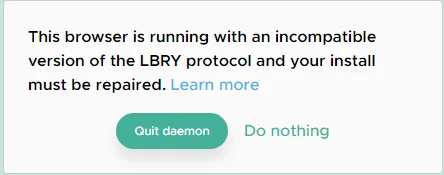
|
||||
|
||||
### How to Fix
|
||||
## How to fix
|
||||
|
||||
1. Click `Quit Daemon` in the LBRY app to kill the LBRY network process
|
||||
2. Restart your PC or ensure that any processes with "lbry" in the name are not running
|
||||
3. [Download](https://github.com/lbryio/lbry-desktop/releases) and re-install the latest version of LBRY
|
||||
3. [Download](https://lbry.com/get) and re-install the latest version of LBRY
|
||||
4. Start LBRY
|
||||
|
||||
If you still receive this warning after completing the above steps, please [reach out to us](/faq/how-to-report-bugs) for additional support.
|
||||
@@ -0,0 +1,54 @@
|
||||
---
|
||||
title: How does the invite program work?
|
||||
category: getstarted
|
||||
---
|
||||
|
||||
You can earn LBRY Credits (LBC) for inviting others to use LBRY as well as letting us know who invited you. Invite new users to LBRY via email or a customized link on the [Invites page of LBRY Desktop or lbry.tv](http://open.lbry.com/?invite). This page will also show the status of existing invites. Both the inviter and invitee are eligible for the reward.
|
||||
|
||||
*Note: Referral redemptions are typically limited to 20, but increases as your channel grows in popularity on LBRY. See the [limits section below](#limits)*
|
||||
|
||||
## Finding your invite link and status
|
||||
To get to the [Invites area](http://open.lbry.com/?invite), click the Account menu in the top right and select **Invites**. You can now customize your invite link by selecting one of your channels from the drop down. Any of them will work, but the email we send out will include your largest subbed channel. You can also invite a user directly via email.
|
||||
|
||||
You will also see all of your invites, along with their status(es) - whether the user has accepted it (signed in) and if it is claimable or not (if the user is reward approved).
|
||||
|
||||
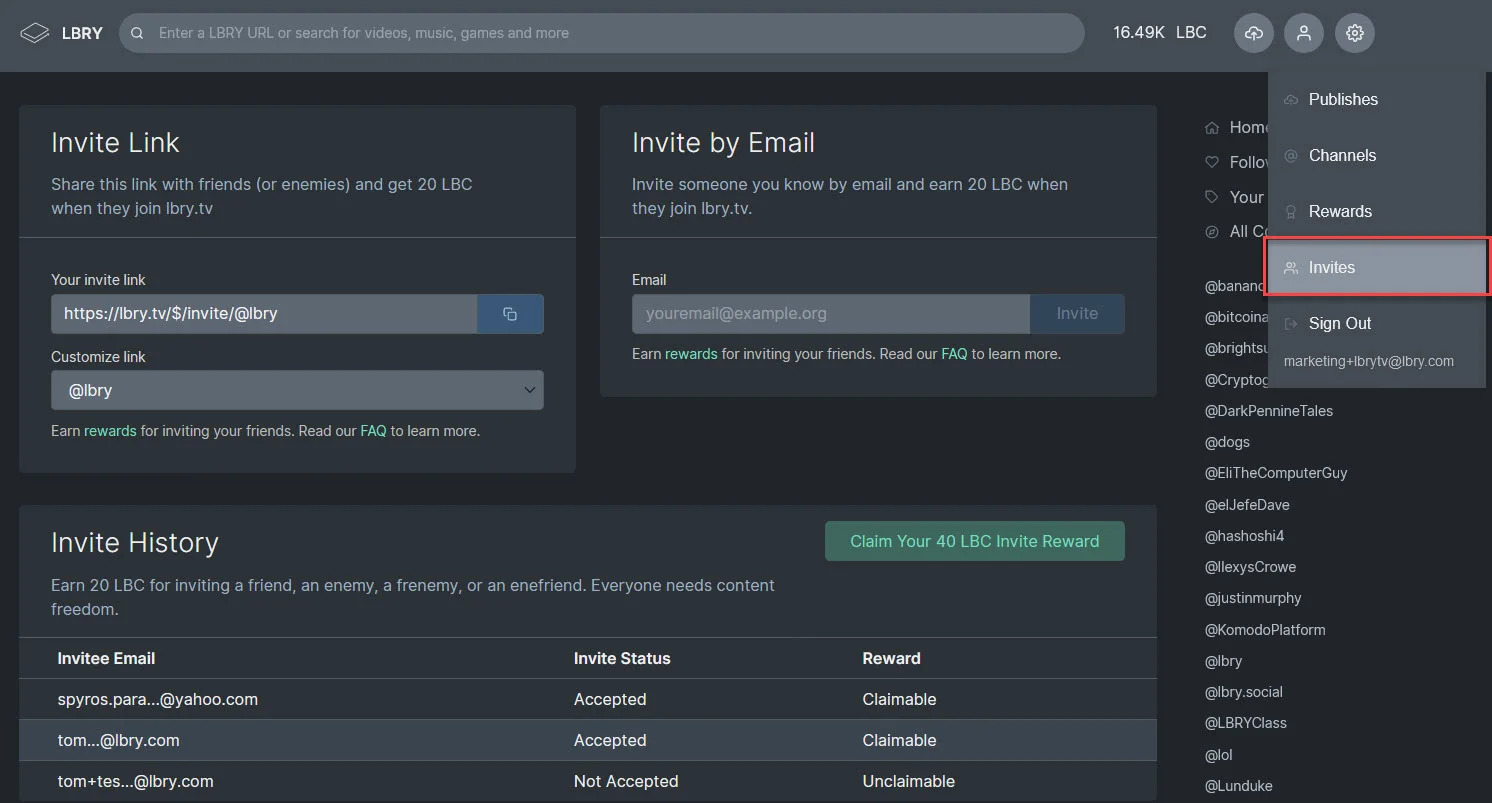
|
||||
|
||||
## How does the invite link work?
|
||||
|
||||
When a user clicks your invite link, they are greeted with a welcome message and option to create an account. They will also automatically subscribe to your channel.
|
||||
|
||||

|
||||
|
||||
## When do I get my rewards?
|
||||
|
||||
If you have claimable invites, you will see a claim button with the total reward amount on the page. You will not receive rewards for each referral until those users join and use LBRY themselves (see below section regarding claimable invites). This is to combat invite fraud and abuse.
|
||||
|
||||
## Claiming your bonus for being invited and setting the inviter
|
||||
For a limited time, you can claim a reward for being invited and letting us know which channel did so (so they can earn also). You must set the inviter before claiming your reward.
|
||||
|
||||

|
||||
|
||||
## How many LBRY Credits do I earn?
|
||||
|
||||
New invites are eligible for a 15 LBC reward (subject to change based on our discretion).
|
||||
|
||||
## Is there a limit to the credits I can earn? {#limits}
|
||||
|
||||
The default limit for claimable invites is 20. Your limit increases as you use LBRY more and your channel grows in popularity. If you want us to review your account and allow for more redemptions, please first make sure you've claimed your maximum and then [email us](mailto:help@lbry.com) with details about yourself and users you are inviting. This is typically reserved for creators or influencers.
|
||||
|
||||
## What is the difference between accepted and claimable?
|
||||
|
||||
Accepted means the user has signed into LBRY. Claimable means they have verified their account.
|
||||
|
||||
## What are the criteria for a claimable invite?
|
||||
|
||||
A claimable invite has the same definition as a Rewards eligible or Verified LBRY user. This means the referred user must have logged into LBRY and validated their account for rewards. Unclaimable means they have not been validated for rewards or are not eligible.
|
||||
|
||||
LBRY users who abuse either the Invite or Rewards system will not be eligible for invite redemption. If you have specific questions about individual invites which are not claimable, please reach out to the [helpdesk](mailto:help@lbry.com) with details.
|
||||
|
||||
## I have a clever idea to cheat the invite system
|
||||
|
||||
If you want to waste your time to receive no reward, be our guest. We will monitor the system closely and go to significant lengths to only allow legitimate users to join.
|
||||
|
||||
Rather than spending the time attempting to cheat and failing, we suggest you do productive work to earn LBRY credits. Join our [Discord chat](http://chat.lbry.com) and message or email [Tom](mailto:tom@lbry.com) (@jiggytom) or [Julie](mailto:julie@lbry.com) (@jsigwart) for opportunities.
|
||||
+76
-55
@@ -1,99 +1,120 @@
|
||||
---
|
||||
title: LBRY App Basics
|
||||
title: LBRY Desktop and lbry.tv basics
|
||||
category: getstarted
|
||||
order: 1
|
||||
---
|
||||
|
||||
The LBRY App allows you to view free and paid content, upload your digital media for free or at a set price, tip your favorite creators, send/receive LBRY Credits (LBC) and earn credits through LBRY Rewards. The app runs on top of the [LBRY protocol](/faq/what-is-lbry) which is a peer to peer, decentralized file sharing and payment network secured by blockchain technology.
|
||||
The LBRY Desktop app and lbry.tv allow you to view content, upload your digital media for free or at a set price, tip your favorite creators, send/receive LBRY Credits (LBC) and earn credits through [LBRY Rewards](/faq/rewards). The apps and web version run on top of the [LBRY protocol](/faq/what-is-lbry) which is a peer to peer, decentralized file sharing and payment network secured by blockchain technology.
|
||||
|
||||
The purpose of this FAQ is to answer questions about some of the basic functionality available in the LBRY App. Please see our [other FAQ entries](/faq) for additional information.
|
||||
The purpose of this FAQ is to answer questions about some of the basic functionality available on LBRY Desktop, LBRY mobile, and lbry.tv. Please see our [other FAQ entries](/faq) for additional information.
|
||||
|
||||
**Important notes:**
|
||||
|
||||
1. By default, LBRY saves any content you view to disk, see the [explanation below](#disk). You can modify this behavior on the Settings page.
|
||||
1. By default, LBRY Desktop saves any content you view to disk, see the [explanation below](#disk). You can modify this behavior on the ***Settings*** page.
|
||||
|
||||
2. Rewards are completely optional, you can use LBRY without them. You'll need to acquire LBC to publish, but viewing is free.
|
||||
|
||||
3. To edit any channels you have control over (YouTube syncers may not), click on the Publishes located on the extreme right, this will list all contents published, right below the published content's title is your channel name, click on it. You'll see an edit button next to the channel name. If using spee.ch uploads for thumbnails/covers, make sure to click the upload button after selecting the files.
|
||||
3. To edit your channel, click on **Channels** from the right sidebar and select the desired channel. You'll see an edit button next to the channel name. If using **[spee.ch](https://spee.ch)** uploads for thumbnails/covers, make sure to click the upload button after selecting the files.
|
||||
|
||||
4. There is no automated process of syncing wallets across devices, will be coming later this year. Can be done [manually at the moment](https://lbry.com/faq/how-to-backup-wallet).
|
||||
4. To sync balances and preferences across devices, make sure you have ***Syncing*** enabled on the ***Settings*** page.
|
||||
|
||||
### What is the purpose of having my email connected to LBRY?
|
||||
Emails are collected to authenticate and [uniquely identify](/faq/identity-requirements) users so that they can be eligible for [LBRY Rewards](#rewards), sync subscription data and to stay up to date on the latest LBRY happenings. No other data is stored with your email login. All other data, including your [wallet](#wallet), [downloads](#data) and published content are stored locally on your computer. You can find your connected email by going to Settings (gear icon in the top right) > Help > Connected email.
|
||||
## What is the purpose of having my email connected to LBRY?
|
||||
Emails are collected to authenticate a lbry.tv account and [uniquely identify](/faq/identity-requirements) users so that they can be eligible for [LBRY Rewards](#rewards), sync account data, and to stay up to date on the latest LBRY happenings. See our [Privacy FAQ](/faq/privacy-and-data) for more information on what data is collected.
|
||||
|
||||
### How do I change my LBRY connected email?
|
||||
If you ever need to change your LBRY email address or sign out, please see [this guide](/faq/how-to-change-email). If you sign into a new email and need to transfer your verification status, you'll need to [reach out to us](mailto:help@lbry.com) in order to link your accounts. Please do not verify again to obtain rewards on a 2nd account; your rewards account may be disabled for abuse.
|
||||
## How do I change my LBRY connected email?
|
||||
If you ever need to change your LBRY email address or sign out, please see [this guide](/faq/how-to-change-email). If you sign in to a new email and need to transfer your verification status and account (lbry.tv only users), you'll need to [reach out to us](/faq/support) to link your accounts.
|
||||
|
||||
### What if I want to run LBRY on multiple computers or different Windows accounts?
|
||||
If you want to run the LBRY app on multiple PCs or on other platforms like Android, you can sign in with the same email on all devices. Each installation will still have it's own separate wallet file and download data (as mentioned above). Any rewards earned will be sent locally to the wallet where they are claimed. In the future, it is our goal to enable an opt-in wallet syncing service across all of your devices.
|
||||
## What if I want to run LBRY on multiple computers or different Windows accounts?
|
||||
If you want to run LBRY on multiple PCs or other platforms like Android, you can sign in with the same email on all devices. Your account data and preferences will be synced as long as it's enabled in Settings.
|
||||
|
||||
### What are LBRY Rewards? {#rewards}
|
||||
[LBRY Rewards](/faq/rewards) are used to distribute LBRY Credits (LBC) to new and existing users by allowing them to explore app functions and complete tasks which generate LBC as a reward. In order to be eligible for rewards, you need to [verify your identity](/faq/identity-requirements) which uniquely identifies you as an LBRY user.
|
||||
## What are LBRY Rewards? {#rewards}
|
||||
[LBRY Rewards](/faq/rewards) are used to distribute LBRY Credits (LBC) to new and existing users by allowing them to explore app functions and complete tasks which generate LBC as a reward. To be eligible for rewards, you need to [verify your identity](/faq/identity-requirements) which uniquely identifies you as an LBRY user. Not all users or regions may qualify for rewards for various reasons, thank you for respecting this. LBRY can be used without the rewards feature.
|
||||
|
||||
### What is a wallet and how do I find it? {#wallet}
|
||||
A wallet is a secure, digital wallet used to store, send and receive cryptocurrencies like LBRY Credits(LBC). The LBRY app comes with its own wallet and is stored locally on your device and nowhere else! **It is critical that you [backup your wallet data](/faq/how-to-backup-wallet) in case you lose access to your PC or need to [migrate](/faq/backup-data) to a new one.**
|
||||
## What is a wallet and how do I find it? {#wallet}
|
||||
A wallet is a secure, digital wallet used to store, send, and receive cryptocurrencies like LBRY Credits (LBC). LBRY comes with its own wallet and is stored locally on your device and nowhere else unless you enable the Sync feature. **If you do not enable syncing, it is critical that you [backup your wallet data](/faq/how-to-backup-wallet) in case you lose access to your PC or need to [migrate](/faq/backup-data) to a new one.**
|
||||
|
||||
To find your wallet in the LBRY App, click on `LBC Balance` showing at the top right of the App (Balance may show as `0 LBC` if you have not credits). Clicking it will give you a dropdown menu, select `Wallet` from the dropdown and it should display the wallet overview page which shows your balance, send / receive and recent transactions.
|
||||
To find your wallet in LBRY:
|
||||
- in the **Desktop app** or on **lbry.tv** click on your LBC Balance showing at the top right and it should display the wallet overview page which shows your balance, send/receive and recent transactions (balance may show as **`0 LBC`** if you don't have any credits or as **`Wallet`** if the **"Hide wallet balance in header"** option is selected on the Settings page).
|
||||
|
||||
- in the **mobile app**, you need to open the main menu and then choose the `Wallet` option, where you can see the address of your wallet, see recent transactions, send credits and synchronize your wallet.
|
||||
|
||||
The LBRY wallet is different from other cryptocurrencies because it also stores your shared content's metadata in the form of [claims](/faq/naming) when using the [publishing features](/faq/how-to-publish). Claim related [wallet transactions](/faq/transaction-types) ensure that the blockchain uniquely identifies your content and the payment/tips can be routed appropriately.
|
||||
|
||||
### Where do I find my LBC wallet address?
|
||||
You can find your wallet address by first clicking on `LBC Balance` showing at the top right of the App (Balance may show as `0 LBC` if you have not credits). Clicking it will give you a dropdown menu, select `Wallet` from the dropdown.
|
||||
It'll come up with the wallet overview which shows your balance, LBC address and recent transactions.
|
||||
## Where do I find my LBC wallet address?
|
||||
To find your wallet address in LBRY:
|
||||
|
||||

|
||||
- in the **Desktop app** or on **lbry.tv**, click on your LBC Balance showing at the top right (Balance may show as `0 LBC` if you have no credits) and it should display the wallet overview page which shows your balance, send/receive, and recent transactions. To see your wallet address, click on the `Receive` button.
|
||||
|
||||
Your wallet holds multiple receiving addresses, and new ones can be generated by clicking "Get New Address". Your wallet balance is the sum total of all the LBC available in each of your addresses.
|
||||
- in the **mobile app**, you need to access the main menu of the app and then choose the `Wallet` option where you can see the address of your wallet.
|
||||
|
||||
### Where can I get more LBRY Credits?
|
||||
The LBRY App is also integrated with [ShapeShift](/faq/shapeshift) on the Get Credits tab of the wallet which allows you to convert cryptocurrencies into LBC or you can also [trade for LBC on exchanges](/faq/exchanges).
|
||||

|
||||
|
||||
### Where is all my LBRY App data stored? {#data}
|
||||
Your wallet holds multiple receiving addresses (lbry.tv only users won't see this option), and new ones can be generated by clicking "Get New Address". Your wallet balance is the total amount of all the LBC available in each of your addresses.
|
||||
|
||||
## Where can I get more LBRY Credits?
|
||||
You can [earn more LBC](/faq/earn-credits) or [purchase LBC from exchanges](/faq/exchanges).
|
||||
|
||||
## Where is all my LBRY Desktop data stored? {#data}
|
||||
Please see the [LBRY directories FAQ page](/faq/lbry-directories) for more information on where LBRY data is stored. Besides the internal LBRY data, you can also configure your LBRY download directory via the option at the top of the Settings page (gear icon in the top right).
|
||||
|
||||
### Why is content downloaded to my PC even when I stream? {#disk}
|
||||
LBRY is a decentralized peer to peer protocol, meaning there are no centralized servers or a single entity storing all the files (like YouTube). Instead, data is stored on each participant's computer locally (similar to BitTorrent). When you stream or download, LBRY will store the content in encrypted chunks called [blobs files](/faq/lbry-directories) and seed it to the entire network so others can also download from you. It will also store the completed file in your downloads folder. You can configure these storage options on the Settings page.
|
||||
## Why is content downloaded to my PC even when I stream? {#disk}
|
||||
LBRY is a decentralized peer to peer protocol, meaning no centralized servers or a single entity storing all the files (like YouTube). Instead, data is stored on each participant's computer locally (similar to BitTorrent). When you stream or download, LBRY will store the content in encrypted chunks called [blobs files](/faq/lbry-directories) and seed it to the entire network so others can also download from you. It will also store the completed file in your downloads folder. You can configure these storage options on the Settings page.
|
||||
|
||||
### I want to share my content, where do I start? {#publish}
|
||||
## I want to share my content, where do I start? {#publish}
|
||||
Please refer to our [publishing guide](/faq/how-to-publish) as a reference to assist you through the publishing process.
|
||||
|
||||
### Where can I see my Downloadeds?
|
||||
The downloaded contents can be found on the rightside of the LBRY app under Library.
|
||||
## Where can I see my downloads?
|
||||
- In the **Desktop app** choose the `Library` option from the right sidebar.
|
||||
- On **lbry.tv** this option is not available yet.
|
||||
- In the **mobile app** open the main menu of the app and then choose the `Library` option.
|
||||
|
||||
### How can I delete my Downloads?
|
||||
The downloaded contents can be found on the rightside of the LBRY app under Library. Select the item you want to delete, and then click the trash can icon on the file page. We'll be introducing batch deletion options in the near future.
|
||||
## How can I delete my downloads?
|
||||
Access your Library section as mentioned before and then select the item you want to delete. After the page of the content is opened, click on the trash can icon located under the main content published.
|
||||
|
||||
### Where can I see my Publishes?
|
||||
You can find published items under Publishes on the right side of the LBRY app.
|
||||

|
||||
In the **Desktop app**, if you want to delete faster more or all the files from your download folder, open the folder with a file explorer, select the files and delete them.
|
||||
|
||||
### How do I know if I'm sharing content and helping the LBRY network properly?
|
||||
The easiest way to confirm that you are sharing correctly is to determine if the port used for seeding (3333) is open to the rest of the LBRY network. To do so, type 3333 into [this port checking tool](http://www.canyouseeme.org) and check the result. It if shows "open", you are all set. If it shows "closed", you may need to check your router settings for UPnP options (set to enable) or forward TCP port 3333 and UDP Port 4444 to your local computer running the LBRY app. Firewall and NAT settings may also affect the availability of these ports.
|
||||
## Where can I see my publishes?
|
||||
- In the **Desktop app** or on **lbry.tv** click the user icon (the middle icon in the top right) and then choose the **`Publishes`** option.
|
||||
|
||||
### How can I search for content on LBRY?
|
||||
Searching in LBRY is as easy as typing your search term(s) into the address bar at the top and waiting for the results to return.
|
||||
When you press enter, you will be given both the direct url and search results
|
||||

|
||||

|
||||
|
||||
Clicking the Enter key will skip the search function and go directly to the URL typed (if it's valid) - this is only helpful if you know the exact URL you are trying to view. We are still in the process of optimizing the search results; please bear with us if you are having trouble finding something!
|
||||
- In the **mobile app** open the main menu of the app and then choose the **`Publishes`** option.
|
||||
|
||||
### How can I subscribe to and view my favorite channels?
|
||||
On LBRY, you can follow your favorite channels. Navigate to a channel, or click on your favorite video(s), (LBRY URLs with an @ symbol in the front) and click on follow right below the video and the right side of the channel name.
|
||||
## How do I know if I'm sharing content and helping the LBRY network properly?
|
||||
The easiest way to confirm that you are sharing correctly is to determine if the port used for seeding (3333) is open to the rest of the LBRY network. To do so, type 3333 into [this port checking tool](http://www.canyouseeme.org) and check the result. It if shows "Success", you are all set. If it shows "Error", you may need to check your router settings for UPnP options (set to enable) or forward TCP port 3333 and UDP Port 4444 to your local computer running the LBRY Desktop. Firewall and NAT settings may also affect the availability of these ports. Also, when you access the checking tool page, check if in the browser there is no active plug-in or extension that act as a VPN. In this case the result could be false and indeed your Desktop app could have access to these ports, but the browser not.
|
||||
|
||||

|
||||
## How can I search for content on LBRY?
|
||||
Searching on LBRY is as easy as typing your search term(s) into the address bar at the top and then pressing enter.
|
||||
When you press enter, you will be given both the direct URL and search results.
|
||||
|
||||
To manage channels and tags you follow, you can simply click on **Customize** from the right side of the to view all of your followed channels on one page.
|
||||

|
||||

|
||||
|
||||
### Content consistently fails to stream or download, what should I do?
|
||||
Please see our [streaming guide](/faq/unable-to-stream) if you consistently cannot download or stream content on LBRY. If you are having intermittent issues with download failures, try closing the LBRY app completely (including ending the "lbrynet-daemon" process in task manager) and re-initiating the download. Some files on the network may just not be available for various reasons - we'll work on filtering these out in the future.
|
||||
## How can I subscribe to and view my favorite channels?
|
||||
You can subscribe to a channel by clicking the Follow button from the homepage, channel page, or content pages.
|
||||
|
||||
### Some files don't open in the LBRY app, what's going on?
|
||||
Currently, the LBRY in-app player supports MP4 videos, MP3s, Images, GIFs, HTML and text files. Even though it doesn't support other formats from within the app, the files can still be externally opened by clicking the **Open** button or navigating to the file by clicking the **Downloaded to** file path on the content page.
|
||||

|
||||

|
||||
|
||||
### How do I begin troubleshooting problems myself?
|
||||
- To manage the channels that you follow, just click on the **Following** option from the right sidebar of the app window and view all of your followed channels on one page. Then click on the **Manage** option from the upper-right corner of the displayed channels list. Then you can choose to unfollow any channel you want.
|
||||
|
||||

|
||||
|
||||
- To manage the tags that you follow, just click on **Your tags** option from the right sidebar of the app window and view the results for your selected tags. To modify the current followed tags, click on the **Manage** option from the upper-right corner of the displayed channels list. Then you can modify the tags you want to follow.
|
||||
|
||||

|
||||
|
||||
## How can I block channels?
|
||||
You can block a channel by clicking the **Block** button from the homepage, channel page, or content pages.
|
||||
|
||||
## Content consistently fails to stream or download. What should I do?
|
||||
Please see our [streaming guide](/faq/unable-to-stream) if you consistently cannot download or stream content on LBRY. If you are having intermittent issues with download failures, try closing LBRY Desktop completely (including ending the "lbrynet.exe" process in task manager) and re-initiating the download.
|
||||
|
||||
## Some files don't open in the LBRY Desktop or lbry.tv. What's going on?
|
||||
Currently, the LBRY in-app player supports MP4 videos, MP3 files, images, GIF images, HTML, and text files. Even though it doesn't support other formats from within the app or lbry.tv, the files can still be externally opened when using the Desktop app by clicking the **Open file** icon or navigating to the file by clicking the **Downloaded to** file path on the content page.
|
||||
|
||||

|
||||
|
||||
## How do I begin troubleshooting problems myself?
|
||||
Please see [this guide](/faq/how-to-find-lbry-log-file) on how to find your LBRY log files. These may provide you additional information to troubleshoot issues or to provide to the [support team](/faq/support).
|
||||
|
||||
### I need additional help with the LBRY app, where can find it? {#support}
|
||||
Please check our [other FAQ entries](/faq) for more information. We are always here to help as well, feel free to [reach out to us](/faq/support).
|
||||
## I need additional help. Where can I find it? {#support}
|
||||
Please check our [other FAQ entries](/faq) for more information. We are always here to help as well and feel free to [reach out to us](/faq/support).
|
||||
@@ -4,16 +4,14 @@ category: LBRY 101
|
||||
order: 3
|
||||
---
|
||||
|
||||
The very first question of newcomers is often, "How do you pronounce it?" Answer: library.
|
||||
## How do you pronounce LBRY?
|
||||
|
||||
"Is it an acronym?" No.
|
||||
Pronounce LBRY just as you would pronounce "library." It's not an acronym or initialism, though it is spelled with all capital letters.
|
||||
|
||||
"Then why confuse people with the all-caps and removed vowels?"
|
||||
## Why is LBRY named LBRY?
|
||||
|
||||
First and foremost, LBRY is an internet protocol, just like HTTP. Content on LBRY is served to users via "LBRY names," which look like this: lbry://itsawonderfullife. Very similar to the URL you type into your internet browser. LBRY is not just our branded name, but the character string we've chosen to lead our URIs (Uniform Resource Identifier).
|
||||
At its core, LBRY is internet protocol, similar to the HTTP you may have seen in web addresses. Every piece of content on the internet is found at a special address called a URI, or Uniform Resource Identifier. Web sites use HTTP addresses, like http://example.com/, but LBRY content uses special LBRY addresses, like lbry://examplecatvideo. LBRY addresses have special functionality that HTTP addresses don't, and that functionality powers one of LBRY's most important differences from sites like Youtube, Netflix, or Vimeo: decentralization. No single company or organization has power over the LBRY network or the content that it delivers, and we believe that is extremely important. [Learn more about LBRY's addresses here.](/faq/naming) The LBRY protocol also includes built-in payment options, so content creators don't need to rely on advertising or third-party services to make money from their work.
|
||||
|
||||
It also serves as a truncated form of "library," which reflects our mission: every film, song, book, and app ever made – available anywhere. Our vision for LBRY is to create a massive media repository for the 21st century that is built on a decentralized network controlled by its users. LBRY is to a traditional library what Amazon is to a department store.
|
||||
LBRY is of course a nod to "library," which reflects our mission to be the internet's library: every film, song, book, and app ever made – available anywhere. Our vision for LBRY is to create a massive media repository built on a decentralized network controlled by its users.
|
||||
|
||||
Is it an odd name? Perhaps. But we would kindly point to the success of brands like Hulu, Yahoo!, Etsy, Skype, Tumblr, and Zillow. In the end, a good company with a strong user base will be remembered regardless of its name. And a company with a brand as straightforward as Pets.com can still fail.
|
||||
|
||||
LBRY is working well as a brand so far. SEO is a top consideration for startup branding, and LBRY already dominates the search results for our brand name.
|
||||
[**Learn what makes LBRY unique.**](/what)
|
||||
@@ -3,12 +3,14 @@ title: How does the company behind LBRY make money?
|
||||
category: other
|
||||
---
|
||||
|
||||
The LBRY protocol has a built-in digital currency that allows it to function called LBRY credits (LBC). These credits are very similar to bitcoins. Having a built-in digital currency creates an opportunity for a new kind of business that has never existed: [the protocol-first enterprise](https://medium.com/the-coinbase-blog/app-coins-and-the-dawn-of-the-decentralized-business-model-8b8c951e734f#.6mr8znoiu). LBRY Inc. has reserved 10% of all LBRY credits to fund continued development and provide profit for the founders. Since credits only gain value as the use of the protocol grows, the company has an incentive to continue developing this open-source project, and we can do it all without taking a percentage of anyone's transactions.
|
||||
The LBRY protocol has a built-in digital currency that allows it to function called LBRY Credits (LBC), similar to Bitcoin. A built-in digital currency creates an opportunity for a new kind of business that has never existed: [the protocol-first enterprise](https://medium.com/the-coinbase-blog/app-coins-and-the-dawn-of-the-decentralized-business-model-8b8c951e734f#.6mr8znoiu).
|
||||
|
||||
LBRY Inc. has reserved 10% of all LBRY Credits to fund continued development and provide profit for the founders. Since Credits only gain value as the use of the protocol grows, the company has an incentive to continue developing this open-source project, and we can do it all without taking a percentage of anyone's transactions.
|
||||
|
||||
Here's how LBRY Inc. **doesn't** make money:
|
||||
|
||||
- **We do not take a cut of any transactions.** When users purchase content on LBRY, 100% of the listed price goes to the publisher. There is also a fee paid to the decentralized network of hosts that store and deliver the content to you. LBRY Inc. doesn't take any of that unless the company is publishing or hosting content itself. The same rules apply to everyone.
|
||||
- **We do not take a cut of any transactions.** When users purchase content on LBRY, 100% of the listed price goes to the publisher. There is also a small fee added on top that is paid to the decentralized network of hosts that store and deliver the content to you. LBRY Inc. doesn't take any of that unless the company is publishing or hosting content itself. The same rules apply to everyone.
|
||||
- **We do not earn profits from auctioning of names**, nor do we benefit from bidding wars over names. Our goal with the naming system is simply to allocate names most efficiently to benefit users.
|
||||
- **This is not a "pump and dump" scheme or vaporware.** See my essay [$1.2B Valuation and We Don't Care](/news/1.2b-market-cap-we-dont-care). LBRY credits have already experienced a bubble, and we paid it no mind. LBRY is real software with a live blockchain and thousands of active users. Our goal is to increase the long-term value of the protocol, which if adopted globally, will make our reserve many times more valuable than any short-term bubble. We've already invested 10,000 working hours into this project, and it will take many more, but we're patient and focused on the future.
|
||||
- **This is not a "pump and dump" scheme or vaporware.** LBRY Credits have already experienced a bubble, and we paid it no mind. LBRY is real software with a live blockchain and hundreds of thousands active users. Our goal is to increase the long-term value of the protocol, which if adopted globally, will make our reserve many times more valuable than any short-term bubble. We're patient and focused on the future.
|
||||
|
||||
We are also exploring ways to generate revenue above our credit reserve, including providing value-added services to LBRY users and/or consulting to large content producers who want to harness the power of LBRY. But remember, by design, **we are not able** to single-handedly change the rules on users in an attempt to "monetize" all of your contributions to the network.
|
||||
LBRY, Inc. also makes or will make money through financial exchanges, optional advertising, providing value-added services to LBRY users and/or consulting content producers who want to harness the power of LBRY. But remember, by design, **we are not able** to single-handedly change the rules on users of the network.
|
||||
@@ -4,4 +4,6 @@ category: LBRY 101
|
||||
order: 5
|
||||
---
|
||||
|
||||
[lbry.tech](https://lbry.tech) is home to technical information about LBRY, an interactive playground to learn more about how it functions, resources on how to contribute and build on top of it, and much more.
|
||||
For an general overview of LBRY and how it works, [**see the About page**](/what).
|
||||
|
||||
For complete technical information on LBRY, including an interactive playground to learn more about how it functions, resources on how to contribute to the project, and much more, visit [**lbry.tech**](https://lbry.tech).
|
||||
@@ -1,35 +1,110 @@
|
||||
---
|
||||
title: How do I mine LBRY credits?
|
||||
title: How do I mine LBC?
|
||||
category: mining
|
||||
---
|
||||
|
||||
Library Credits (LBC) are mined over a 20-year Proof of Work period.
|
||||
Block rewards increase every 100 blocks by 1LBC, peak at 500, and decline slowly.
|
||||
Through the PoW mining process, you can earn LBC while strengthening the security of the LBRY network.
|
||||
|
||||
LBRY mining is dominated by the GPU and FPGA market, and we don't see CPU mining as economically viable at this point. If you still want to CPU mine to help secure the network, see instructions below.
|
||||
In this guide we cover:
|
||||
|
||||
For GPU mining, please see our list of [pools](/faq/mining-pools). Each pool has a slightly different setup so please check their Getting Started/help page. We can also provide mining assistance via the #mining channel on [Discord Chat](https://chat.lbry.com).
|
||||
**Note:** Sgminer is for AMD GPUs and CCminer is for Nvidia GPUs.
|
||||
- Overview of LBRY Mining
|
||||
- Understanding Mining Profitability
|
||||
- Sourcing Mining Equipment
|
||||
- Colocating your FPGAs
|
||||
- Renting Hashrate
|
||||
- Setting up your FPGA
|
||||
- Choosing and Configuring a Mining Pool
|
||||
- Setting up an LBRY wallet
|
||||
|
||||
For CPU mining, LBRY binaries are out for OS X, Windows, and Ubuntu. Others may try compiling from source.
|
||||
|
||||
You can download the latest binaries [here](https://github.com/lbryio/lbrycrd/releases/latest).
|
||||
### Overview of LBRY Mining
|
||||
|
||||
## CPU Mining on Ubuntu
|
||||
Mining is a process where computing power is used to verify transactions on the LBRY network and add them to the public ledger (LBRY blockchain). It is also the process of how new LBRY Credits (LBC) are created as a reward for the successful miners (see details below). The process uses the mining software to calculate complex mathematical puzzles in order to secure the transactions. Both CPU and GPU hardware can be used for mining, but the current market is dominated by GPU and ASIC mining. LBRY uses a mix of SHA512, SHA256 and RIPEMD hash functions in its algorithm. To put it in the most simple terms: mining enables secure and fast LBC transactions.
|
||||
|
||||
1. Unzip the binaries, and `cd` into the directory containing them.
|
||||
1. `./lbrycrdd -server -printtoconsole -gen`
|
||||
1. If you need to start over, run `rm -rf bins.zip lbry* ~/.lbry*`. **Note:** this will delete your wallet and any credits you may have.
|
||||
Library Credits (LBC) are mined over a [20-year Proof of Work](/faq/block-rewards) period. Block rewards increase every 100 blocks by 1LBC, peak at 500, and decline slowly.
|
||||
|
||||
## CPU Mining on macOS
|
||||
### Understanding Mining Profitability
|
||||
|
||||
1. Unzip the binaries, and `cd` into the directory containing them.
|
||||
1. `mkdir ~/Library/Application\ Support/lbrycrd`
|
||||
1. `sudo chown -R "$(whoami)" ~/Library/Application\ Support/lbrycrd`
|
||||
1. `echo -e "rpcuser=lbryrpc\nrpcpassword=$(env LC_CTYPE=C LC_ALL=C tr -dc A-Za-z0-9 < /dev/urandom | head -c 16 | xargs)" > ~/Library/Application\ Support/lbrycrd/lbrycrd.conf`
|
||||
1. `./lbrycrdd -server -printtoconsole -gen`
|
||||
1. If you need to start over, run `rm -rf bins.zip lbry* ~/.lbry ~/Library/Application\ Support/lbrycrd`. **Note:** this will delete your wallet and any credits you may have.
|
||||
LBRY mining economics are a result of mining revenue, operating expense & capital expenditure.
|
||||
|
||||
## Compiling
|
||||
For revenue, you can go to a public mining calculator to check the [current profitability](https://whattomine.com/asic?factor%5Bsha256_hr%5D=1000000.0&factor%5Bsha256_p%5D=2920.0&factor%5Bscrypt_hash_rate%5D=1000.0&factor%5Bscrypt_power%5D=1500.0&factor%5Bx11_hr%5D=1400000000.0&factor%5Bx11_p%5D=3000.0&factor%5Bsia_hr%5D=2200.0&factor%5Bsia_p%5D=1300.0&factor%5Bqk_hr%5D=56000.0&factor%5Bqk_p%5D=1600.0&factor%5Bqb_hr%5D=56000.0&factor%5Bqb_p%5D=1700.0&factor%5Bmg_hr%5D=56.0&factor%5Bmg_p%5D=700.0&factor%5Bsk_hr%5D=28.0&factor%5Bsk_p%5D=600.0&lbry=true&factor%5Blbry_hr%5D=1000.0&factor%5Blbry_p%5D=3300.0&factor%5Bbk14_hr%5D=1000000.0&factor%5Bbk14_p%5D=1470.0&factor%5Bx11g_hr%5D=7.0&factor%5Bx11g_p%5D=900.0&factor%5Bcn_hr%5D=360.0&factor%5Bcn_p%5D=720.0&factor%5Beq_hr%5D=1000.0&factor%5Beq_p%5D=2330.0&factor%5Blrev2_hr%5D=17.2&factor%5Blrev2_p%5D=1470.0&factor%5Bbcd_hr%5D=185.0&factor%5Bbcd_p%5D=670.0&factor%5Bl2z_hr%5D=62.0&factor%5Bl2z_p%5D=670.0&factor%5Bphi_hr%5D=310.0&factor%5Bphi_p%5D=670.0&factor%5Bkec_hr%5D=29.0&factor%5Bkec_p%5D=430.0&factor%5Bgro_hr%5D=56.0&factor%5Bgro_p%5D=900.0&factor%5Besg_hr%5D=530.0&factor%5Besg_p%5D=170.0&factor%5Btsr_hr%5D=150.0&factor%5Btsr_p%5D=800.0&factor%5Bcost%5D=0.05&sort=MarketCap&volume=0&revenue=24h&factor%5Bexchanges%5D%5B%5D=&factor%5Bexchanges%5D%5B%5D=binance&factor%5Bexchanges%5D%5B%5D=bitfinex&factor%5Bexchanges%5D%5B%5D=bitforex&factor%5Bexchanges%5D%5B%5D=bittrex&factor%5Bexchanges%5D%5B%5D=dove&factor%5Bexchanges%5D%5B%5D=exmo&factor%5Bexchanges%5D%5B%5D=gate&factor%5Bexchanges%5D%5B%5D=graviex&factor%5Bexchanges%5D%5B%5D=hitbtc&factor%5Bexchanges%5D%5B%5D=hotbit&factor%5Bexchanges%5D%5B%5D=ogre&factor%5Bexchanges%5D%5B%5D=poloniex&factor%5Bexchanges%5D%5B%5D=stex&dataset=Main&commit=Calculate). At the time of writing this guide, 1TH of hashpower generates $14 in revenue a day but this fluctuates day-to-day based on network difficulty and coin price. You should estimate this revenue out for the investment horizon making sure to factor in potential increases in difficulty and any changes in block reward.
|
||||
|
||||
Join us on [Discord Chat](https://chat.lbry.com) if you need help compiling from source!
|
||||
In regards to operating expenses, this is in largely determined by your [cost of electricity](https://hashrateindex.com/blog/energy-consumption-to-hashrate). As of 2020 you ideally want to pay less than 7-8 cents USD per kWh.
|
||||
|
||||
|
||||
### Sourcing Mining Equipment
|
||||
|
||||
LBRY mining is dominated by the FPGA market. GPU & CPU mining is not viable at this point given the network difficulty.
|
||||
|
||||
FPGA’s are a bit more specialized hardware that have higher mining efficiencies than GPU’s for LBRY but also are more flexible than hardware like ASICs used to mine Bitcoin.
|
||||
|
||||
The following LBRY rigs are available on the market today:
|
||||
|
||||
|
||||
| Miner | Hashrate |Power Consumption (Watts)| Unit Power (W/Mh)|
|
||||
| -------------|:-----------:|:-----------------------:|:----------------:|
|
||||
| Baikal BK-D | 80 GH/s |500 W |0.006j/Mh |
|
||||
| Baikal BK-B | 40 GH/s |400 W |0.01j/Mh |
|
||||
|
||||
|
||||
Going direct to the manufacturer is no longer an option given no new rigs have come to market.
|
||||
|
||||
|
||||
ASIC resellers may also have miners available:
|
||||
- [Blockware Mining](https://www.blockwaresolutions.com)
|
||||
- [Kaboom Racks](http://kaboomracks.com)
|
||||
|
||||
|
||||
### Colocating your FPGAs
|
||||
|
||||
Depending on your residential electricity rate and the size of your mining operation you may decide to host your rigs with a third-party colocation. Typically the hosting facility will charge a flat rate per kWh for setup, ensuring proper operations, electricity and ongoing maintenance.
|
||||
|
||||
There are many hosting options available in the US / Canada which can be found in a database [here](https://hashrateindex.com/farms). This database contains some of the top facilities like Blockware, Compute North, Core Scientific, Frontier, Box Miner, and many more.
|
||||
|
||||
Please make sure to do your own research before making any decision on engaging a colocation business.
|
||||
|
||||
If you are self-hosting a farm you can check out various [ASIC management software](https://hashrateindex.com/blog/asic-miner-management-guide) to make your life easier.
|
||||
|
||||
|
||||
### Renting Hashrate
|
||||
|
||||
If you do not have the ability to buy a machine or it doesn’t make economic sense then you can also [rent hashrate](https://medium.com/luxor/how-to-mine-lbry-lbc-with-nicehash-on-luxor-89ae1280d339) directly to mine on platforms like Nicehash or Mining Rig Rental.
|
||||
|
||||
|
||||
### Setting up your FPGA
|
||||
|
||||
For this guide, we will set up a Baikal but the process is pretty similar for any rig.
|
||||
|
||||
|
||||
**Powering up the Miner**
|
||||
Connect your machine to the power outlet via the built-in PSU. Then connect your miner to your internet-connected router or switch using a standard network cable. You are now ready to power up your miner.
|
||||
|
||||
**Configuration**
|
||||
To get started, navigate to your dashboard by finding your miners’ IP address using your router or scanner. Your page will look something like this:
|
||||
|
||||

|
||||
|
||||
|
||||
#### Choosing and Configuring a Mining Pool
|
||||
|
||||
To finish the configuration, you will need to choose a mining pool. In choosing a mining pool, you can consider pool fee, [payout method](https://hashrateindex.com/blog/pps-fpps-pplns-pps_plus) & frequency, the stability of the pool, user interface, statistics / data, customer support, community channels and more. A list of pools can be found [here](/faq/mining-pools).
|
||||
|
||||
In this guide, we will set up an FPGA with [Luxor](https://mining.luxor.tech/), a US-based mining pool that operates based on the pay-per-share (PPS) payment method.
|
||||
|
||||
- URL: stratum+tcp://lbc.luxor.tech:700
|
||||
- Worker: [LuxorUsername].WorkerName Workername can be anything, but avoid using symbols or special characters as it may be invalid.
|
||||
- Password: 123
|
||||
|
||||
Once you have filled out the details, click Save & Apply. Setup is now complete.
|
||||
|
||||
|
||||
**Monitoring Results**
|
||||
|
||||
It will take about 5 minutes for your workers to appear on the stats page. To find your user, simply go to Luxor, login to your account and navigate to the Workers tab. You should see something like this:
|
||||
|
||||

|
||||
|
||||
|
||||
### Setting up a LBRY Wallet
|
||||
|
||||
The last step is to set up your LBC address where you will receive your miner payouts. To do this in the LBRY wallet, see [here](/faq/standalone-wallet).
|
||||
@@ -4,21 +4,23 @@ category: mining
|
||||
---
|
||||
|
||||
Absolutely. Here are links to some of the pools. Each pool will have different instructions on how to join and get set up.
|
||||
While we try to work with reliable pool operators, LBRY Inc. does not officially run or endorse any one pool.
|
||||
While we try to work with reliable pool operators, LBRY Inc. does not officially run or endorse any one pool. You can also [rent hashrate](#rent).
|
||||
|
||||
However, some pools are in a partnership with the independent community initiative at [LBRY.Community](https://lbry.community). These pools fund development and expansion of the community by donating 10% of their LBC revenues. This is a great way to contribute directly to the community!
|
||||
|
||||
The current breakdown of mining hash rates can be found on [Mining Pool Stats](https://miningpoolstats.stream/lbry)
|
||||
|
||||
## New Pools! Help Distribute Hash!!
|
||||
- [AHashPool](https://www.ahashpool.com/)
|
||||
- [Power Mining Pool](https://www.powermining.pw/)
|
||||
- [Zerg Pool](https://zergpool.com/)
|
||||
|
||||
## Established Pools
|
||||
- [LBRY Community Pool](http://lbrypool.com) <- Support the LBRY community with this pool!
|
||||
- [Luxor](https://mining.luxor.tech/lbry) <- Support the LBRY community with this pool!
|
||||
## Pools
|
||||
- [Luxor](https://mining.luxor.tech/coins/lbry) <- Support the LBRY community with this pool!
|
||||
- [ViaBTC](https://support.viabtc.com/hc/en-us/articles/900001529806)
|
||||
- [SuprNova](https://lbry.suprnova.cc/index.php?page=gettingstarted)
|
||||
- [CoinMine](https://www2.coinmine.pl/lbc/index.php?page=gettingstarted)
|
||||
- [Blazepool](http://blazepool.com/)
|
||||
- [zPool](https://www.zpool.ca/)
|
||||
- [AHashPool](https://www.ahashpool.com/)
|
||||
- [Zerg Pool](https://zergpool.com/)
|
||||
- [NiceHash](https://www.nicehash.com/my/marketplace/LBRY)
|
||||
|
||||
## How do I get involved without hardware? {#rent}
|
||||
|
||||
You can purchase hashing power through a service called NiceHash. Luxor has [written up a great guide about it here](https://medium.com/luxor/how-to-mine-lbry-lbc-with-nicehash-on-luxor-89ae1280d339). There may be other providers where LBRY hash is also available, but proceed as your own caution.
|
||||
+40
-25
@@ -1,54 +1,69 @@
|
||||
---
|
||||
title: Multisignature and Ledger Hardware Wallets
|
||||
title: Multisignature and Ledger hardware wallets
|
||||
category: powerusers
|
||||
---
|
||||
|
||||
This guide is meant for power users and those who want to store LBRY Credits on their [Ledger Hardware devices](#HW) before official support is added. If you are participating in the LBRY Swarm program, this solution will allow you to store LBC at a Multisignature address which typically requires more than 1 person to sign off on a transaction before it's sent to the network. **It is important to test a single small transaction incoming and outgoing before using the wallet to store larger amounts. Also make sure a backup is taken (see instructions below).**
|
||||
**Important announcement**
|
||||
The latest version of LBRY Ledger app fixes issues with creating new wallets with hardware wallets. Make sure you have new version of app installed on your Ledger device via Ledger Manager. During creating/opening wallet files you might notice "derivation path is unusual" error, you can safely approve it (the adress shown on device tests if adresses are genearted in corect format).
|
||||
|
||||
**Please note that the LBRY apps / SDK currently do not support outgoing transactions to multisignature wallets. Incoming transactions to the apps may work, but you will probably run into problems with publishing/other transactions. It is recommended to use an intermediate step before sending to the LBRY app. This can be the Discord Tipbot, Coinomi, or another non-multisig Electrum wallet.**
|
||||
This guide is meant for power users and those who want to store LBRY Credits on their [Ledger Hardware devices](#HW) before official support is added.
|
||||
|
||||
Learn more about Multisignature wallets and how they work: [Electrum Documentation ](http://docs.electrum.org/en/latest/multisig.html), [Creating a Multisignature Wallet](https://bitcoinelectrum.com/creating-a-multisig-wallet/). This documentation can also be referenced along with the steps below.
|
||||
If you are participating in the LBRY Swarm program, this solution will allow you to store LBC at a multisignature address which typically requires more than 1 person to sign off on a transaction before it's sent to the network. **It is important to test a single small transaction incoming and outgoing before using the wallet to store larger amounts. Also make sure a backup is taken (see instructions below).**
|
||||
|
||||
**Please note that the LBRY does not support outgoing transactions to multisignature wallets.**
|
||||
|
||||
Learn more about multisignature wallets and how they work: [Electrum Documentation](http://docs.electrum.org/en/latest/multisig.html), [Creating a Multisignature Wallet](https://bitcoinelectrum.com/creating-a-multisig-wallet/). This documentation can also be referenced along with the steps below.
|
||||
|
||||
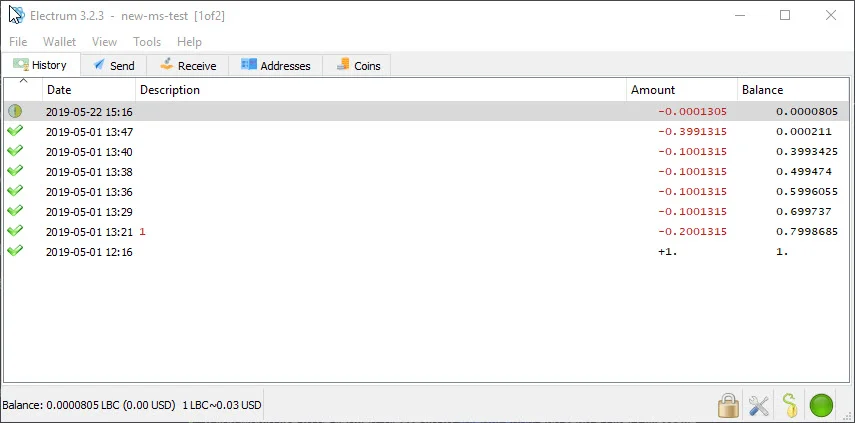
|
||||
|
||||
### Installing and Running Electrum for LBRY
|
||||
## Installing and running LBRY Vault for LBRY
|
||||
|
||||
You can find the downloads and setup information for [Electron LBRY on GitHub](https://github.com/tzarebczan/electrum/releases/tag/0.1.0). Windows and Mac installers are provided, but Linux needs to be run from source as detailed on the install instructions. If you previously ran an old version and created wallets, they will need to be re-created in this new version. You can use the old version to send the funds to another wallet and then re-create a new one.
|
||||
You can find the downloads and setup information for [LBRY Vault on GitHub](https://github.com/kodxana/LBRY-Vault/releases). Windows, Mac, and Linux Appimage installations are provided. Additional setup and installation required.
|
||||
|
||||
### Setting up a Multisignature Wallet
|
||||
## Setting up a multisignature wallet
|
||||
|
||||
You can also reference [step by step instructions with images here](https://drive.google.com/file/d/1zS9gXyfsz8e5gQGj8GrtlzCuhIWibQv4/view) or follow along below.
|
||||
You can also reference [step by step instructions with images here](https://drive.google.com/file/d/1zS9gXyfsz8e5gQGj8GrtlzCuhIWibQv4/view) or follow along below.
|
||||
|
||||
On the initial screen, you'll be asked to select a wallet file or create a new one. If this is the first time running it, proceed with a new file. If you have a wallet file already and want to create another, change the name of the file. Each user in the multisignature scheme will need to do this locally to create the same wallet (they all require to have started this process or have a key from the LBRY app wallet).
|
||||
On the initial screen, you'll be asked to select a wallet file or create a new one. If this is the first time running it, proceed with a new file. If you have a wallet file already and want to create another, change the name of the file. Each user in the multisignature scheme will need to do this locally to create the same wallet (they all require to have started this process or have a key from the LBRY app wallet).
|
||||
|
||||
At the next prompt, you'll be asked for the wallet type - choose Multi-signature. Next, choose how many people (including the current person/wallet) will be sharing this wallet (from X cosigners) and how many are required to approve the transaction (require X cosigners). For example, if you choose 2 of 3, any 2 people will need to sign off to send the transaction.
|
||||
At the next prompt, you'll be asked for the wallet type - choose Multi-signature. Next, choose how many people (including the current person/wallet) will be sharing this wallet (from X cosigners) and how many are required to approve the transaction (require X cosigners). For example, if you choose 2 of 3, any 2 people will need to sign off to send the transaction.
|
||||
|
||||
Next, you'll be asked to provide a key for each wallet, including the current one, which is first. If you want to use your LBRY app's key / seed, proceed with "I already have a seed". You can find this seed inside your default_wallet file that's [created as part of your app installation](https://lbry.io/faq/how-to-backup-wallet). Open the default_wallet and you'll see a seed there. The wallet must not be encrypted to view it (you can decrypt temporarily via Desktop App > Settings). Otherwise, you can proceed with a new seed or Hardware device (requires Ledger device, [see below](#HW). Make sure to back up the seed if creating a new one - this can be done by copying the seed phrase or backing up the wallet file that's created.
|
||||
Next, you'll be asked to provide a key for each wallet, including the current one, which is first. If you want to use your LBRY app's key / seed, proceed with "I already have a seed." You can find this seed inside your default_wallet file that's [created as part of your app installation](https://lbry.com/faq/how-to-backup-wallet). Open the default_wallet and you'll see a seed there. The wallet must not be encrypted to view it (you can decrypt temporarily via Desktop App > Settings). Otherwise, you can proceed with a new seed or Hardware device (requires Ledger device, [see below](#HW). Make sure to back up the seed if creating a new one - this can be done by copying the seed phrase or backing up the wallet file that's created.
|
||||
|
||||
You will be given a Master Public Key that will be shared with the other co-signers when they create the same wallet locally. Next, you will be prompted for the next cosigners key. This would come from their PC while setting up the same wallet, or from their [default_wallet file](https://lbry.io/faq/how-to-backup-wallet) by opening it and using the ```"public_key":``` portion (this assumes they will create their Electrum wallet from this LBRY app seed). Proceed with all cosigners until they are all filled out. Lastly, enter a password to encrypt the multisignature wallet.
|
||||
You will be given a Master Public Key that will be shared with the other co-signers when they create the same wallet locally. Next, you will be prompted for the next cosigners key. This would come from their PC while setting up the same wallet, or from their [default_wallet file](https://lbry.com/faq/how-to-backup-wallet) by opening it and using the ```"public_key":``` portion (this assumes they will create their Electrum wallet from this LBRY app seed). Proceed with all cosigners until they are all filled out. Lastly, enter a password to encrypt the multisignature wallet.
|
||||
|
||||
### Receiving LBC in the Wallet
|
||||
## Receiving LBC in the wallet
|
||||
|
||||
To receive LBC in the Electrum wallet, go to the Receive tab to view an address or enable the addresses view by going to **View > Show Addresses** from the top menu bar. Here you will see all available addresses on the wallet. Multisignature addresses with start with an **r**, regular wallets, including hardware ones, will start with a **b**.
|
||||
To receive LBC in the LBRY Vault wallet, go to the Receive tab click On-chain button to view an address or enable the addresses view by going to **View > Show Addresses** from the top menu bar. Here you will see all available addresses on the wallet. Multisignature addresses with start with an **r**, regular wallets, including hardware ones, will start with a **b**.
|
||||
|
||||
### Sending Multisignature Transactions
|
||||
## Sending multisignature transactions
|
||||
|
||||
Once all parties have their multisignature wallets configured and LBC has been received, you can now send LBC to other addresses. Anyone in the party can start by creating a transaction. Once the transaction is created, you'll see an option to Copy or Export it. It must be shared via one of those two methods with however many cosigners are needed (i.e. for 2 of 3, 1 other cosigner must sign it). Send the other cosigner the copied message or exported file. You may also be able to share the Transaction Id and import it that way, but the copy/file method will always work.
|
||||
Once all parties have their multisignature wallets configured and LBC has been received, you can now send LBC to other addresses. Anyone in the party can start by creating a transaction. Once the transaction is created, you'll see an option to Copy or Export it. It must be shared via one of those two methods with however many cosigners are needed (i.e. for 2 of 3, 1 other cosigner must sign it). Send the other cosigner the copied message or exported file. You may also be able to share the Transaction Id and import it that way, but the copy/file method will always work.
|
||||
|
||||
The cosigner has to open the wallet on their PC and go to **Tools > Load Transaction** and then choose from text (if copied) or from file (if export was used). They can then sign the transaction. Each cosigner will need to do the same to send the transaction on the network.
|
||||
The cosigner has to open the wallet on their PC and go to **Tools > Load Transaction** and then choose from text (if copied) or from file (if export was used). They can then sign the transaction. Each cosigner will need to do the same to send the transaction on the network.
|
||||
|
||||
### Ledger Hardware Wallet with Electrum {#HW}
|
||||
## Ledger hardware wallet with LBRY Vault {#HW}
|
||||
|
||||
You can use your Ledger device with LBRY Electrum to store LBC. Please follow [these directions on how to install it on your device](https://github.com/tzarebczan/ledger-app-btc/releases/tag/lbry) and then use the above directions to setup a new wallet. For a normal account (non-multisignature), you will choose **Standard wallet** when setting up the device, and then **Use a hardware device**, and then follow the prompts.
|
||||
You can use your Ledger device with LBRY Vault to store LBC. Please follow [these directions on how to install it on your device](https://support.ledger.com/hc/en-us/articles/360012122999-LBRY-LBRY-) and then use the above directions to setup a new wallet.
|
||||
|
||||
Official support with Ledger will be coming at a later date.
|
||||
For a normal account (non-multisignature), you will choose **Standard wallet** when setting up the device, and then **Use a hardware device**, and then follow the prompts.
|
||||
|
||||
### Electrum Wallet File Location {#backup}
|
||||
Official support with Ledger Live is coming at a later date.
|
||||
|
||||
Electrum wallet files and blockchain data can be found in the App Data Roaming directory under `Electrum-lbry`. The wallet is located in `%appdata%\Electrum-lbry\wallets` and the data in `%appdata%\Electrum-lbry` on Windows. On Mac/Ubuntu, search your system for the Electrum-lbry folder or the name of the wallet file. The wallet should be backed up if you do not have your phrase or are not using the LBRY Desktop wallet.
|
||||
## LBRY Vault wallet file location {#backup}
|
||||
|
||||
### Troubleshooting
|
||||
LBRY Vault wallet files and blockchain data can be found in the App Data Roaming directory under `Electrum-lbry`. The wallet is located in `%appdata%\Electrum-lbry\wallets` and the data in `%appdata%\Electrum-lbry` on Windows. On Mac/Ubuntu, search your system for the .lbry-vault folder or the name of the wallet file. The wallet should be backed up if you do not have your phrase or are not using the LBRY Desktop wallet.
|
||||
|
||||
If the balance is not updating properly or transaction not showing confirmed, try restarting the application. To resync the wallet data, delete the blockchain_headers file in `%appdata%\Electrum-lbry` and restart the application.
|
||||
## Troubleshooting
|
||||
|
||||
If you are having trouble sending due to fees, make sure that fee estimation is set to static, and edit fees manually is checked under **Tools > Preferences**.
|
||||
1. If the balance is not updating properly or transaction not showing confirmed, try restarting the application. To resync the wallet data, delete the blockchain_headers file in `%appdata%\Electrum-lbry` and restart the application.
|
||||
|
||||
2. If you are having trouble sending due to fees, make sure that fee estimation is set to static, and edit fees manually is checked under **Tools > Preferences**.
|
||||
|
||||
3. If LBRY Vault stuck in connection mode (LBRY Vault keeps connecting and disconecting) delete the blockchain_headers file in `%appdata%\Electrum-lbry` and restart the application.
|
||||
|
||||
4. If you have problems connecting to LBRY servers try adding one of community hosted server by going to **Tools > Network > Server.**
|
||||
|
||||
| Address | Region | Host |
|
||||
|----------|:-------------:|------:|
|
||||
| spv1.allaboutlbc.com:50001 | EU | Madiator2011 |
|
||||
+13
-13
@@ -4,13 +4,13 @@ category: LBRY 101
|
||||
order: 4
|
||||
---
|
||||
|
||||
## The Problem
|
||||
## The problem
|
||||
|
||||
Before talking about how names (URLs) in LBRY work, it's important to understand the problem. What is a naming system and why do we have one?
|
||||
|
||||
Names exist so that we can map a human readable and understandable word or term to a more difficult to remember number or ID. In the traditional DNS (domain name system), names are mapped to a numerical IP address. In LBRY, names are mapped to a unique, permanent ID representing a piece of digital content and/or a publisher identity.
|
||||
Names exist so that we can map a human-readable and understandable word or term to a more difficult one to remember like number or ID. In the traditional DNS (domain name system), names are mapped to a numerical IP address. In LBRY, names are mapped to a unique, permanent ID representing a piece of digital content and/or a publisher identity.
|
||||
|
||||
Designing a naming system that works well and fairly assigns names is quite hard! Consider the domain system you are likely using to access this document. LBRY's domain used to be lbry.io for a long time, rather than lbry.com. Is it because lbry.com is providing some unique service? No! It is because a squatter was in possession of it, simply looking to auction the domain name to the highest bidder in demand. We had to negotiate for months (and pay lots of $$$) to get in possesion of the lbry.com domain and we don't want LBRY users to go through a similar experience...we'd rather leave it up to incentives and fixed protocol rules.
|
||||
Designing a naming system that works well and fairly assigns names is quite hard! Consider the domain system you are likely using to access this document. LBRY's domain used to be lbry.io for a long time, rather than lbry.com. Is it because lbry.com is providing some unique service? No! It is because a squatter was in possession of it, simply looking to auction the domain name to the highest bidder in demand. We had to negotiate for months (and pay lots of $$$) to get in possession of the lbry.com domain and we don't want LBRY users to go through a similar experience...we'd rather leave it up to incentives and fixed protocol rules.
|
||||
|
||||
The traditional system has several other flaws. It is centralized and a mechanism of censorship, as holders do not have true ownership of their domain, only the top-level provider. Top-level domains (like .io) are also arbitrary and largely illogical (if designing the domain name system again, would we really want to add an arbitrary ".com" to the most prestigious URL for a given keyword? does LBRY have anything to do with the *I*ndian *O*cean?). Finally, in addition to incentivizing bad behavior, the flat-fee structure of domains prevents the good behavior from those who are priced out.
|
||||
|
||||
@@ -37,19 +37,19 @@ Claims in LBRY are non-consumptive. When you designate a number of credits in a
|
||||
|
||||
LBRY supports several types of URL resolution:
|
||||
|
||||
| Type | Syntax | Resolution |
|
||||
| --- | --- | --- |
|
||||
| **Permanent** | `lbry://<name>#<claim_id>` | This URL consists of a name and randomly assigned ID. This is permanently owned and controlled by the publisher. Permanent URLs support partial, temporal-ordered ID matching, so these can be quite short (e.g. lbry://name#8 or lbry://name#ab) |
|
||||
| **Short** | `lbry://<name>#<short_claim_id>` | This URL consists of a name and one or more characters (first come first serve to preserve uniqueness) form the Permanent URL. This is permanently owned and controlled by the publisher. If a shorter URL is made available, the claim next in line will take over it's resolution.
|
||||
| **Community** | `lbry://<name>` | Of all of the claims named `<name>`, this returns the publish with the most credits committed towards it, not just by the publisher, but by the entire community. These URLs are not permanent or owned but instead controlled by the community itself, allowing the resolution to settle on that which the community determines most appropriate. |
|
||||
| **Channel** | `lbry://<@channel_name>` | A URL corresponding to a publisher identity. These resolve to the identity of a specific publisher and their publishes. Channel URLs can be specified with or without the `#` modifier. An unmodified URL returns the channel determined by the community.
|
||||
| **Signed** | `lbry://<@channel_name>/<example>` | The piece of content published to the name `<example>` within the channel of `<@channel_name>`.
|
||||
| Type | Resolution |
|
||||
| --------------------- | ----------------------------- | -------------------------- |
|
||||
| **Permanent** <br/> `lbry://<name>#<claim_id>` | This URL consists of a name and randomly assigned ID. This is permanently owned and controlled by the publisher. Permanent URLs support partial, temporal-ordered ID matching, so these can be quite short (e.g. lbry://name#8 or lbry://name#ab) |
|
||||
| **Short** <br/> `lbry://<name>#<short_claim_id>` | This URL consists of a name and one or more characters (first come first serve to preserve uniqueness) from the Permanent URL. This is permanently owned and controlled by the publisher. If a shorter URL is made available, the claim next in line will take over its resolution.
|
||||
| **Community** <br/> `lbry://<name>` | Of all of the claims named `<name>`, this returns the publish with the most credits committed towards it, not just by the publisher, but by the entire community. These URLs are not permanent or owned but instead controlled by the community itself, allowing the resolution to settle on that which the community determines most appropriate. |
|
||||
| **Channel** <br/> `lbry://<@channel_name>` | A URL corresponding to a publisher identity. These resolve to the identity of a specific publisher and their publishes. Channel URLs can be specified with or without the `#` modifier. An unmodified URL returns the channel determined by the community.
|
||||
| **Signed** <br/> `lbry://<@channel_name>/<example>` | The piece of content published to the name `<example>` within the channel of `<@channel_name>`.
|
||||
|
||||
## Takeaways
|
||||
|
||||
1. **Names aren't bought, only reserved – no credits are lost, only put on deposit.** If you win the auction for a name, your credits are held with that name until you decide to withdraw them (at any time you wish). You aren't buying the name from anyone, and no one profits off of the transfer of names. It's just a test of who is willing to deposit the most credits toward a name. The only downside is that you can't spend the credits on content or withdraw them while they are in reserve.
|
||||
|
||||
2. **The longer a community name is held, the longer it sticks.** Community-controlled URLs don't change instantly if more credits are designated – especially if you've held it for awhile. For every month a name is controlled, 1 day is added to the waiting period, for a maximum of 7 days (after 7 months).
|
||||
2. **The longer a community name is held, the longer it sticks.** Community-controlled URLs don't change instantly if more credits are designated – especially if you've held it for a while. For every month a name is controlled, 1 day is added to the waiting period, for a maximum of 7 days (after 7 months).
|
||||
|
||||
3. **Everyone has a say.** If you claim lbry://bestmovieever and your film lives up to the hype, user tips and purchases are a strong force keeping your content there. If the community feels a URL resolution is incorrect, they can band together to change it anytime. This is a powerful force keeping bad actors at bay that has already proved useful.
|
||||
|
||||
@@ -65,6 +65,6 @@ The bottom line is that LBRY is dedicated to providing true content freedom. We
|
||||
|
||||
We're trying to solve a very hard problem in a novel way, and we're committed to giving this system a chance. 1,000,000 pieces of content in, it has worked seamlessly. But if we ever saw this system harming rather than helping, we wouldn't hesitate to change it.
|
||||
|
||||
## Relevance in Search and Trending/Top Categories
|
||||
## Relevance in search and trending/top categories
|
||||
|
||||
Increasing your bid and receiving tips on your content/channel, increases it's relevance in search results and discoverability through the Trending and Top categories in the LBRY app (Starting in version 0.34). Trending calculations are based on how much the LBC bid has increased through any bid updates and tips, compared to all the other claims on LBRY. Top will display a highest bid first view of the content under a certain tag (or for Everyone).
|
||||
Increasing your bid and receiving tips on your content/channel, increases its relevance in search results and discoverability through the Trending and Top categories on LBRY. Trending calculations are based on how much the LBC bid has increased through any bid updates and tips, compared to all the other claims on LBRY. [Learn more](/faq/trending).
|
||||
@@ -3,7 +3,7 @@ title: Why does the app ask for my phone number?
|
||||
category: other
|
||||
---
|
||||
|
||||
### Why we ask
|
||||
## Why we ask
|
||||
|
||||
LBRY controls [millions of credits](/faq/credit-policy) that it wants to get into the hands of content creators and content consumers.
|
||||
|
||||
@@ -11,8 +11,8 @@ Unfortunately, when running a rewards program, people may abuse it.
|
||||
|
||||
Phone number approval provides an alternative method for LBRY users to participate in the [rewards](/faq/rewards) program.
|
||||
|
||||
### What if my phone number isn't working?
|
||||
Certain regions, prepaid services and VOIP numbers will be blocked from phone verifications in order to combat abuse. If you are having trouble with getting a phone number accepted, please see one of the [other approval methods](/faq/identity-requirements).
|
||||
## What if my phone number isn't working?
|
||||
Certain regions, prepaid services, and VOIP numbers will be blocked from phone verification to combat abuse. If you are having trouble with getting a phone number accepted, please see one of the [other approval methods](/faq/identity-requirements).
|
||||
|
||||
### What if the LBRY app says my phone number already exists?
|
||||
This usually means that there is another LBRY account/email address that's already associated with that number. If you are changing email addresses and need to link your accounts or you believe this is an error, please [reach out to us](mailto:help@lbry.com).
|
||||
## What if LBRY says my phone number already exists?
|
||||
This usually means that there is another LBRY account/email address already associated with that number. If you are changing email addresses and need to link your accounts or you believe this is an error, please [reach out to us](mailto:help@lbry.com).
|
||||
@@ -6,7 +6,6 @@ order: 5
|
||||
|
||||
LBRY takes privacy seriously and carefully considers the data it collects.
|
||||
|
||||
|
||||
Our official privacy policy is viewable at https://lbry.com/privacypolicy. This FAQ article attempts to explain our policy in plain English, but should not be considered an official policy document.
|
||||
|
||||
LBRY collects data for a variety of reasons, including but not limited to:
|
||||
@@ -15,57 +14,61 @@ LBRY collects data for a variety of reasons, including but not limited to:
|
||||
- preventing fraud in our reward programs
|
||||
- providing statistics to content creators
|
||||
|
||||
We promise to keep any collected data safe and to never share personal, private information with anyone outside of LBRY Inc.
|
||||
We promise to keep any collected data safe and to never share personal, private information with anyone outside of LBRY Inc. You must be over 13 years of age to sign into the Desktop app or create a lbry.tv account.
|
||||
|
||||
Users can also [choose to use LBRY anonymously](#anonymous) however some features, like [LBRY Rewards](https://lbry.com/faq/rewards), will not be available.
|
||||
|
||||
Additionally, even when not sending data to us, using LBRY typically involves participation in the peer-to-peer LBRY network and certain information like your IP address is likely to be exposed regardless. See [below](#p2p) for more information.
|
||||
Additionally, even when not sending data to us, using LBRY (outside of lbry.tv) typically involves participation in the peer-to-peer LBRY network and certain information like your IP address is likely to be exposed regardless. See [below](#p2p) for more information.
|
||||
|
||||
### What type of data is collected and where?
|
||||
As a first time user of LBRY applications, you have the option of providing an email address to create a LBRY account. This allows for a richer user experience by enabling services such as [LBRY Rewards](https://lbry.com/faq/rewards), email notifications, and account synchronization (i.e. subscriptions and user preferences) across multiple devices/platforms. If you do not provide an email, any data collected cannot be associated with your identity, but may still be tied back to other system information like IP addresses.
|
||||
## What type of data is collected and where?
|
||||
As a first time user of LBRY applications and [lbry.tv](https://lbry.tv), you have the option of providing an email address to create an LBRY account. This allows for a richer user experience by enabling services such as [LBRY Rewards](https://lbry.com/faq/rewards), email notifications, and account synchronization (i.e. subscriptions and user preferences) across multiple devices/platforms. If you do not provide an email, any data collected cannot be associated with your identity, but may still be tied back to other system information like IP addresses.
|
||||
|
||||
See below tables for a break-down of the types of data collected and associated applications.
|
||||
See below tables for a break-down of the types of data collected and associated applications.
|
||||
|
||||
Scope of Data | Depends on| Optional | Visibility | Details
|
||||
:------------ |:------------ |:------------ |:------------ |:------------ |
|
||||
Scope of Data | Depends on | Optional | Visibility | Details
|
||||
:------------ |:------------ |:------------ |:---------------- |:------------ |
|
||||
Email addresses | | Yes, if email provided | LBRY | Used to create and authenticate a LBRY account
|
||||
User preferences | Email | Yes, if email provided | LBRY | Subscriptions, tags, blocked channels, and application settings
|
||||
System information | | Yes, if Share Diagnostic Data enabled | LBRY | Operating system, application/SDK versions, and unique install identifier
|
||||
System information | | Yes, if Share Diagnostic Data enabled | LBRY | Operating system, application/SDK versions, and unique install identifier
|
||||
Identity verification | Email | Yes, if going through manual approval | LBRY | Phone number, credit card fingerprint (Stripe), and 3rd party services identifiers (i.e. YouTube, GitHub)
|
||||
Google Analytics | | Yes, if Share Diagnostic Data enabled | LBRY | User behavior and interactions within the applications are tracked anonymously. This is not linked to a LBRY account.
|
||||
Google Analytics | | Android only | LBRY | User behavior and interactions within the applications are tracked anonymously. This is not linked to a LBRY account.
|
||||
Content access analytics | Email | Yes, if email provided | LBRY | Content views used for Rewards and internal analytics
|
||||
IP addresses | | No, use VPN to protect | Everyone | Any access to LBRY services are logged to prevent abuse and comply with legal requirements
|
||||
Blockchain metadata | Email | Yes, if email provided | LBRY| Wallet addresses and transactions related to Rewards are logged to prevent abuse and comply with tax requirements (above $600 yearly threshold)
|
||||
Blockchain transactions | | No, don’t create transactions | Everyone | Any actions taken that use LBRY credits and create a permanent transaction on the blockchain. Not linked to any Account/User data.
|
||||
Blockchain transactions | | No, don’t create transactions | Everyone | Any actions taken that use LBRY credits and create a permanent transaction on the blockchain. Not linked to any Account/User data.
|
||||
|
||||
Scope of Data | LBRY Desktop App | LBRY.tv (Web) | LBRY Android App | LBRY SDK |
|
||||
Scope of Data | LBRY Desktop App | lbry.tv (Web) | LBRY Android App | LBRY SDK |
|
||||
:------------ |:------------ |:------------ | :-------------| :-------------|
|
||||
Email addresses | yes | yes | yes | no |
|
||||
User preferences | yes | yes | yes | no |
|
||||
System information | yes | no | yes | yes |
|
||||
Identity verification | yes | yes | yes | no |
|
||||
Google Analytics | opt-out | yes | yes | no |
|
||||
Google Analytics | opt-in | no | yes | no |
|
||||
Content access analytics | yes | yes | yes | yes |
|
||||
IP addresses | yes | yes | yes | opt-out |
|
||||
Blockchain metadata | yes | yes | yes | no |
|
||||
Blockchain transactions | yes | yes | yes | yes |
|
||||
|
||||
### What’s the difference between account data and cryptocurrency wallets?
|
||||
Each installable LBRY application also contains a cryptocurrency wallet which is stored locally on the respective device. The wallet allows you to store LBRY Credits and use them to [transact (spend, publish, purchase, and tip) on the network](https://lbry.com/faq/transaction-types). The private information, which is required to perform these actions, is under the sole control of the user.
|
||||
## What’s the difference between account data and cryptocurrency wallets?
|
||||
Each installable LBRY application also contains a cryptocurrency wallet that is stored locally on the respective device. The wallet allows you to store LBRY Credits and use them to [transact (spend, publish, purchase, and tip) on the network](https://lbry.com/faq/transaction-types). The private information, which is required to perform these actions, is under the sole control of the user.
|
||||
|
||||
LBRY does provide a wallet syncing and backup mechanism to allow seamless access across multiple devices. The backup service ensures that a wallet can be retrieved by the user through their LBRY account in case they lose access to their local copy. Any storage and exchange of wallet data has end to end encryption, and the user can also provide an additional encryption password if desired.
|
||||
LBRY does provide a wallet syncing and backup mechanism to allow seamless access across multiple devices. The backup service ensures that a wallet can be retrieved by the user through their LBRY account in case they lose access to their local copy. Any storage and exchange of wallet data has end to end encryption, and the user can also provide an additional encryption password if desired.
|
||||
|
||||
### How do I use LBRY anonymously? {#anonymous}
|
||||
To use LBRY in a fully anonymous way, we recommend the LBRY Desktop application. To disable tracking features, you’ll want to disable the `Share Diagnostic Data` option from the Settings page (cog in the top right of the app). Also, you’ll want to skip providing an email and use a Virtual Private Network (VPN) to protect your IP address. This will still allow you use blockchain related features like retrieving content data, publishing, purchasing, tipping, and other transactions. Depending on VPN features and network configuration, hosting data currently may not be possible but we are looking into techniques to allow this in the future.
|
||||
## How do I use LBRY anonymously? {#anonymous}
|
||||
To use LBRY privately, we recommend the LBRY Desktop application. By default, the LBRY Desktop app will not share account or analytics data with LBRY, Inc. or third-parties without specifically being enabled.
|
||||
|
||||
### Where is the account and analytics data stored?
|
||||
LBRY stores collected data on its own secured databases and ensures only authorized employees have access to this data. Google Analytics data is anonymized and protected by Google.
|
||||
For a maximally private experience, you should also use a Virtual Private Network (VPN) to protect your IP address. This will allow you to use features like retrieving content data, publishing, purchasing, tipping, and other transactions anonymously. Depending on VPN features and network configuration, hosting data currently may not be possible, but this is an area of active development.
|
||||
|
||||
### What information is shared with others in the network? {#p2p}
|
||||
Similarly to other peer to peer protocols like BitTorrent, users in the network share messages (i.e. announcing content availability) and create direct connections to exchange data (i.e. downloads / uploads). While LBRY does not collect this information, other participants of the network can observe and collect the information.
|
||||
Note that if using LBRY anonymously or privately you are not eligible for [lbry.tv rewards](https://lbry.com/faq/rewards).
|
||||
|
||||
### Can I use a VPN to use and access LBRY?
|
||||
Yes, a VPN can be used with all LBRY services. Major features will work without any problems, but VPN users may not be eligible for [LBRY Rewards](https://lbry.com/faq/rewards) in order to prevent abuse.
|
||||
## Where is the account and analytics data stored?
|
||||
LBRY stores collected data on its own secured databases and ensures only authorized employees have access to this data. Google Analytics data is anonymized and protected by Google. We are soon moving away from GA completely - only the Android app has it enabled.
|
||||
|
||||
### Is any additional data collected if I participate in the YouTube Sync program?
|
||||
When authenticating into the [YouTube Sync program](https://lbry.com/youtube), you provide proof of channel ownership that allows us to link your YouTube channel to a LBRY account. Information about your account is stored and kept by LBRY, Inc.
|
||||
## What information is shared with others in the network? {#p2p}
|
||||
Similarly to other peer to peer protocols like BitTorrent, users in the network share messages (i.e. announcing content availability) and create direct connections to exchange data (i.e. downloads/uploads). While LBRY does not collect this information, other participants of the network can observe and collect the information.
|
||||
|
||||
## Can I use a VPN to use and access LBRY?
|
||||
Yes, a VPN can be used with all LBRY services. Major features will work without any problems, but VPN users may not be eligible for [LBRY Rewards](https://lbry.com/faq/rewards) to prevent abuse.
|
||||
|
||||
## Is any additional data collected if I participate in the YouTube Sync program?
|
||||
When authenticating into the [YouTube Sync program](https://lbry.com/youtube), you provide proof of channel ownership that allows us to link your YouTube channel to an LBRY account. Information about your account is stored and kept by LBRY, Inc.
|
||||
Loaded 100 of 346 files, more files were not shown because too many files have changed in this diff.
Show more
Reference in new issue
Block a user